 1 von 7
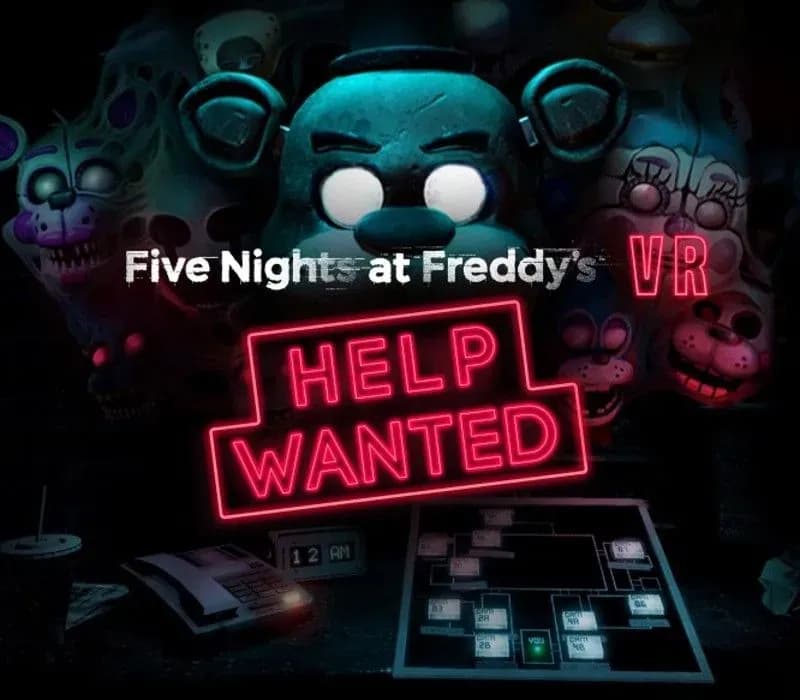
Five Nights at Freddy's VR: Help Wanted PS4/PS5 Account
Release: 28. Mai 2019 · Entwickler: Steel Wool Studios · Publisher: ScottGames
Five Nights at Freddy's VR: Help Wanted — PSN account for PS4/PS5, Global. Not a code — read the account-ban notice before buying.
- Sicher bezahlenSofort
- Key in deinem Account sichtbar~60s
- Auf PlayStation einlösenDirekte Aktivierung
 Pago Móvil
 Binance Pay
 Kryptowährungen
 Wallet
154.000+ Verkäufe im Shop und auf Marktplätzen · Zuletzt ausgelieferte Bestellung: vor 32 Minuten
So aktivierst du
- 1Schalte die PlayStation ein, wähle "Benutzer hinzufügen" und klicke auf "Erste Schritte" (nicht als Gast anmelden).
- 2Melde dich im PSN mit der bereitgestellten E-Mail und dem Passwort an und gib bei Bedarf den 2FA-Code ein.
- 3Aktiviere das Teilen: Auf PS5 unter Einstellungen -> Benutzer und Konten -> Anderes -> "Konsolenfreigabe und Offline-Spiel" auf Aktivieren setzen (PS4: Einstellungen -> Kontoverwaltung -> "Als primäre PS4 aktivieren").
- 4Gehe in die Spielebibliothek -> "Deine Sammlung", starte den Download und wechsle zu deinem persönlichen Profil zum Spielen.
Über dieses Spiel
Five Nights at Freddy's VR: Help Wanted PS4/PS5 Account ist ein Spielekonto für PlayStation, nicht regional gesperrt.
Important — please read before buying: This is a PlayStation account created and supplied by a third-party seller, not a code for your own account. Sony's Terms of Service do not allow buying or selling PSN accounts, so a ban of the account (or restrictions on the console) is a likely possibility, though not a certainty, and we cannot guarantee the account will not be restricted. Do not change the account's country/region or add a payment method; play on your own profile via Console Sharing and Offline Play.
Five Nights at Freddy’s: Help Wanted is a collection of classic and original mini-games set in the Five Nights universe. Survive terrifying encounters with your favorite killer animatronics in a collection of new and classic FIVE NIGHTS AT FREDDY’S™ experiences. “Where fantasy and fun come to life!”
A VR headset is NOT required to play.
- YOU’RE HIRED - Time to get your hands dirty. Repair claustrophobic ventilation systems, troubleshoot broken animatronics that could activate at any moment, or spend your evenings cowering in the nighttime security guard office.
- CELEBRATE - Confront your favorite killer animatronics including; Freddy, Bonnie, Chica, Foxy, Springtrap, The Mangle, Funtime Foxy, and Circus Baby.
- FUN FUN PRIZES - Toys, Plushies, Bobbleheads, and candy candy candy! Earn super fun prizes you can play with at the interactive Prize Counter! Collect well hidden Faz-Tokens to unlock even more rare collectibles for more SUPER FUN FUN FUN.
- PIZZA PARTY - Scenes from classic titles have been updated and remade for a fully immersive experience including; Five Nights at Freddy’s, Five Nights at Freddy’s 2, Five Nights at Freddy’s 3, Five Nights at Freddy’s 4, and Five Nights at Freddy’s: Sister Location.
- TWO WAYS TO PLAY - Experience the horror in flat (non-VR) mode or VR. Oculus Rift and HTC Vive are supported.
Häufig gestellte Fragen
Für welche Region ist das?
Das ist die Global-Version: Sie ist nicht regional gesperrt.
Wie aktiviere ich Five Nights at Freddy's VR: Help Wanted PS4/PS5 Account auf PlayStation?
1. Schalte die PlayStation ein, wähle "Benutzer hinzufügen" und klicke auf "Erste Schritte" (nicht als Gast anmelden). 2. Melde dich im PSN mit der bereitgestellten E-Mail und dem Passwort an und gib bei Bedarf den 2FA-Code ein. 3. Aktiviere das Teilen: Auf PS5 unter Einstellungen -> Benutzer und Konten -> Anderes -> "Konsolenfreigabe und Offline-Spiel" auf Aktivieren setzen (PS4: Einstellungen -> Kontoverwaltung -> "Als primäre PS4 aktivieren"). 4. Gehe in die Spielebibliothek -> "Deine Sammlung", starte den Download und wechsle zu deinem persönlichen Profil zum Spielen.
Was bedeutet „Konto“?
Du erhältst die Zugangsdaten für ein PlayStation-Konto, das das Spiel bereits besitzt.
Kundenbewertungen
Alle Bewertungen ansehen und eigene schreiben
Kundenbewertungen
Noch hat niemand dieses Spiel bewertet. Wenn du es kaufst, erzähl uns, wie es war.