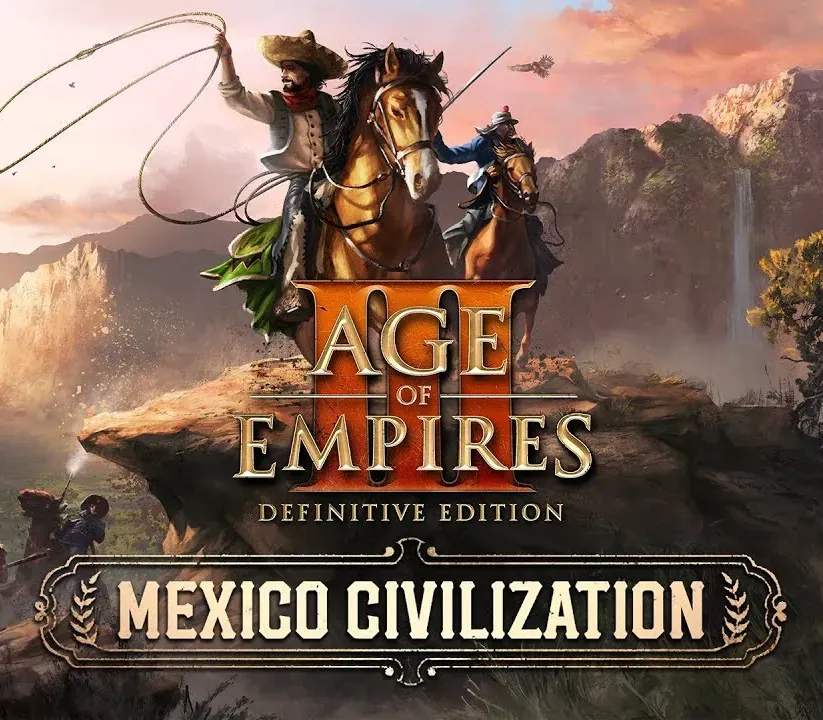
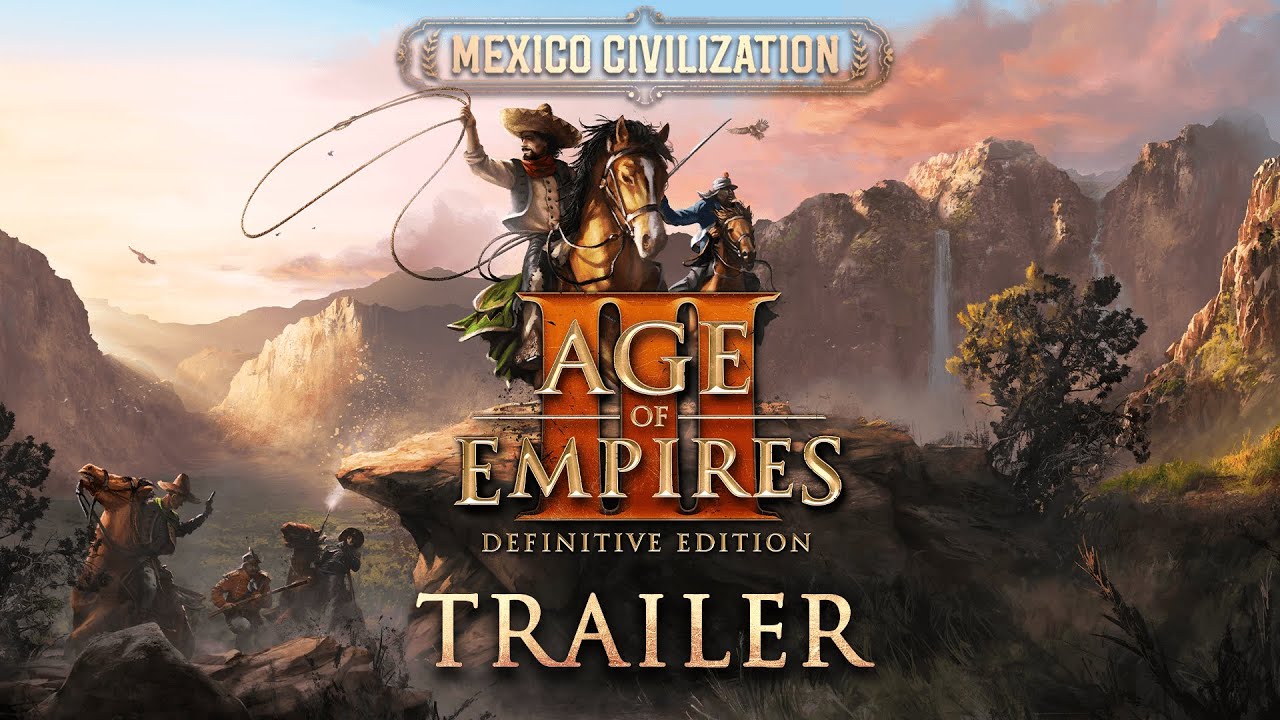
Age of Empires III: Definitive Edition - Mexico Civilization PC Steam CD Key
Age of Empires III: Definitive Edition - Mexico Civilization PC Steam CD Key ist ein digitaler Key für Steam, nicht regional gesperrt. Sofortige Lieferung nach der Zahlung.
⭐ 153,000+ Bestellungen seit 2018 geliefert
 Pago Móvil
 Binance Pay
Über dieses Spiel
Dieser Inhalt bringt die Mexikaner erstmals als spielbare Zivilisation in Age of Empires III: Definitive Edition. Die mexikanische Zivilisation bietet eine breite Palette neuer Inhalte, darunter: zwei neue Entdecker, eine einzigartige Revolutionsmechanik, 8 Einheiten, 2 Gebäude und eine neue Heimatstadt mit mexikanerspezifischen Lieferkarten, zusammen mit der brandneuen Historischen Schlacht „Grito de Dolores“.
Außerdem ermöglicht die mexikanische Zeitalter-Aufstiegsmechanik den Fortschritt der Zivilisation durch die Wahl zwischen verschiedenen Staaten, was spezielle Lieferkarten und Boni bietet, die zu jedem Spielstil passen.
Die Historische Schlacht Grito de Dolores – Als die Bourbonischen Reformen der spanischen Elite mehr Macht verliehen und die der Kirche schmälerten, wuchs der Unmut unter der mexikanischen Landbevölkerung. Als die Nachricht von Napoleon Bonapartes Eroberung Spaniens Amerika erreichte, entfachten die Worte eines katholischen Priesters die Funken der Revolution.
BONUS: Wer sowohl die Mexiko-Zivilisation als auch die Vereinigte-Staaten-Zivilisation besitzt, schaltet im Spiel die Historische Schlacht The Battle of Queenston Heights frei.
Systemanforderungen
- Windows: Minimum: Betriebssystem: Windows 10 Version 18362.0 oder höher Prozessor: Intel i3-2105 @ 3.1GHz oder AMD Phenom II X4 973 mit einem durchschnittlichen CPU-Passmark-Wert von 1830 oder besser Arbeitsspeicher: 8 GB RAM Grafik: GeForce GT 430, Radeon HD 5570, oder Intel HD 4400 mit einem durchschnittlichen Passmark-G3D-Mark-Wert von 570 oder besser @720p DirectX: Version 11 Zusätzliche Hinweise: 2 GB VRAM
- Mac: Mindestanforderungen: Erfordert einen Apple-Prozessor Betriebssystem: macOS 15.7 Prozessor: Apple M1 (8-Kern-CPU)/Apple A18 Pro (6-Kern-CPU) oder besser Arbeitsspeicher: 8 GB RAM Grafik: Apple M1 (7-Kern-GPU)/Apple A18 Pro (5-Kern-GPU) oder besser Speicherplatz: 16 GB verfügbar
So aktivierst du
- Starte den Steam-Client auf deinem PC und melde dich an, oder öffne store.steampowered.com/account/registerkey im Browser.
- Klicke oben auf das Menü "Spiele" (oder unten links auf "+ Spiel hinzufügen") und wähle "Ein Produkt bei Steam aktivieren...".
- Folge den Anweisungen, akzeptiere das Steam-Abonnement-Abkommen und gib deinen Key in das Feld "Produktschlüssel" ein.
- Klicke auf "Weiter" und "Fertigstellen". Das Spiel ist nun dauerhaft in deiner Steam-Bibliothek verfügbar und installationsbereit.
Kundenbewertungen
Häufig gestellte Fragen
Für welche Region ist das?
Das ist die Global-Version: Sie ist nicht regional gesperrt.
Wie aktiviere ich Age of Empires III: Definitive Edition - Mexico Civilization PC Steam CD Key auf Steam?
1. Starte den Steam-Client auf deinem PC und melde dich an, oder öffne store.steampowered.com/account/registerkey im Browser. 2. Klicke oben auf das Menü "Spiele" (oder unten links auf "+ Spiel hinzufügen") und wähle "Ein Produkt bei Steam aktivieren...". 3. Folge den Anweisungen, akzeptiere das Steam-Abonnement-Abkommen und gib deinen Key in das Feld "Produktschlüssel" ein. 4. Klicke auf "Weiter" und "Fertigstellen". Das Spiel ist nun dauerhaft in deiner Steam-Bibliothek verfügbar und installationsbereit.
Wie schnell erfolgt die Lieferung?
Dein Key erscheint direkt nach der Zahlung in deinem Konto und wird dir per E-Mail geschickt.