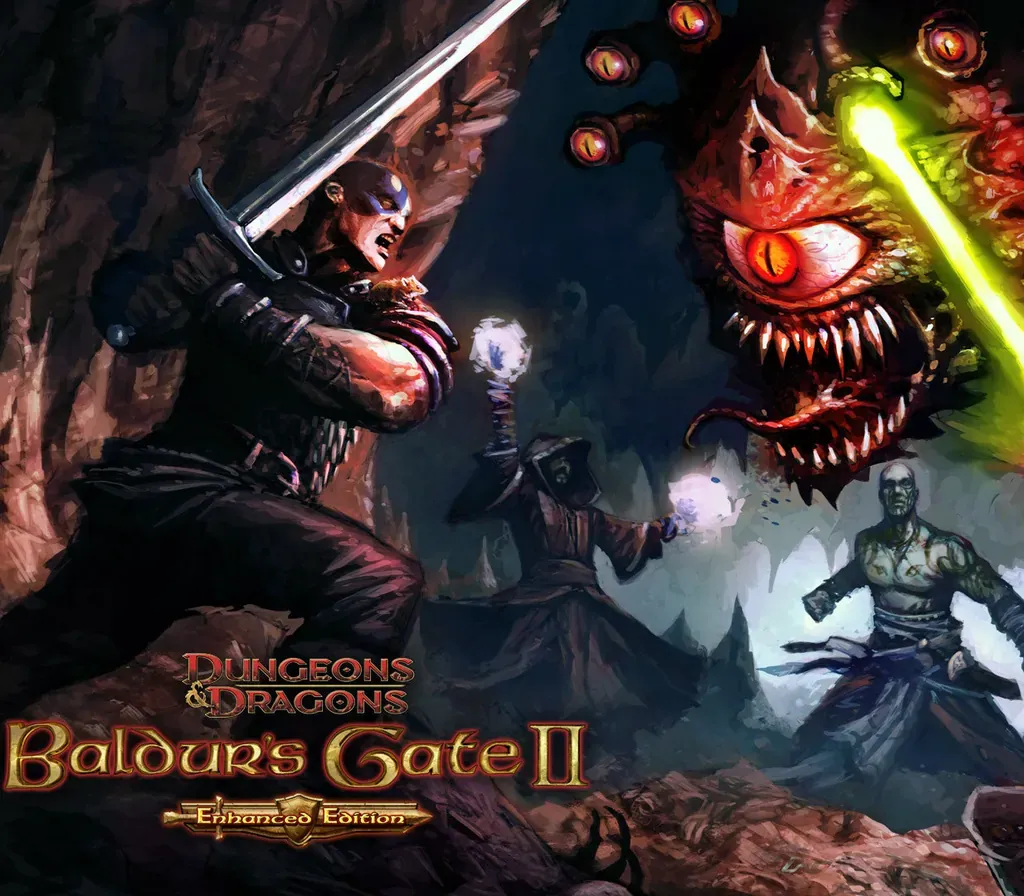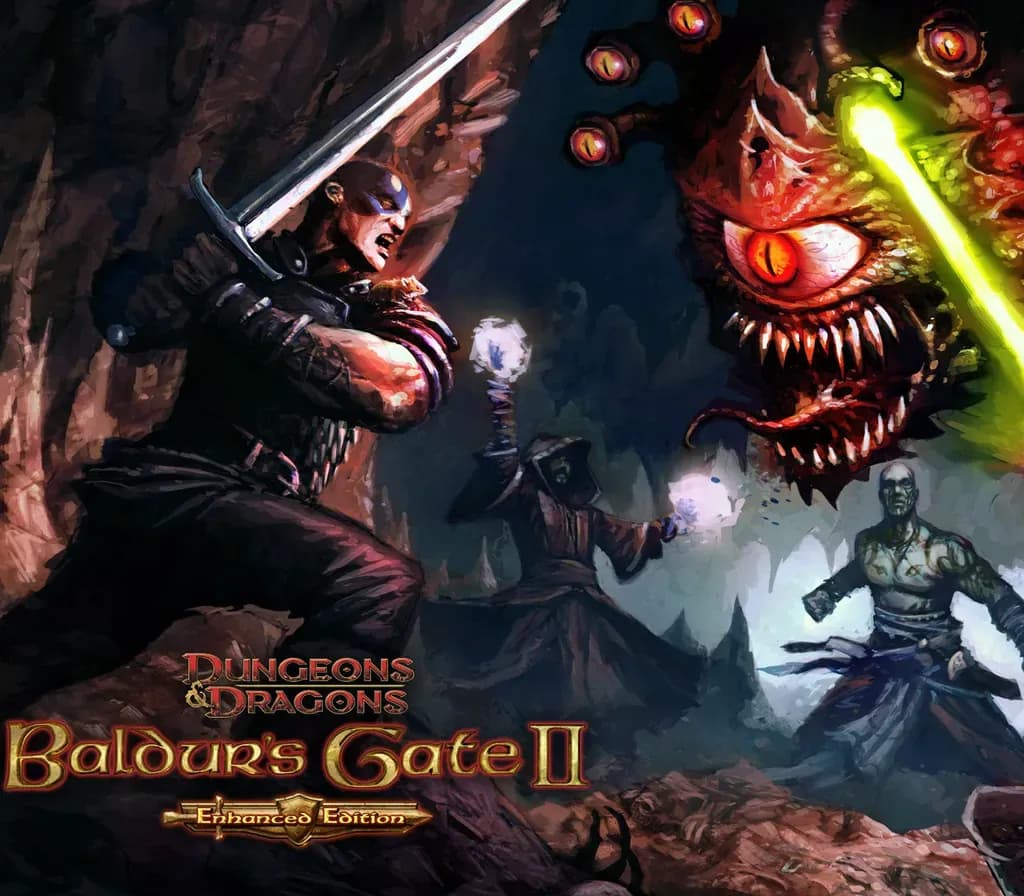

Baldur's Gate II: Enhanced Edition PC Steam CD Key
Baldur's Gate II: Enhanced Edition PC Steam CD Key ist ein digitaler Key für Steam, nicht regional gesperrt. Sofortige Lieferung nach der Zahlung. Preis: $3.06, 84 % unter Steam UVP: $19.99.
⭐ 153,000+ Bestellungen seit 2018 geliefert
 Pago Móvil
 Binance Pay
Über dieses Spiel
Entführt. Eingesperrt. Gefoltert. Der Magier Irenicus hält dich in seiner Festung gefangen und versucht, dir die Kräfte zu rauben, die dein Geburtsrecht sind.
Kannst du dem Bösen in dir widerstehen, eine Legende von heroischem Ausmaß schmieden und schließlich die dunkle Essenz zerstören, die deine Träume heimsucht? Oder wirst du deine monströse Natur annehmen, eine Schneise der Verwüstung durch die Reiche schlagen und als neuer Herr des Mordes zur Gottheit aufsteigen? Baldur's Gate II: Enhanced Edition erweckt dieses hochgelobte Rollenspielerlebnis zu neuem Leben.
Features
Das letzte Kapitel – Baldur's Gate II: Enhanced Edition enthält Baldur's Gate II: Shadows of Amn und Baldur's Gate II: Throne of Bhaal, den epischen Abschluss der Saga der Bhaalsbrut. Vier neue Gruppenmitglieder – Mit Baldur's Gate II: Enhanced Edition kommen vier neue Charaktere, die sich dir auf deiner Reise anschließen können. The Black Pits 2: Gladiators of Thay – Entdecke die taktische Tiefe des hochstufigen Dungeons-&-Dragons-Kampfes.
Hintergehe deine Entführer und nutze ihre Schwächen aus, während du Fallen ausweichst und gegen Halbleichen, Gedankenschinder und Githyanki um dein Leben kämpfst. Einfacher Mehrspielermodus – Baldur's Gate II: Enhanced Edition macht es leicht, Mehrspielerpartien zu finden, aufzulisten und ihnen beizutreten, selbst hinter einer Firewall. Widescreen und mehr – Baldur's Gate II: Enhanced Edition bietet volle Widescreen-Unterstützung, überarbeitete Gebietsgrafiken aus den ursprünglichen Renderings und zahlreiche weitere Verbesserungen bei Oberfläche und Gameplay
Systemanforderungen
- Windows: Minimum: Betriebssystem: Windows 7, 8.1, 10 64 bit Prozessor: Dual-Core-Prozessor Arbeitsspeicher: 1 GB RAM Grafik: OpenGL-2.0-kompatibel Speicherplatz: 4 GB freier Speicherplatz
- Linux: Minimum: Betriebssystem: Ubuntu 18.04 oder gleichwertig Prozessor: Dual-Core-Prozessor Arbeitsspeicher: 1 GB RAM Grafik: OpenGL-2.0-kompatibel Speicherplatz: 4 GB freier Speicherplatz
- Mac: Minimum: Betriebssystem: OS X 10.9 Prozessor: Dual-Core-Prozessor Arbeitsspeicher: 1 GB RAM Grafik: OpenGL-2.0-kompatibel Speicherplatz: 4 GB freier Speicherplatz
So aktivierst du
- Starte den Steam-Client auf deinem PC und melde dich an, oder öffne store.steampowered.com/account/registerkey im Browser.
- Klicke oben auf das Menü "Spiele" (oder unten links auf "+ Spiel hinzufügen") und wähle "Ein Produkt bei Steam aktivieren...".
- Folge den Anweisungen, akzeptiere das Steam-Abonnement-Abkommen und gib deinen Key in das Feld "Produktschlüssel" ein.
- Klicke auf "Weiter" und "Fertigstellen". Das Spiel ist nun dauerhaft in deiner Steam-Bibliothek verfügbar und installationsbereit.
Kundenbewertungen
Häufig gestellte Fragen
Für welche Region ist das?
Das ist die Global-Version: Sie ist nicht regional gesperrt.
Wie aktiviere ich Baldur's Gate II: Enhanced Edition PC Steam CD Key auf Steam?
1. Starte den Steam-Client auf deinem PC und melde dich an, oder öffne store.steampowered.com/account/registerkey im Browser. 2. Klicke oben auf das Menü "Spiele" (oder unten links auf "+ Spiel hinzufügen") und wähle "Ein Produkt bei Steam aktivieren...". 3. Folge den Anweisungen, akzeptiere das Steam-Abonnement-Abkommen und gib deinen Key in das Feld "Produktschlüssel" ein. 4. Klicke auf "Weiter" und "Fertigstellen". Das Spiel ist nun dauerhaft in deiner Steam-Bibliothek verfügbar und installationsbereit.
Wie schnell erfolgt die Lieferung?
Dein Key erscheint direkt nach der Zahlung in deinem Konto und wird dir per E-Mail geschickt.