BioEden PC Steam CD Key
⭐ 153,000+ Bestellungen seit 2018 geliefert
 Pago Móvil
 Binance Pay
Über dieses Spiel
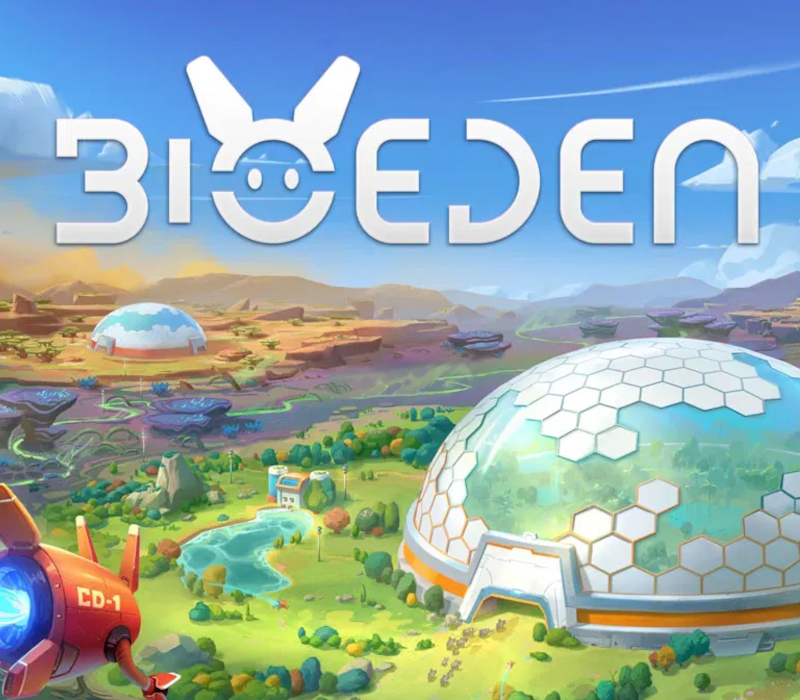
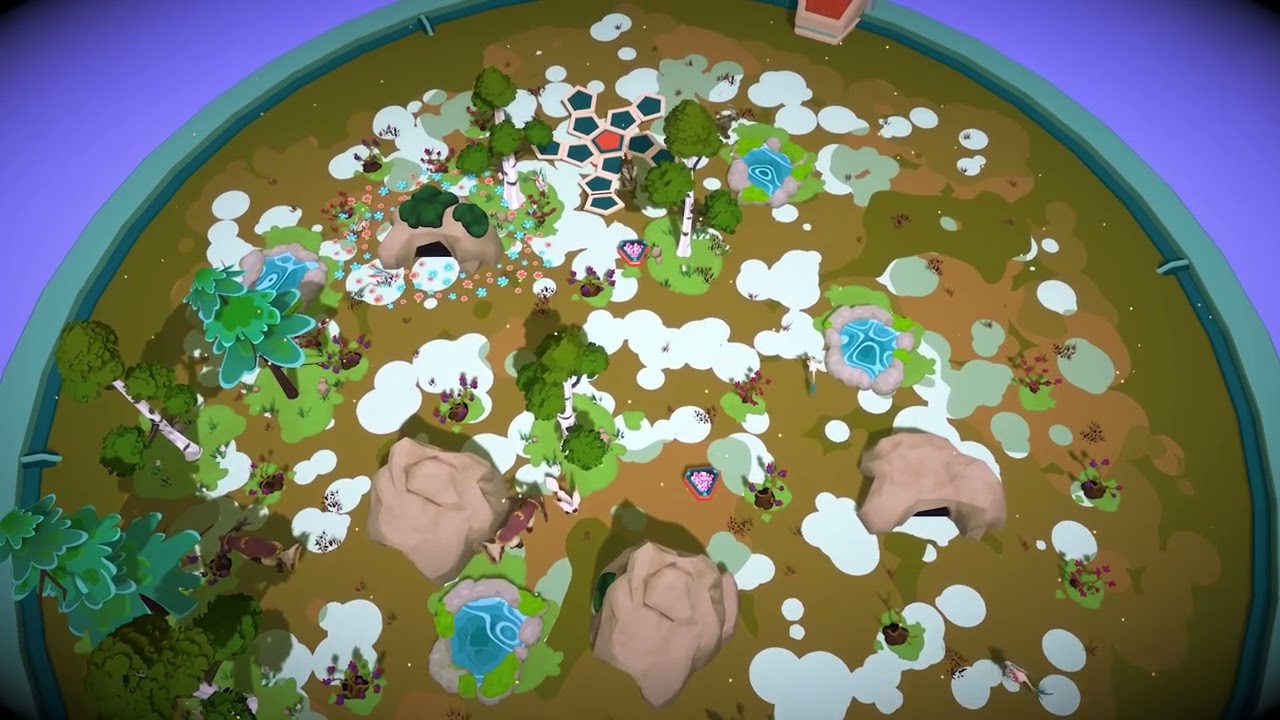
Welcome to BioEden, a cozy management game where you will build a self-sustaining network of structures, all working in harmony to bring extinct animals back to life. As a Keeper, you have been entrusted by the Cosmic Collective to bring life back to a planet quietly waiting to be healed. Every healing begins with a single step. This one is yours. Upon your arrival, search for debris sites scattered across the land, they are the foundation of your journey. Recycle them into resources, and use those to build the base of your network: a solar energy system to generate electricity, and a water system to distribute it across all your buildings. Connect them together, weave a network across the land, and manage the supply and demand for every structure you create. But plan with care. Each addition to your planet consumes resources, draws on energy, and nudges pollution upward. Find the balance between creation, exploration, and restraint, to accomplish the very mission that brought you here. This world reached out, and you answered. Recycle your buildings once they have served their purpose. Purify your planet’s lakes and rivers. Reclaim its forgotten ruins. Restore the soil, and watch as life slowly returns to a landscape that had almost given up. Transform this barren planet into a thriving eden, and leave no trace that you were ever there. You are not just building a home. You are becoming a force of renewal. On your planet, life is ready to return. Inside your dome, you'll welcome back dozens of extraordinary species, each with its own needs. Gather DNA samples, place your cocoons, and carefully tend to the conditions each creature requires: temperature, humidity, and the right vegetation to make them feel truly at home. Meet their needs, and watch these gentle beings
So aktivierst du
- Starte den Steam-Client auf deinem PC und melde dich an, oder öffne store.steampowered.com/account/registerkey im Browser.
- Klicke oben auf das Menü "Spiele" (oder unten links auf "+ Spiel hinzufügen") und wähle "Ein Produkt bei Steam aktivieren...".
- Folge den Anweisungen, akzeptiere das Steam-Abonnement-Abkommen und gib deinen Key in das Feld "Produktschlüssel" ein.
- Klicke auf "Weiter" und "Fertigstellen". Das Spiel ist nun dauerhaft in deiner Steam-Bibliothek verfügbar und installationsbereit.