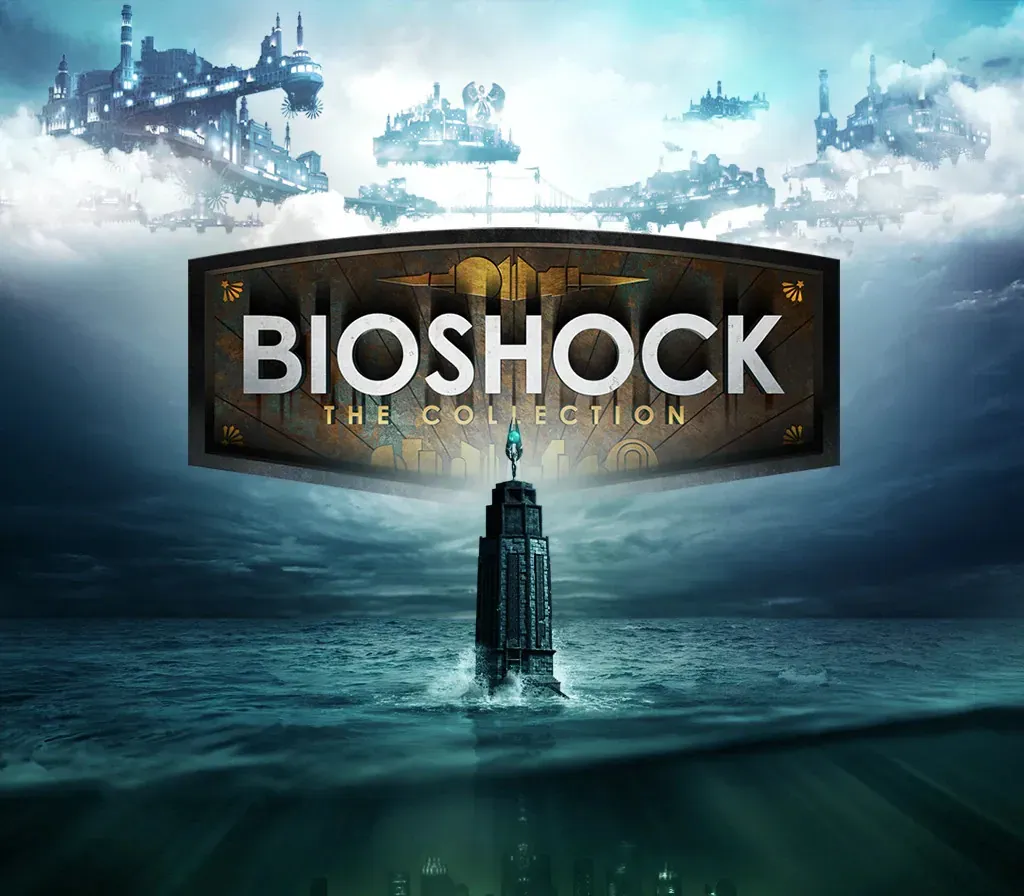

BioShock: The Collection PC Steam CD Key
BioShock: The Collection PC Steam CD Key ist ein digitaler Key für Steam, nicht regional gesperrt. Sofortige Lieferung nach der Zahlung.
⭐ 153,000+ Bestellungen seit 2018 geliefert
 Pago Móvil
 Binance Pay
Über dieses Spiel
Enthält
- 6 Artikel: BioShock Remastered, BioShock 2 Remastered, BioShock 2: Minerva's Den DLC Remastered, BioShock: Infinite, BioShock: Infinite: Season Pass BioShock: Infinite
- Columbia's Finest DLC. Kehre in die Städte Rapture und Columbia zurück und erlebe die preisgekrönte BioShock-Reihe wie nie zuvor, wunderschön in 1080p remastert. BioShock: The Collection enthält alle Einzelspieler-Inhalte von BioShock, BioShock 2 und BioShock Infinite, alle Einzelspieler-Zusatzinhalte, das Paket „Columbia's Finest“ sowie den Director's Commentary: Imagining BioShock mit Ken Levine und Shawn Robertson.
Systemanforderungen
- Windows: Betriebssystem: Windows 7 Service Pack 1 64-bit. Plattform-Update für Windows 7 SP1 und Windows Server 2008 R2 SP1 Prozessor: Intel E6750 Core 2 Duo 2.66 GHz / AMD Athlon X2 2.7 GHZ Arbeitsspeicher: 4 GB RAM Grafik: 2 GB AMD Radeon HD 7770 / 2 GB NVIDIA GeForce GTX 670 DirectX: Version 11 Speicherplatz: 25 GB verfügbarer Speicherplatz Soundkarte: DirectX-kompatibles Soundgerät Zusätzliche Hinweise: Software-Installationen erforderlich, darunter DirectX und Microsoft Visual C++ 2010 & 2012 Redistributable Package. Einige Systemkomponenten wie mobile Chipsätze, integrierte und AGP-Grafikkarten sind möglicherweise nicht kompatibel. Nicht aufgeführte Spezifikationen werden vom Publisher möglicherweise nicht unterstützt.
So aktivierst du
- Starte den Steam-Client auf deinem PC und melde dich an, oder öffne store.steampowered.com/account/registerkey im Browser.
- Klicke oben auf das Menü "Spiele" (oder unten links auf "+ Spiel hinzufügen") und wähle "Ein Produkt bei Steam aktivieren...".
- Folge den Anweisungen, akzeptiere das Steam-Abonnement-Abkommen und gib deinen Key in das Feld "Produktschlüssel" ein.
- Klicke auf "Weiter" und "Fertigstellen". Das Spiel ist nun dauerhaft in deiner Steam-Bibliothek verfügbar und installationsbereit.
Kundenbewertungen
Häufig gestellte Fragen
Für welche Region ist das?
Das ist die Global-Version: Sie ist nicht regional gesperrt.
Wie aktiviere ich BioShock: The Collection PC Steam CD Key auf Steam?
1. Starte den Steam-Client auf deinem PC und melde dich an, oder öffne store.steampowered.com/account/registerkey im Browser. 2. Klicke oben auf das Menü "Spiele" (oder unten links auf "+ Spiel hinzufügen") und wähle "Ein Produkt bei Steam aktivieren...". 3. Folge den Anweisungen, akzeptiere das Steam-Abonnement-Abkommen und gib deinen Key in das Feld "Produktschlüssel" ein. 4. Klicke auf "Weiter" und "Fertigstellen". Das Spiel ist nun dauerhaft in deiner Steam-Bibliothek verfügbar und installationsbereit.
Wie schnell erfolgt die Lieferung?
Dein Key erscheint direkt nach der Zahlung in deinem Konto und wird dir per E-Mail geschickt.