Borderlands 2 VR PC Steam CD Key
Borderlands 2 VR PC Steam CD Key ist ein digitaler Key für Steam, nicht regional gesperrt. Sofortige Lieferung nach der Zahlung.
⭐ 153,000+ Bestellungen seit 2018 geliefert
 Pago Móvil
 Binance Pay
Über dieses Spiel
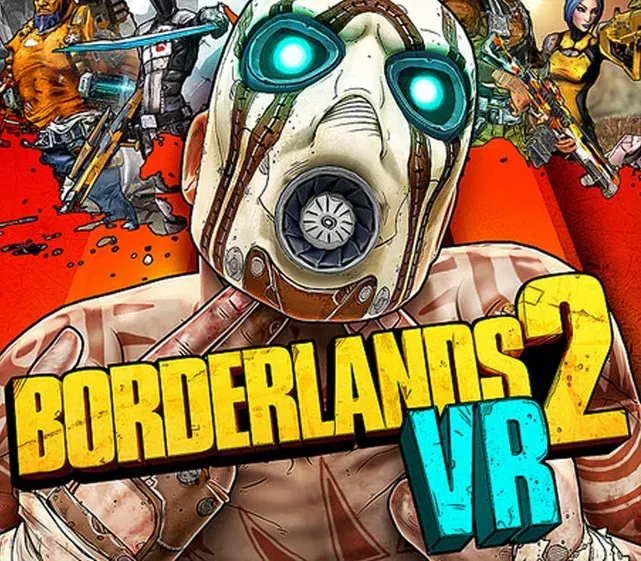
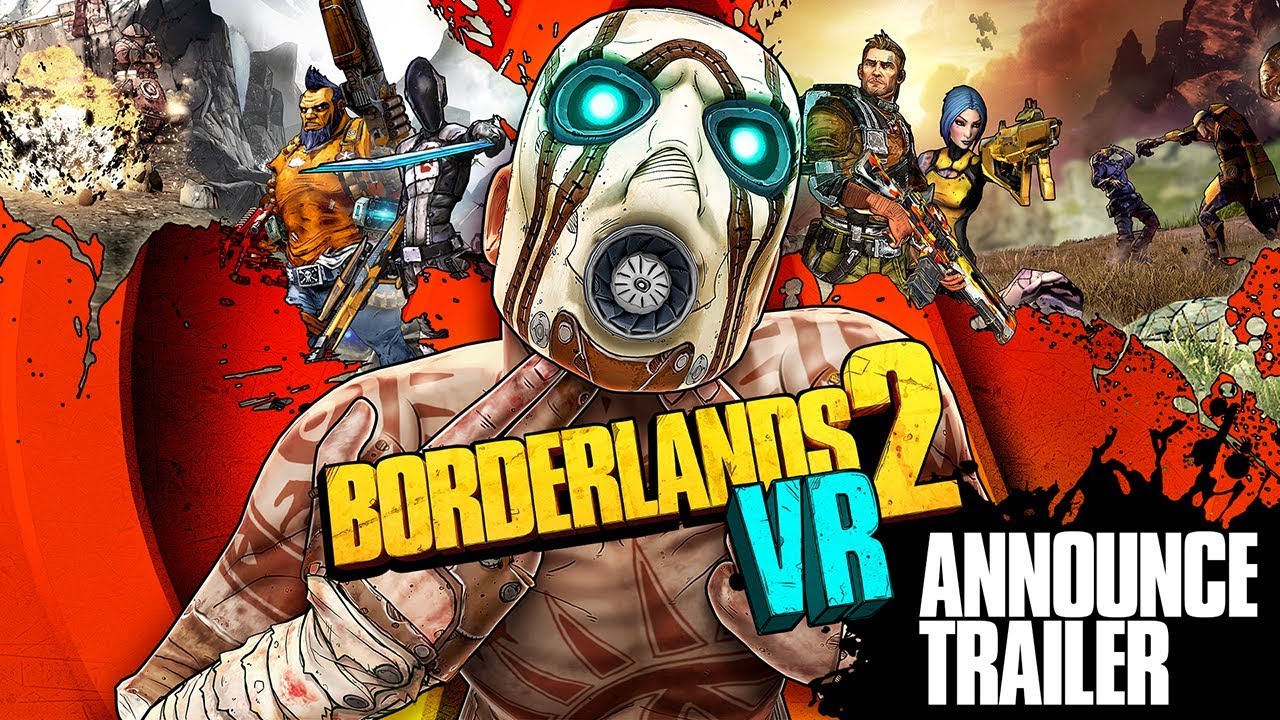
Der ikonische Shooter-Looter kommt direkt auf dich zu! Tauche virtuell in die ungezähmte Welt von Borderlands ein. Schlüpfe in die Stiefel eines schatzsuchenden Vault Hunters, bewaffnet mit 87 Bazillionen Waffen, und mach dich auf, deine Taschen mit Beute zu füllen. Ballere Banditen mit Zielen wie in der echten Welt nieder, schlage Psychos auf den Mund, rase in gestohlenen Banditenfahrzeugen durch die Wüste und befreie Pandora aus den Klauen von Handsome Jack!
Merkmale
SCHLÜPFE IN DEINE VIRTUELLEN STIEFEL -
Werde eine der vier spielbaren Klassen: Siren, Commando, Gunzerker und Assassin, jede mit einzigartigen Fähigkeiten und Kampfstilen!
WERDE VIRTUELL AUFGERÜSTET -
Schieße und plündere mit Bazillionen prozedural generierter Waffen, jede mit eigenen Fähigkeiten und Modifikatoren. Dazu begehrst du prozedural generierte Schilde, Granaten, Relikte, Class Mods und mehr für maximale Kraft und Chaos!
VIRTUELL DIE ZEIT VERLANGSAMEN -
Nutze die neue Slow-Mo-Fähigkeit, um deinen nächsten Angriff vorzubereiten! Mit Teleport gleitest du außerdem so anmutig über Pandora wie Claptrap – wenn er denn Anmut besäße.
Systemanforderungen
- Windows: Erfordert einen 64-Bit-Prozessor und ein 64-Bit-Betriebssystem Betriebssystem: 64-bit: Windows® 10 (neueste Updates) Prozessor: Intel Core i5-4590/AMD FX 8370 oder gleichwertig oder besser Arbeitsspeicher: 8 GB RAM Grafik: NVIDIA GTX 1050 Ti / AMD Radeon RX 470 oder besser DirectX: Version 11 Speicherplatz: 5 GB freier Speicherplatz Soundkarte: DirectX-9.0c-kompatible Soundkarte
So aktivierst du
- Starte den Steam-Client auf deinem PC und melde dich an, oder öffne store.steampowered.com/account/registerkey im Browser.
- Klicke oben auf das Menü "Spiele" (oder unten links auf "+ Spiel hinzufügen") und wähle "Ein Produkt bei Steam aktivieren...".
- Folge den Anweisungen, akzeptiere das Steam-Abonnement-Abkommen und gib deinen Key in das Feld "Produktschlüssel" ein.
- Klicke auf "Weiter" und "Fertigstellen". Das Spiel ist nun dauerhaft in deiner Steam-Bibliothek verfügbar und installationsbereit.
Kundenbewertungen
Häufig gestellte Fragen
Für welche Region ist das?
Das ist die Global-Version: Sie ist nicht regional gesperrt.
Wie aktiviere ich Borderlands 2 VR PC Steam CD Key auf Steam?
1. Starte den Steam-Client auf deinem PC und melde dich an, oder öffne store.steampowered.com/account/registerkey im Browser. 2. Klicke oben auf das Menü "Spiele" (oder unten links auf "+ Spiel hinzufügen") und wähle "Ein Produkt bei Steam aktivieren...". 3. Folge den Anweisungen, akzeptiere das Steam-Abonnement-Abkommen und gib deinen Key in das Feld "Produktschlüssel" ein. 4. Klicke auf "Weiter" und "Fertigstellen". Das Spiel ist nun dauerhaft in deiner Steam-Bibliothek verfügbar und installationsbereit.
Wie schnell erfolgt die Lieferung?
Dein Key erscheint direkt nach der Zahlung in deinem Konto und wird dir per E-Mail geschickt.