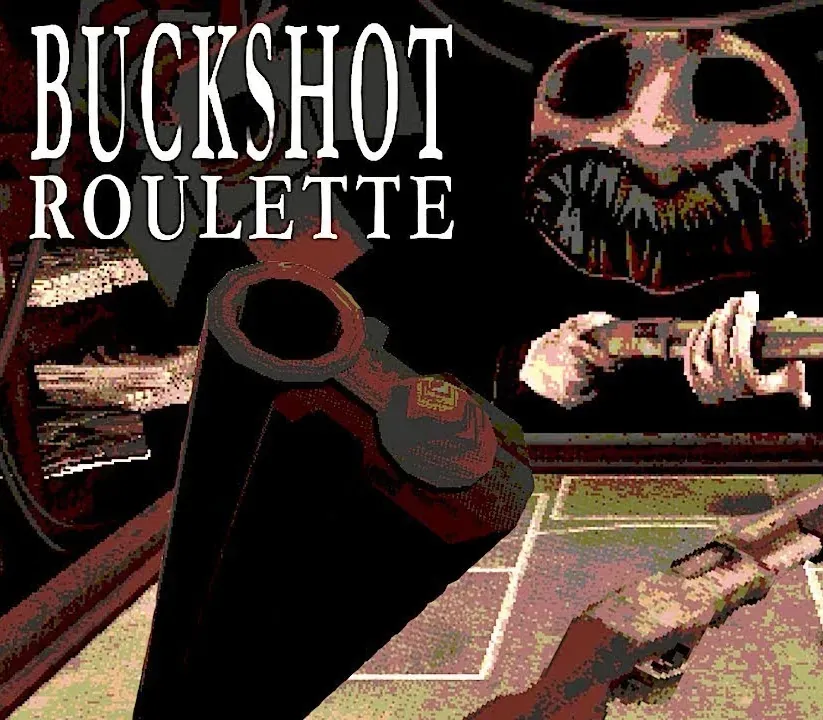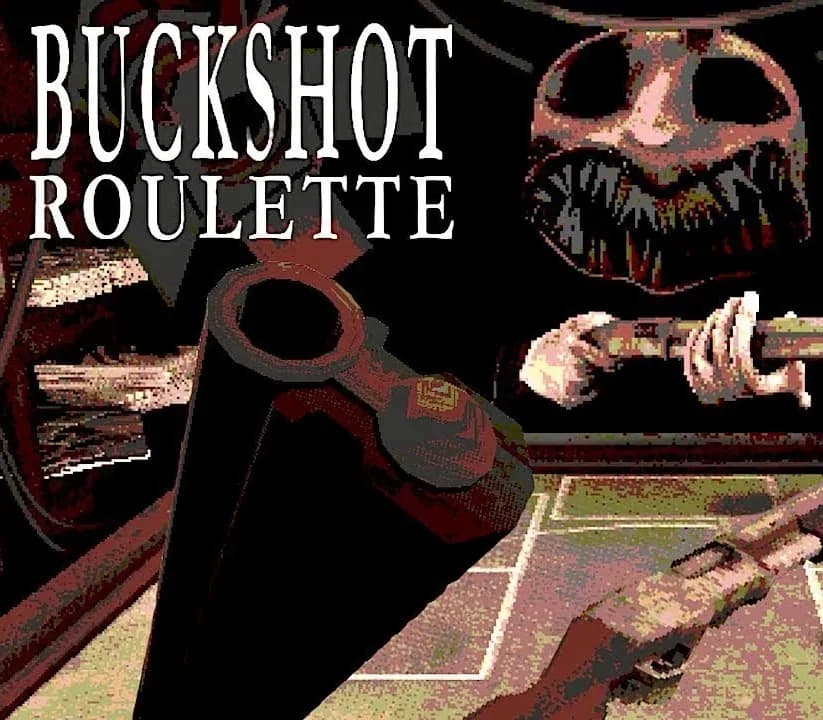

Buckshot Roulette PC Steam CD Key
Buckshot Roulette PC Steam CD Key ist ein digitaler Key für Steam, nicht regional gesperrt. Sofortige Lieferung nach der Zahlung. Preis: $2.23, 25 % unter Steam UVP: $2.99.
⭐ 153,000+ Bestellungen seit 2018 geliefert
 Pago Móvil
 Binance Pay
Über dieses Spiel
Action mit Kaliber 12 Spiele russisches Roulette mit einer Flinte vom Kaliber 12. Denn Schrotflinten fühlen sich einfach besser an. Buchstäblich umwerfendes Gameplay 15 bis 20 Minuten intensive Spielzeit. Betritt die Arena, tritt drei Runden gegen den Dealer an und geh mit dem Preis nach Hause.
Oder auch nicht. Immersive Atmosphäre Willkommen im Underground-Nachtclub, wo Metallgeländer im Takt vergessener Drumcomputer pulsieren. Triff deinen Meister Tritt gegen den Dealer an, der mit denselben Wahrscheinlichkeiten spielt wie du. Keine Tricks.
Kannst du ihn bei seinem eigenen Spiel schlagen? Doppelt oder nichts Versuche dein Glück im neuen Modus „Doppelt oder nichts“. Wie lange hältst du durch? Neue Gegenstände Neue Gegenstände für den Steam-Release.
Einfach, weil wir dich lieben. Sieben Tracks. Keine Aussetzer. Bist du bereit?
Die Steam-Edition von Buckshot Roulette enthält außerdem den kompletten Soundtrack, der von Mike Klubnika geschaffen wurde.
Systemanforderungen
- Windows: Minimum: Erfordert einen 64-Bit-Prozessor und ein 64-Bit-Betriebssystem Betriebssystem: Windows 10 Prozessor: Intel Core i3 Arbeitsspeicher: 2 GB RAM Grafik: relativ moderne dedizierte Grafikkarte (Vulkan-Unterstützung erforderlich) Speicherplatz: 500 MB freier Speicherplatz Zusätzliche Hinweise: Vulkan-Unterstützung erforderlich
- Linux: Minimum: Betriebssystem: Ubuntu 12.04 LTS Prozessor: Intel Core i3 Arbeitsspeicher: 2 GB RAM Grafik: relativ moderne dedizierte Grafikkarte (Vulkan-Unterstützung erforderlich) Speicherplatz: 300 MB freier Speicherplatz Zusätzliche Hinweise: Vulkan-Unterstützung erforderlich Empfohlen:
So aktivierst du
- Starte den Steam-Client auf deinem PC und melde dich an, oder öffne store.steampowered.com/account/registerkey im Browser.
- Klicke oben auf das Menü "Spiele" (oder unten links auf "+ Spiel hinzufügen") und wähle "Ein Produkt bei Steam aktivieren...".
- Folge den Anweisungen, akzeptiere das Steam-Abonnement-Abkommen und gib deinen Key in das Feld "Produktschlüssel" ein.
- Klicke auf "Weiter" und "Fertigstellen". Das Spiel ist nun dauerhaft in deiner Steam-Bibliothek verfügbar und installationsbereit.
Kundenbewertungen
Häufig gestellte Fragen
Für welche Region ist das?
Das ist die Global-Version: Sie ist nicht regional gesperrt.
Wie aktiviere ich Buckshot Roulette PC Steam CD Key auf Steam?
1. Starte den Steam-Client auf deinem PC und melde dich an, oder öffne store.steampowered.com/account/registerkey im Browser. 2. Klicke oben auf das Menü "Spiele" (oder unten links auf "+ Spiel hinzufügen") und wähle "Ein Produkt bei Steam aktivieren...". 3. Folge den Anweisungen, akzeptiere das Steam-Abonnement-Abkommen und gib deinen Key in das Feld "Produktschlüssel" ein. 4. Klicke auf "Weiter" und "Fertigstellen". Das Spiel ist nun dauerhaft in deiner Steam-Bibliothek verfügbar und installationsbereit.
Wie schnell erfolgt die Lieferung?
Dein Key erscheint direkt nach der Zahlung in deinem Konto und wird dir per E-Mail geschickt.