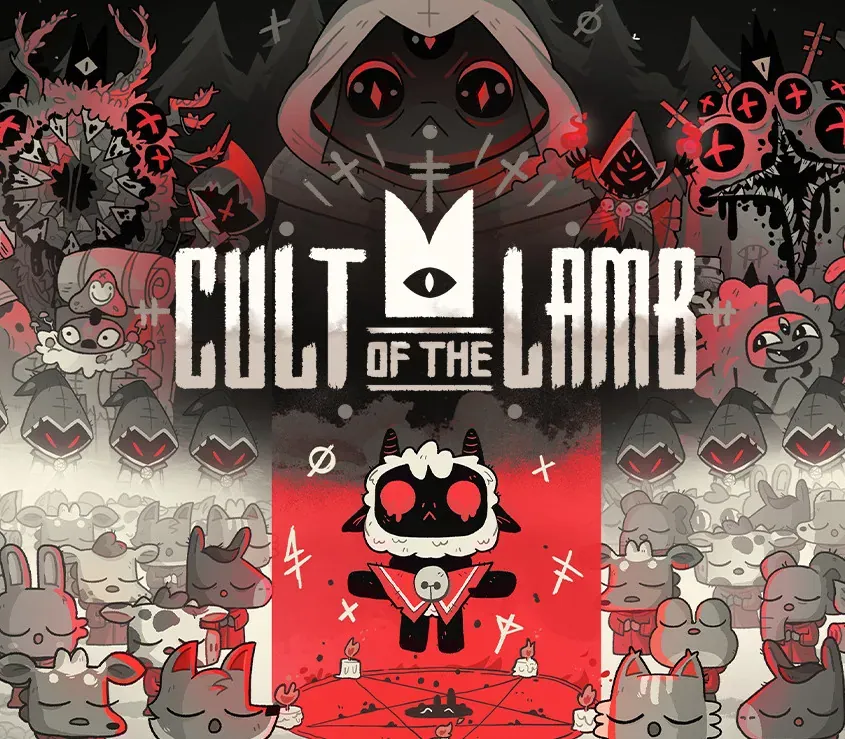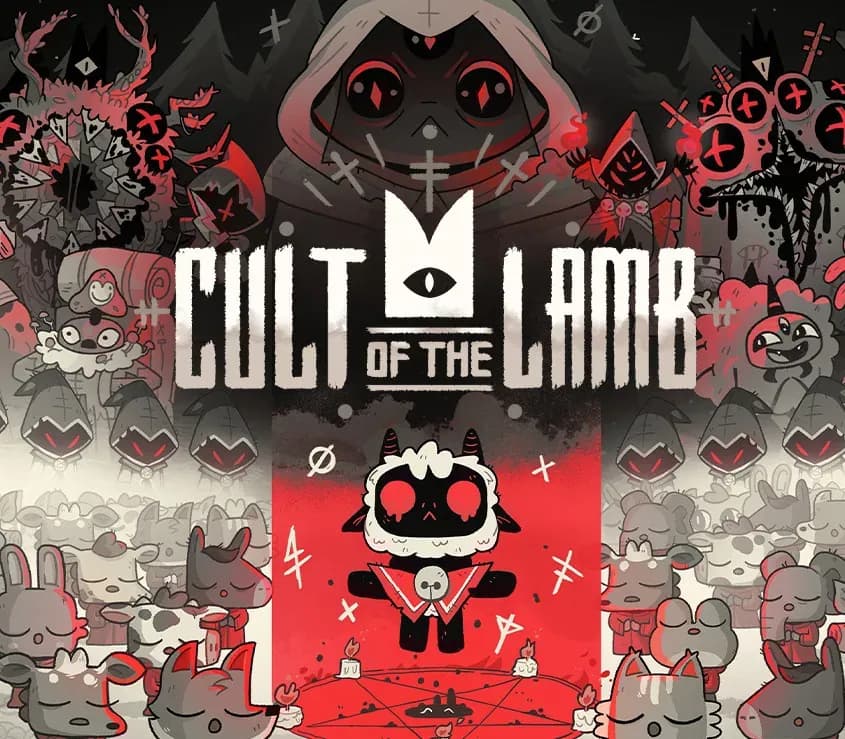

Cult of the Lamb PC Steam CD Key
Cult of the Lamb PC Steam CD Key ist ein digitaler Key für Steam, nicht regional gesperrt. Sofortige Lieferung nach der Zahlung. Preis: $13.50, 45 % unter Steam UVP: $24.99.
⭐ 153,000+ Bestellungen seit 2018 geliefert
 Pago Móvil
 Binance Pay
Über dieses Spiel
In Cult of the Lamb spielst du ein besessenes Lamm, das von einem unheimlichen Fremden vor der Vernichtung gerettet wurde und seine Schuld begleichen muss, indem es in dessen Namen treue Anhänger um sich schart. Gründe deinen eigenen Kult in einem Land der falschen Propheten, wage dich in vielfältige, geheimnisvolle Regionen, um eine treue Gemeinschaft von Waldanbetern aufzubauen, und verbreite dein Wort, um der eine wahre Kult zu werden.
Merkmale
BAUE DEINE HERDE AUF
Sammle und nutze Ressourcen, um neue Bauwerke zu errichten, führe dunkle Rituale durch, um die Götter zu besänftigen, und halte Predigten, um den Glauben deiner Herde zu stärken.
VERNICHTE DIE UNGLÄUBIGEN
Erkunde eine weitläufige, zufällig generierte Welt, wehre Horden von Feinden ab und besiege rivalisierende Kultführer, um ihre Macht zu absorbieren und die Vorherrschaft deines Kults zu behaupten.
VERBREITE DEIN WORT
Trainiere deine Herde und begib dich auf eine Quest, um die Geheimnisse von vier mysteriösen Regionen zu erkunden und zu entdecken. Läutere die Ungläubigen, verbreite Erleuchtung und führe mystische Rituale durch, auf deinem Weg zum mächtigen Lammgott.
Systemanforderungen
- Windows: Minimum: Erfordert einen 64-Bit-Prozessor und ein 64-Bit-Betriebssystem Betriebssystem: Windows 7 oder neuer Prozessor: Intel Core i3-3240 (2 * 3400); AMD FX-4300 (4 * 3800) Arbeitsspeicher: 4 GB RAM Grafik: GeForce GTX 560 Ti (1024 VRAM); Radeon HD 7750 (1024 VRAM) Speicherplatz: 4 GB verfügbarer Speicherplatz
- Mac: Minimum: Erfordert einen 64-Bit-Prozessor und ein 64-Bit-Betriebssystem Betriebssystem: Noch offen Arbeitsspeicher: 4 GB RAM Speicherplatz: 4 GB verfügbarer Speicherplatz
So aktivierst du
- Starte den Steam-Client auf deinem PC und melde dich an, oder öffne store.steampowered.com/account/registerkey im Browser.
- Klicke oben auf das Menü "Spiele" (oder unten links auf "+ Spiel hinzufügen") und wähle "Ein Produkt bei Steam aktivieren...".
- Folge den Anweisungen, akzeptiere das Steam-Abonnement-Abkommen und gib deinen Key in das Feld "Produktschlüssel" ein.
- Klicke auf "Weiter" und "Fertigstellen". Das Spiel ist nun dauerhaft in deiner Steam-Bibliothek verfügbar und installationsbereit.
Kundenbewertungen
Häufig gestellte Fragen
Für welche Region ist das?
Das ist die Global-Version: Sie ist nicht regional gesperrt.
Wie aktiviere ich Cult of the Lamb PC Steam CD Key auf Steam?
1. Starte den Steam-Client auf deinem PC und melde dich an, oder öffne store.steampowered.com/account/registerkey im Browser. 2. Klicke oben auf das Menü "Spiele" (oder unten links auf "+ Spiel hinzufügen") und wähle "Ein Produkt bei Steam aktivieren...". 3. Folge den Anweisungen, akzeptiere das Steam-Abonnement-Abkommen und gib deinen Key in das Feld "Produktschlüssel" ein. 4. Klicke auf "Weiter" und "Fertigstellen". Das Spiel ist nun dauerhaft in deiner Steam-Bibliothek verfügbar und installationsbereit.
Wie schnell erfolgt die Lieferung?
Dein Key erscheint direkt nach der Zahlung in deinem Konto und wird dir per E-Mail geschickt.