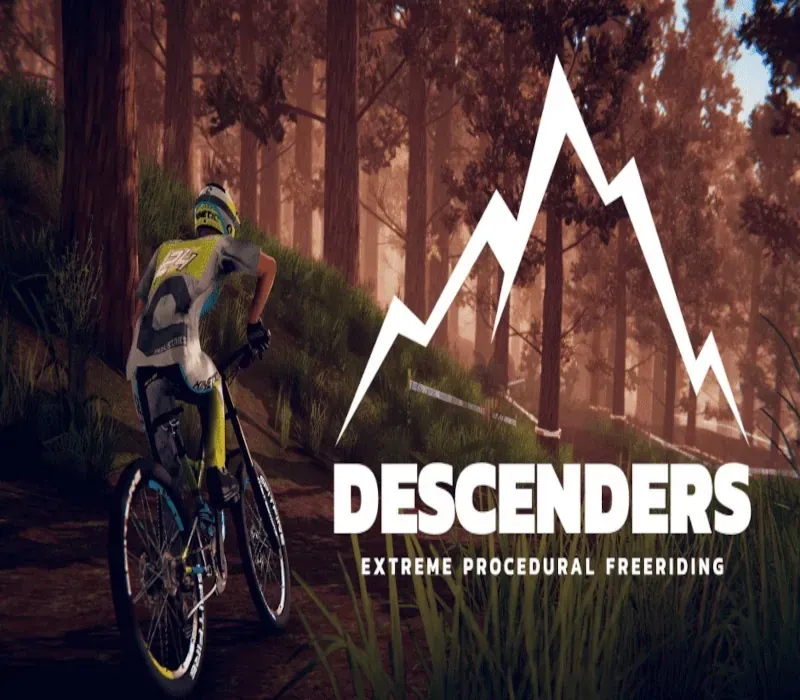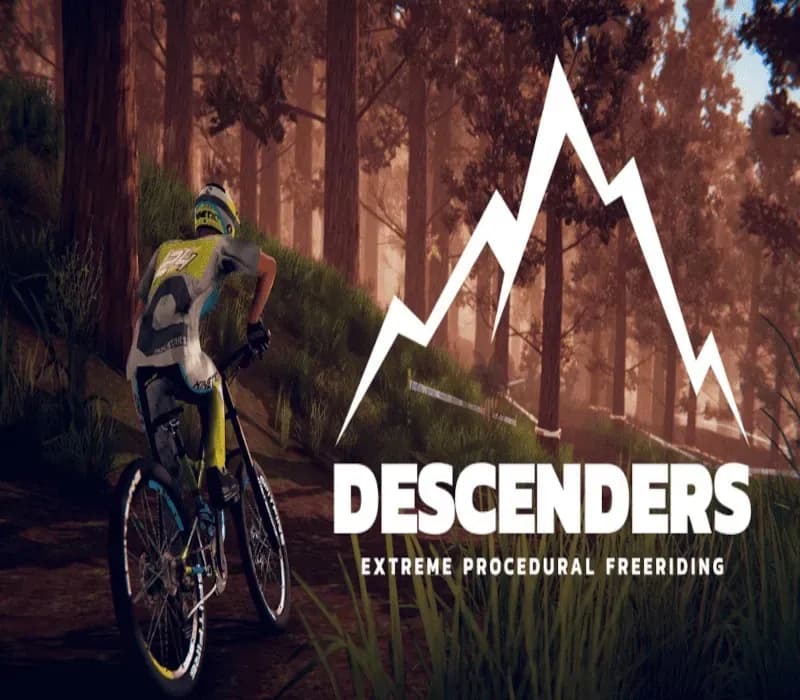
Descenders PC Steam CD Key
Descenders PC Steam CD Key ist ein digitaler Key für Steam, nicht regional gesperrt. Sofortige Lieferung nach der Zahlung. Preis: $3.85, 84 % unter Steam UVP: $24.99.
⭐ 153,000+ Bestellungen seit 2018 geliefert
 Pago Móvil
 Binance Pay
Über dieses Spiel
Von den Entwicklern von Action Henk: Descenders ist ein rasantes Extrem-Downhill-Bike-Spiel, das leicht zu erlernen, aber schwer zu meistern ist. Wähle ein Team und werde zur Legende. In Descenders ist dein Team dein Leben. Wenn du dich für eine Seite entscheidest – Enemy, Arboreal oder Kinetic –, bist du mit anderen Spielern verbunden, die dieselbe Seite gewählt haben. Schnapp dir dein Bike, wähle dein Team und versuche, der Legende deines Descenders gerecht zu werden.
Schließt du dich den fanatischen Trick-Fanatikern von Team Enemy an, dem versierten Offroad-Stil von Team Arboreal oder dem hochoktanigen Team Kinetic, bei dem Geschwindigkeit alles ist? Features von Descenders: Prozedural generierte Welten: Meistere bei jedem Spiel andere Sprünge, Hänge und Hillbombs. Freestyle-Bike-Steuerung: Kontrolliere jede feine Bewegung deines Fahrers mit einem tiefgehenden Physiksystem für schicke Whips und Scrubs. Risiko gegen Belohnung: Treibe deinen Fahrer zu riesigen Punktzahlen und Kombos – aber wenn du zu oft stürzt, verlierst du vielleicht alles. Baue deinen Ruf auf: Ein umfassendes Online-Ruf-System lässt dich deinen Wert zeigen und neue Bikes und Klamotten verdienen. Werde der nächste Descender: Kannst du das Spiel in einem einzigen Durchlauf überstehen und in die Ränge der legendären Descenders aufsteigen?
Systemanforderungen
- Windows: Minimum: Betriebssystem: Windows 7, 8 Prozessor: Intel Core i5 Arbeitsspeicher: 4 GB RAM Grafik: Nvidia Geforce GTX 550/oder gleichwertig bzw. besser* DirectX: Version 11 Speicherplatz: 9 GB verfügbarer Speicherplatz Zusätzliche Hinweise: *Nicht kompatibel mit einigen Intel-HD-Notebook-GPUs der unteren Leistungsklasse (620/520/4000/usw.)
- Linux: Minimum: Betriebssystem: Ubuntu 12.04 32-bit Prozessor: Intel Core i5 Arbeitsspeicher: 4 GB RAM Grafik: Nvidia Geforce GTX 650/oder gleichwertig bzw. besser* Speicherplatz: 9 GB verfügbarer Speicherplatz Zusätzliche Hinweise: *Nicht kompatibel mit einigen Intel-HD-Notebook-GPUs der unteren Leistungsklasse (620/520/4000/usw.)
- Mac: Minimum: Betriebssystem: OS X 10.6 oder höher Prozessor: Intel Core i5 Arbeitsspeicher: 4 GB RAM Grafik: Nvidia Geforce GTX 650/oder gleichwertig bzw. besser* Speicherplatz: 9 GB verfügbarer Speicherplatz Zusätzliche Hinweise: *Nicht kompatibel mit einigen Intel-HD-Notebook-GPUs der unteren Leistungsklasse (620/520/4000/usw.)
So aktivierst du
- Starte den Steam-Client auf deinem PC und melde dich an, oder öffne store.steampowered.com/account/registerkey im Browser.
- Klicke oben auf das Menü "Spiele" (oder unten links auf "+ Spiel hinzufügen") und wähle "Ein Produkt bei Steam aktivieren...".
- Folge den Anweisungen, akzeptiere das Steam-Abonnement-Abkommen und gib deinen Key in das Feld "Produktschlüssel" ein.
- Klicke auf "Weiter" und "Fertigstellen". Das Spiel ist nun dauerhaft in deiner Steam-Bibliothek verfügbar und installationsbereit.
Kundenbewertungen
Häufig gestellte Fragen
Für welche Region ist das?
Das ist die Global-Version: Sie ist nicht regional gesperrt.
Wie aktiviere ich Descenders PC Steam CD Key auf Steam?
1. Starte den Steam-Client auf deinem PC und melde dich an, oder öffne store.steampowered.com/account/registerkey im Browser. 2. Klicke oben auf das Menü "Spiele" (oder unten links auf "+ Spiel hinzufügen") und wähle "Ein Produkt bei Steam aktivieren...". 3. Folge den Anweisungen, akzeptiere das Steam-Abonnement-Abkommen und gib deinen Key in das Feld "Produktschlüssel" ein. 4. Klicke auf "Weiter" und "Fertigstellen". Das Spiel ist nun dauerhaft in deiner Steam-Bibliothek verfügbar und installationsbereit.
Wie schnell erfolgt die Lieferung?
Dein Key erscheint direkt nach der Zahlung in deinem Konto und wird dir per E-Mail geschickt.