
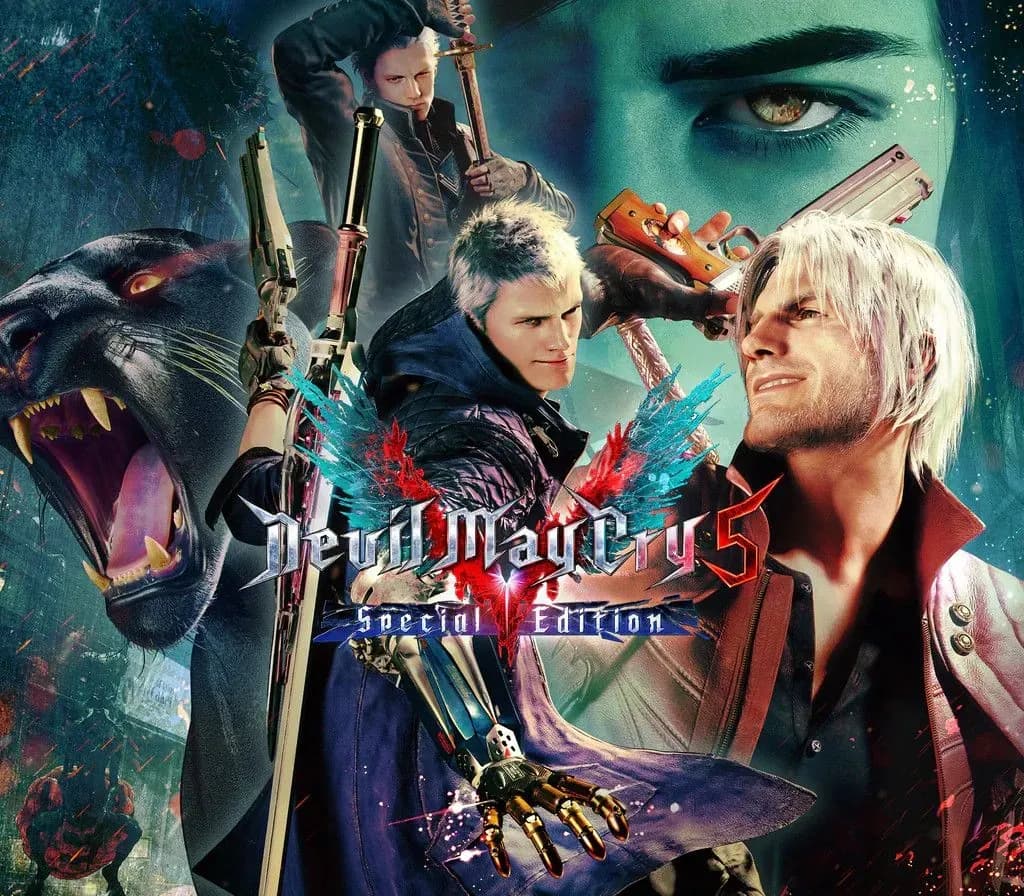
 1 von 7
Devil May Cry 5 Special Edition PS4 Account
Release: 12. Nov. 2020 · Entwickler: CAPCOM Co., Ltd.
Devil May Cry 5 Special Edition — PSN account for PS4, Global. Not a code — read the account-ban notice before buying.
Wähle deine Version
Dein Land: Vereinigte Staaten- Sicher bezahlenSofort
- Key in deinem Account sichtbar~60s
- Auf PlayStation einlösenDirekte Aktivierung
 Pago Móvil
 Binance Pay
 Kryptowährungen
 Wallet
154.000+ Verkäufe im Shop und auf Marktplätzen · Zuletzt ausgelieferte Bestellung: vor 33 Minuten
So aktivierst du
- 1Schalte die PlayStation ein, wähle "Benutzer hinzufügen" und klicke auf "Erste Schritte" (nicht als Gast anmelden).
- 2Melde dich im PSN mit der bereitgestellten E-Mail und dem Passwort an und gib bei Bedarf den 2FA-Code ein.
- 3Aktiviere das Teilen: Auf PS5 unter Einstellungen -> Benutzer und Konten -> Anderes -> "Konsolenfreigabe und Offline-Spiel" auf Aktivieren setzen (PS4: Einstellungen -> Kontoverwaltung -> "Als primäre PS4 aktivieren").
- 4Gehe in die Spielebibliothek -> "Deine Sammlung", starte den Download und wechsle zu deinem persönlichen Profil zum Spielen.
Über dieses Spiel
Devil May Cry 5 Special Edition PS4 Account ist ein Spielekonto für PlayStation, nicht regional gesperrt.
Important — please read before buying: This is a PlayStation account created and supplied by a third-party seller, not a code for your own account. Sony's Terms of Service do not allow buying or selling PSN accounts, so a ban of the account (or restrictions on the console) is a likely possibility, though not a certainty, and we cannot guarantee the account will not be restricted. Do not change the account's country/region or add a payment method; play on your own profile via Console Sharing and Offline Play.
Prepare to get downright demonic with this signature blend of high-octane stylized action and otherworldly & original characters the series is known for. Director Hideaki Itsuno and the core team have returned to create the most insane, technically advanced and utterly unmissable action experience of this generation! The threat of demonic power has returned to menace the world once again in Devil May Cry 5. The invasion begins when the seeds of a “demon tree” take root in Red Grave City. As this hellish incursion starts to take over the city, a young demon hunter Nero, arrives with his partner Nico in their “Devil May Cry” motorhome. Finding himself without the use of his right arm, Nero enlists Nico, a self-professed weapons artist, to design a variety of unique mechanical Devil Breaker arms to give him extra powers to take on evil demons such as the blood sucking flying Empusa and giant colossus enemy Goliath.FEATURES • High octane stylized action – Featuring three playable characters each with a radically different stylish combat play style as they take on the city overrun with demons • Groundbreaking graphics – Developed with Capcom’s in-house proprietary RE engine, the series continues to achieve new heights in fidelity with graphics that utilize photorealistic character designs and stunning lighting and environmental effects. • Take down the demonic invasion – Battle against epic bosses in adrenaline fueled fights across the over-run Red Grave City all to the beat of a truly killer soundtrack.
Häufig gestellte Fragen
Für welche Region ist das?
Das ist die Global-Version: Sie ist nicht regional gesperrt.
Wie aktiviere ich Devil May Cry 5 Special Edition PS4 Account auf PlayStation?
1. Schalte die PlayStation ein, wähle "Benutzer hinzufügen" und klicke auf "Erste Schritte" (nicht als Gast anmelden). 2. Melde dich im PSN mit der bereitgestellten E-Mail und dem Passwort an und gib bei Bedarf den 2FA-Code ein. 3. Aktiviere das Teilen: Auf PS5 unter Einstellungen -> Benutzer und Konten -> Anderes -> "Konsolenfreigabe und Offline-Spiel" auf Aktivieren setzen (PS4: Einstellungen -> Kontoverwaltung -> "Als primäre PS4 aktivieren"). 4. Gehe in die Spielebibliothek -> "Deine Sammlung", starte den Download und wechsle zu deinem persönlichen Profil zum Spielen.
Was bedeutet „Konto“?
Du erhältst die Zugangsdaten für ein PlayStation-Konto, das das Spiel bereits besitzt.
Kundenbewertungen
Alle Bewertungen ansehen und eigene schreiben
Kundenbewertungen
Noch hat niemand dieses Spiel bewertet. Wenn du es kaufst, erzähl uns, wie es war.
Das könnte dir auch gefallen
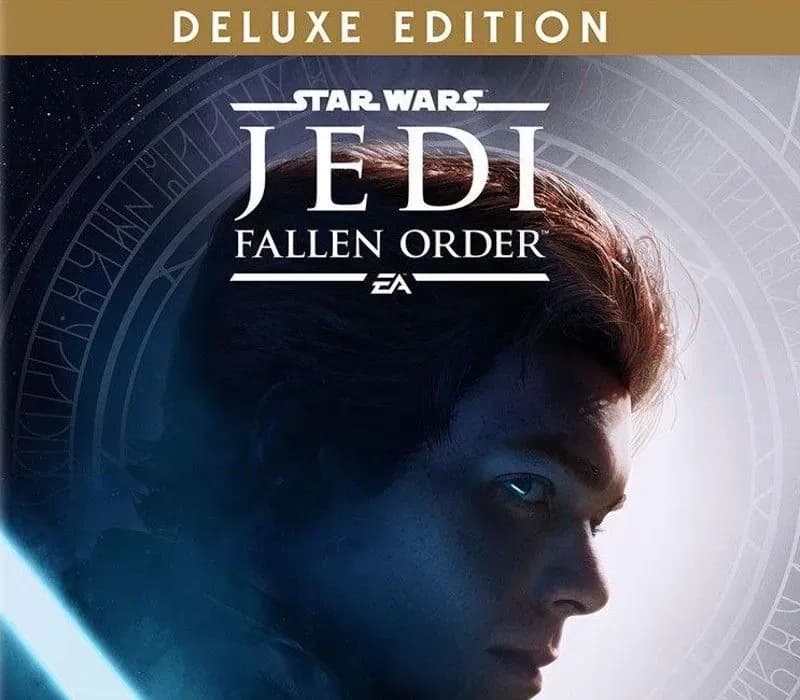 −70%
Star Wars Jedi: Fallen Order Deluxe Edition PS4 Account
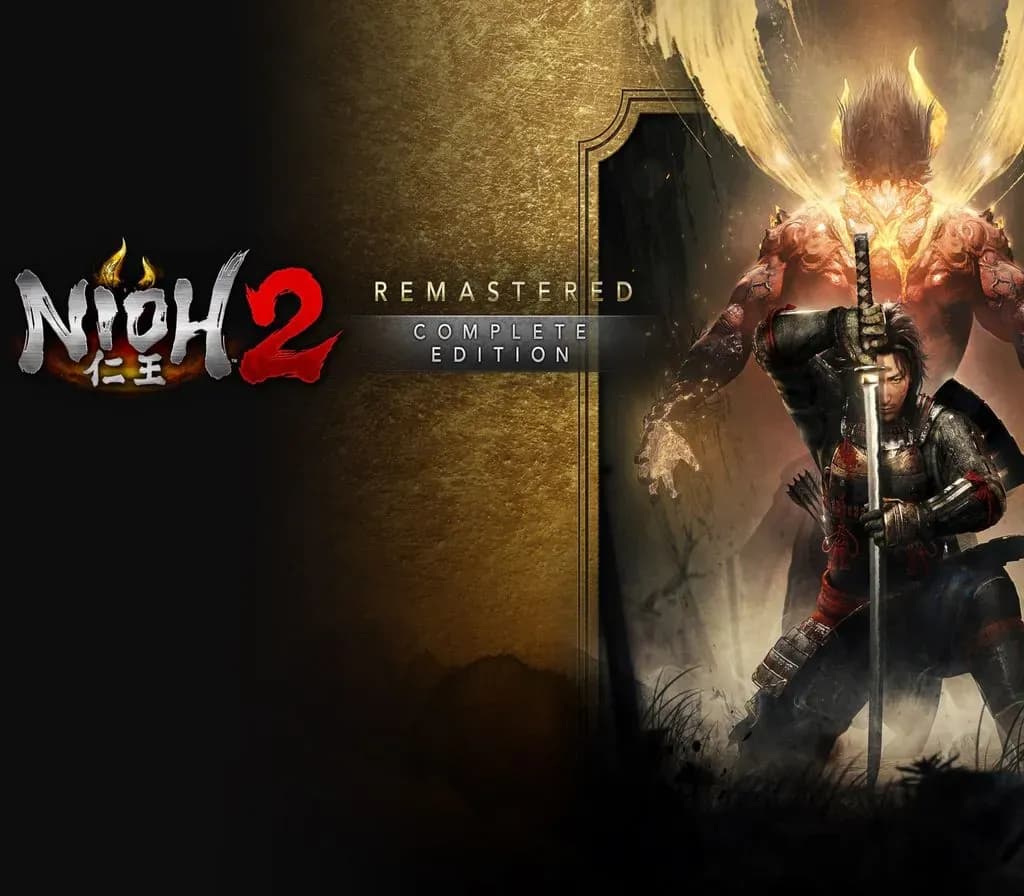 −69%
Nioh 2 Remastered – The Complete Edition PS4 Account
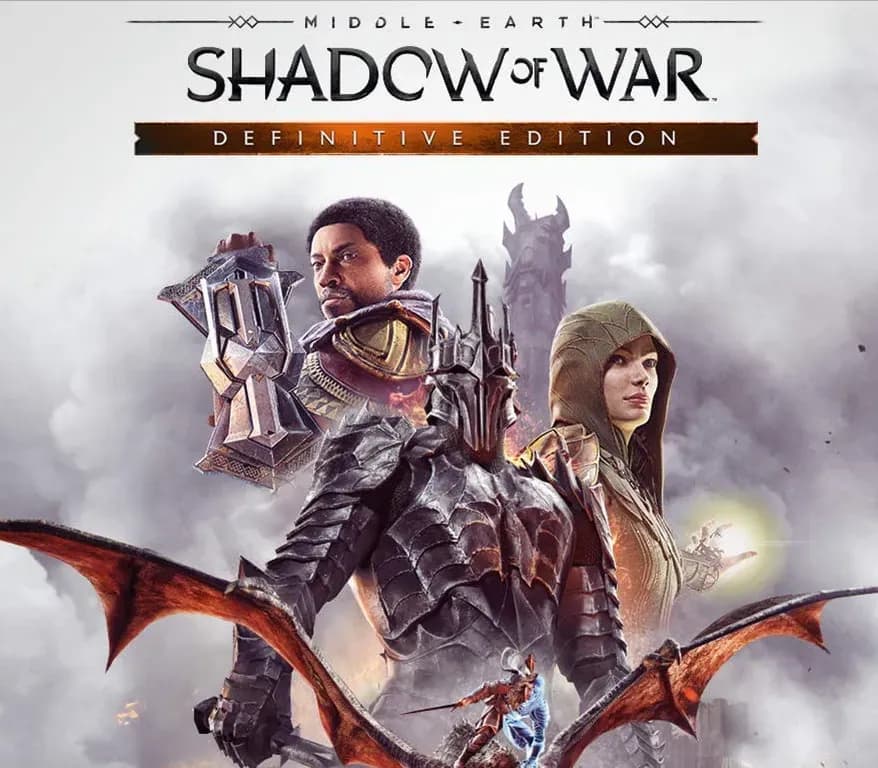 −63%
Middle-earth: Shadow of War Definitive Edition PS4/PS5 Account
 −75%
Marvel's Spider-Man GOTY PS4 Account
 −67%