
 1 von 10
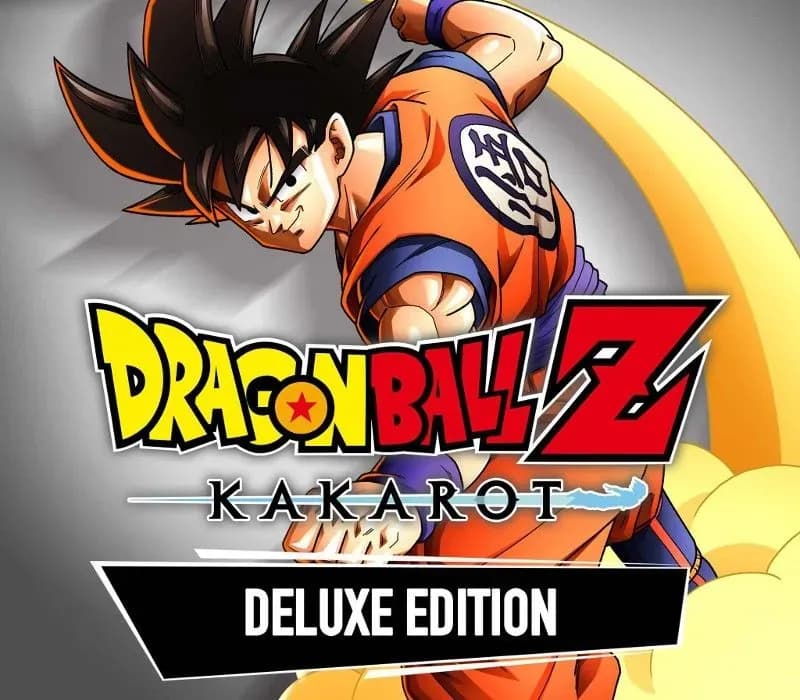
DRAGON BALL Z: KAKAROT Deluxe Edition PS4/PS5 Account
Release: 17. Jan. 2020 · Entwickler: CyberConnect2 Co. Ltd. · Publisher: Bandai Namco Entertainment Inc.
DRAGON BALL Z: KAKAROT Deluxe Edition — PSN account for PS4/PS5, Global. Not a code — read the account-ban notice before buying.
- Sicher bezahlenSofort
- Key in deinem Account sichtbar~60s
- Auf PlayStation einlösenDirekte Aktivierung
 Pago Móvil
 Binance Pay
 Kryptowährungen
 Wallet
154.000+ Verkäufe im Shop und auf Marktplätzen · Zuletzt ausgelieferte Bestellung: vor 34 Minuten
So aktivierst du
- 1Schalte die PlayStation ein, wähle "Benutzer hinzufügen" und klicke auf "Erste Schritte" (nicht als Gast anmelden).
- 2Melde dich im PSN mit der bereitgestellten E-Mail und dem Passwort an und gib bei Bedarf den 2FA-Code ein.
- 3Aktiviere das Teilen: Auf PS5 unter Einstellungen -> Benutzer und Konten -> Anderes -> "Konsolenfreigabe und Offline-Spiel" auf Aktivieren setzen (PS4: Einstellungen -> Kontoverwaltung -> "Als primäre PS4 aktivieren").
- 4Gehe in die Spielebibliothek -> "Deine Sammlung", starte den Download und wechsle zu deinem persönlichen Profil zum Spielen.
Über dieses Spiel
DRAGON BALL Z: KAKAROT Deluxe Edition PS4/PS5 Account ist ein Spielekonto für PlayStation, nicht regional gesperrt.
Important — please read before buying: This is a PlayStation account created and supplied by a third-party seller, not a code for your own account. Sony's Terms of Service do not allow buying or selling PSN accounts, so a ban of the account (or restrictions on the console) is a likely possibility, though not a certainty, and we cannot guarantee the account will not be restricted. Do not change the account's country/region or add a payment method; play on your own profile via Console Sharing and Offline Play.
The Dragon Ball RPG of your dreams!
For the first time, you can play the rest of the story. Step into the universe of Dragon Ball Z in all its iconic glory and become the hero you were always meant to be!
Experience the legendary Dragon Ball Z story with total immersion!
A hero on an unending quest to become the greatest warrior in the universe. The son training to live up to his father’s epic legacy. In DRAGON BALL Z: KAKAROT, you’ll live through every moment in breathtaking clarity. You’ll meet the people who shape the story, take on a would-be hero’s life, and learn firsthand exactly what’s worth fighting for!
Fight, Fish, Fly, Eat, Explore, and so much more!
Life on Earth has so much to offer a Saiyan hero, and you can try it all! Go fishing to relax after a big battle, eat a hero-sized meal with your Z Fighter friends, explore the city, or take off and fly to the farthest horizon. You can also complete unique side Story Quests to help out the people of the Cities and Villages. Living these peaceful, fulfilling moments in the world of Dragon Ball brings you closer to the characters than ever before.
Relive the most iconic arcs through epic fights!
Now that you’ve tasted everything this bustling planet has to offer, there’s even more on the line when opponents come looking to tear it all down. When the worst of the worst show up with their schemes, you’ll be waiting to take them down as your favorite characters!
Häufig gestellte Fragen
Für welche Region ist das?
Das ist die Global-Version: Sie ist nicht regional gesperrt.
Wie aktiviere ich DRAGON BALL Z: KAKAROT Deluxe Edition PS4/PS5 Account auf PlayStation?
1. Schalte die PlayStation ein, wähle "Benutzer hinzufügen" und klicke auf "Erste Schritte" (nicht als Gast anmelden). 2. Melde dich im PSN mit der bereitgestellten E-Mail und dem Passwort an und gib bei Bedarf den 2FA-Code ein. 3. Aktiviere das Teilen: Auf PS5 unter Einstellungen -> Benutzer und Konten -> Anderes -> "Konsolenfreigabe und Offline-Spiel" auf Aktivieren setzen (PS4: Einstellungen -> Kontoverwaltung -> "Als primäre PS4 aktivieren"). 4. Gehe in die Spielebibliothek -> "Deine Sammlung", starte den Download und wechsle zu deinem persönlichen Profil zum Spielen.
Was bedeutet „Konto“?
Du erhältst die Zugangsdaten für ein PlayStation-Konto, das das Spiel bereits besitzt.
Kundenbewertungen
Alle Bewertungen ansehen und eigene schreiben
Kundenbewertungen
Noch hat niemand dieses Spiel bewertet. Wenn du es kaufst, erzähl uns, wie es war.
Das könnte dir auch gefallen
 −70%
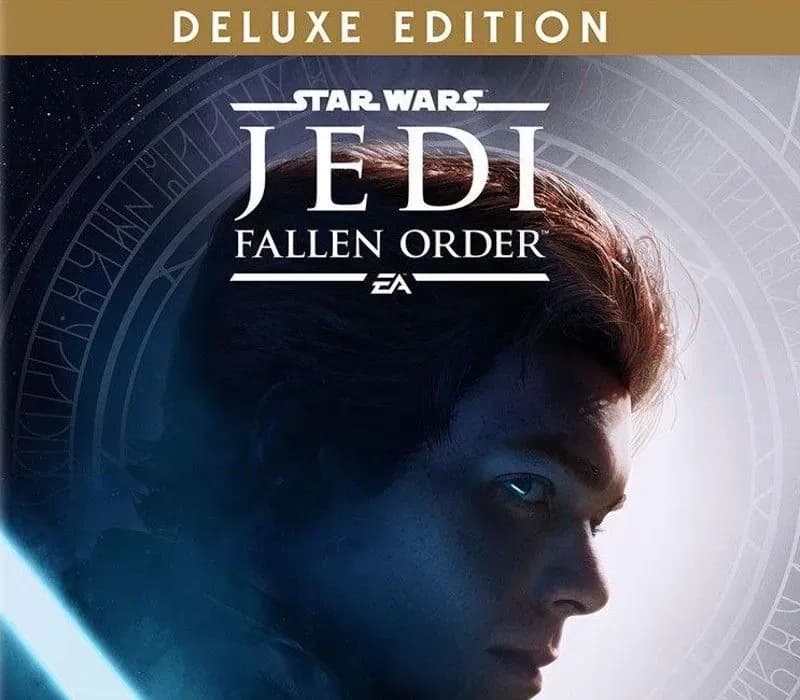
Star Wars Jedi: Fallen Order Deluxe Edition PS4 Account
 −69%
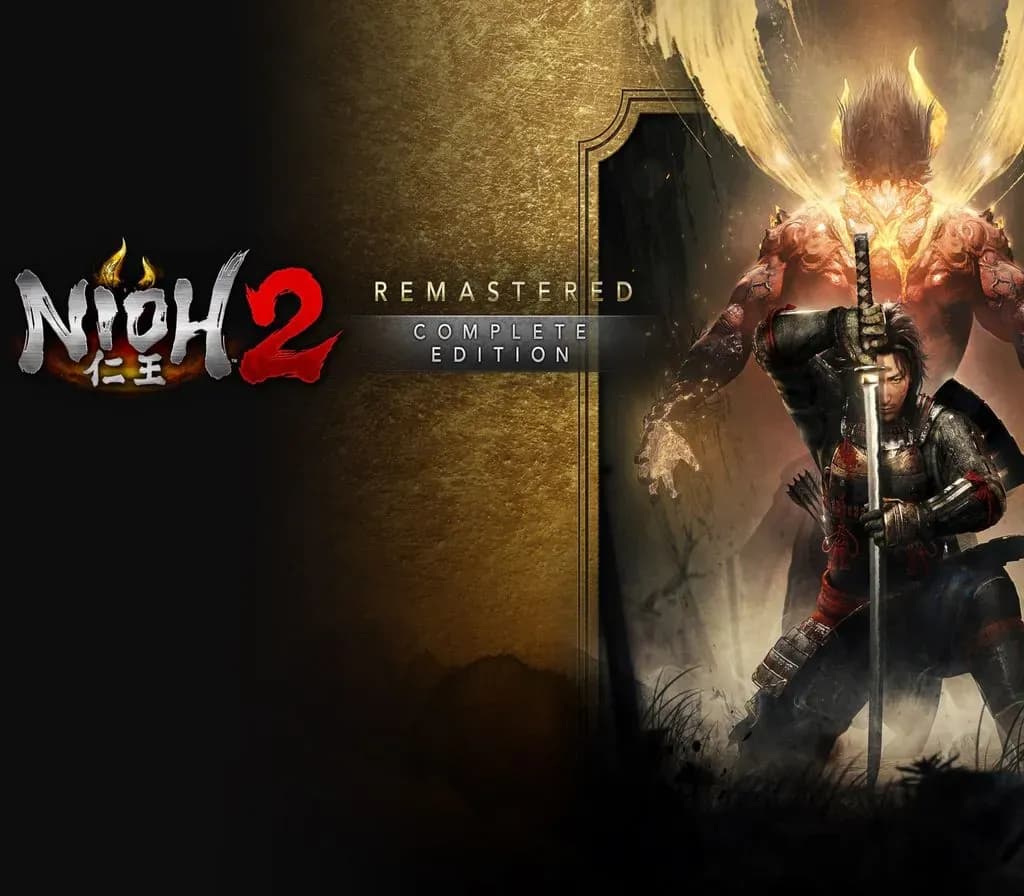
Nioh 2 Remastered – The Complete Edition PS4 Account
 −63%
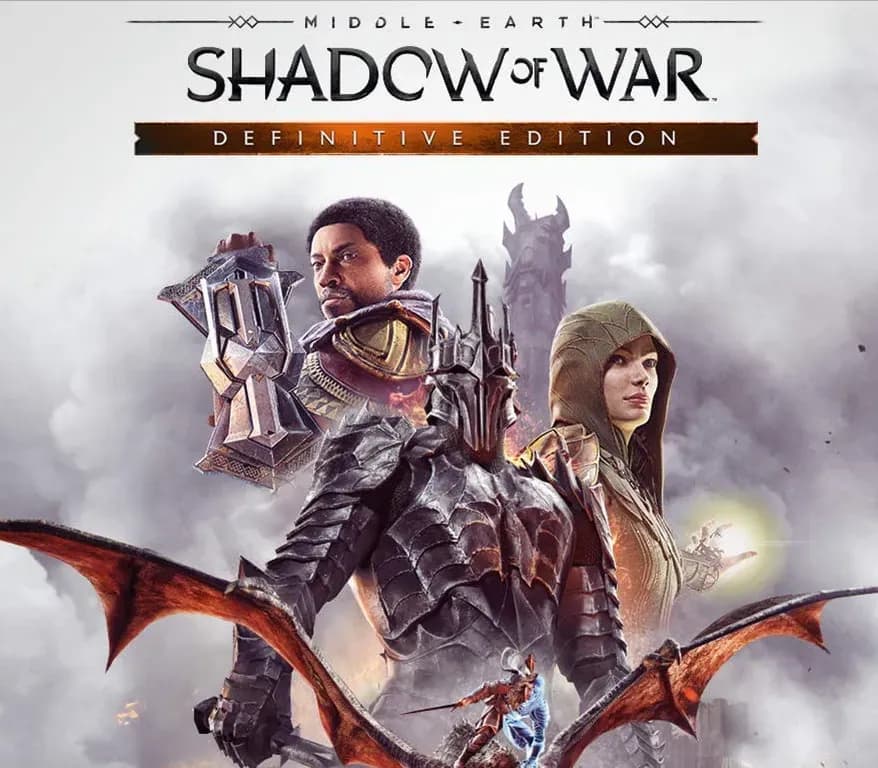
Middle-earth: Shadow of War Definitive Edition PS4/PS5 Account
 −75%
Marvel's Spider-Man GOTY PS4 Account
 −67%