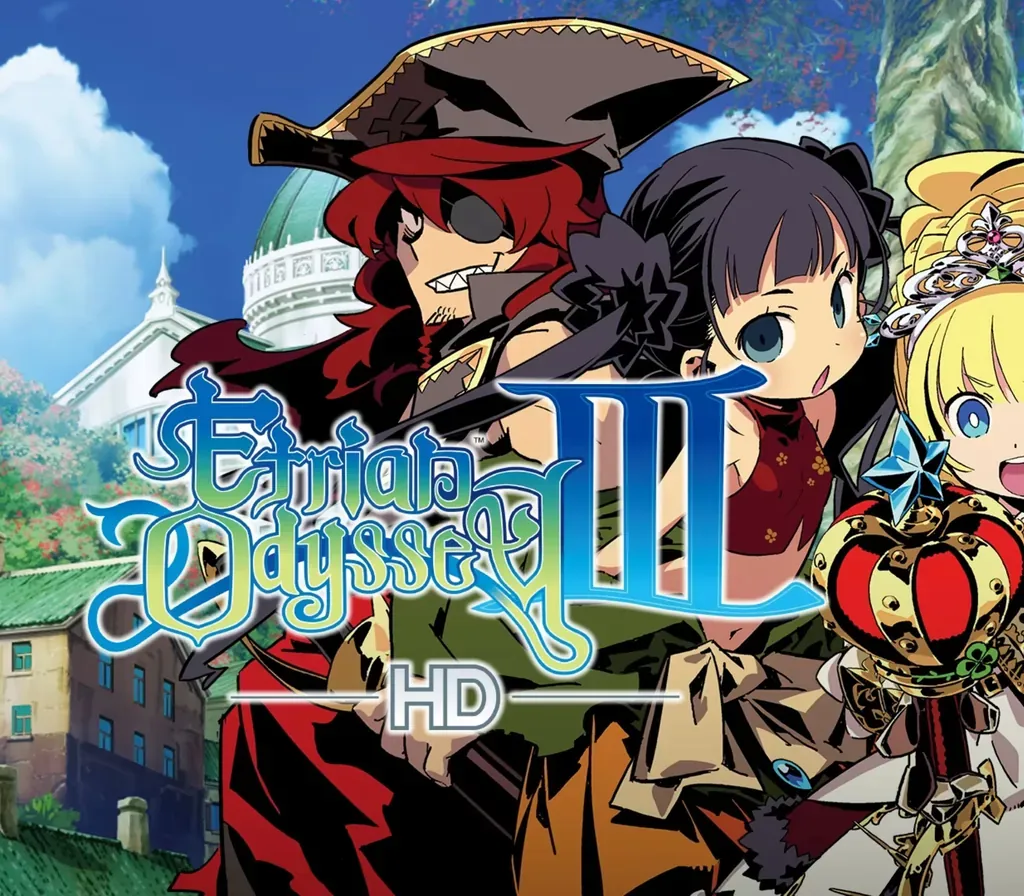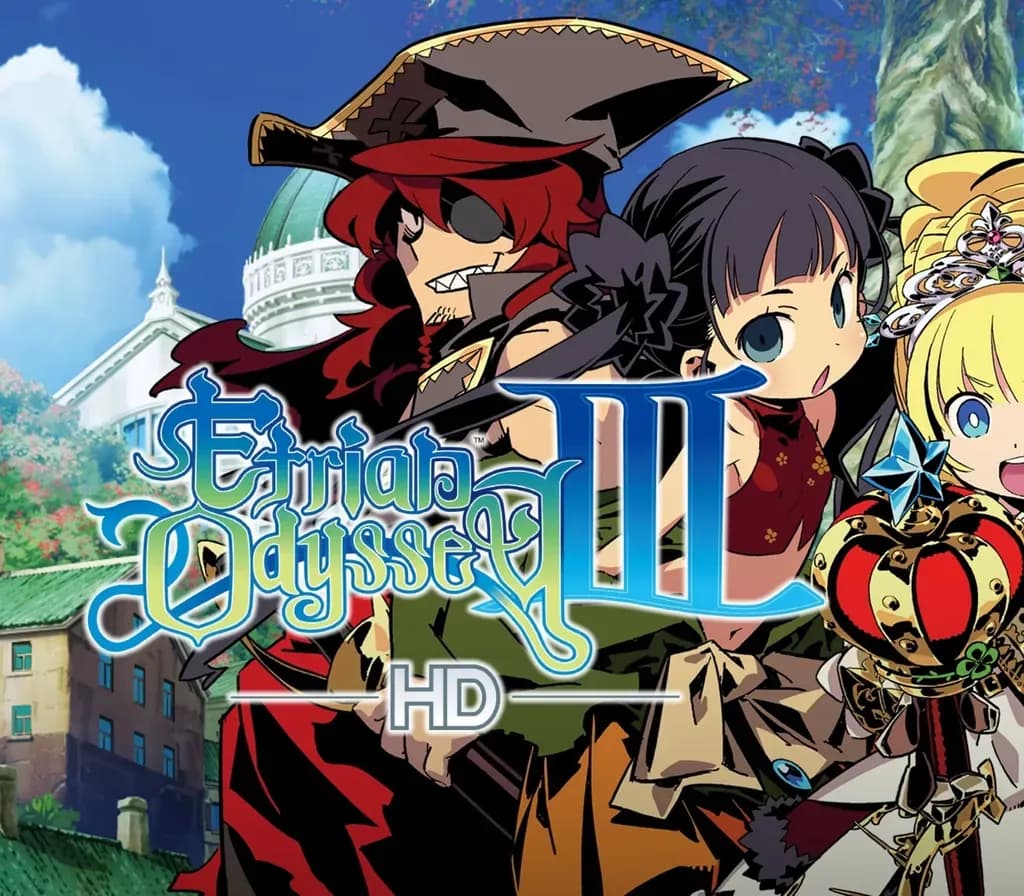
Etrian Odyssey III HD PC Steam CD Key
Etrian Odyssey III HD PC Steam CD Key ist ein digitaler Key für Steam, nicht regional gesperrt. Sofortige Lieferung nach der Zahlung.
⭐ 153,000+ Bestellungen seit 2018 geliefert
 Pago Móvil
 Binance Pay
Über dieses Spiel
Etrian Odyssey III HD bringt das zeitlose Abenteuer in Armoroad, einer Meeresstadt, die mit den Nachwirkungen einer großen Katastrophe kämpft. Durchstreife die geheimnisvollen Ruinen, die bis zum Meeresgrund reichen.
Südlich der großen Kontinente, jenseits des Meeres, liegt die Ozeanstadt Armoroad. Der Legende nach versank vor einem Jahrhundert ein Teil der Stadt ohne Vorwarnung auf dem Grund des Ozeans und nahm unermessliche Technologie mit sich, die der Menschheit nun verloren ist.
Von der Legende fasziniert, versammelten sich viele Entdecker in Armoroad, alle in der Hoffnung, das Unterwasserlabyrinth zu bezwingen. Doch bisher hat niemand die sagenumwobene versunkene Stadt gefunden. Stich in See nach Armoroad, durchquere das Yggdrasil-Labyrinth, finde die versunkene Stadt und erringe Reichtum und Ruhm!
Stelle deine eigene Gruppe von Entdeckern aus den zwölf brandneuen Charakterklassen zusammen. Steige hinab in das Labyrinth, das das Geheimnis von Armoroad und der versunkenen Stadt verschluckt hat.
Merkmale
Neu überarbeitete Grafik, neu abgemischter Soundtrack und Komfortverbesserungen wie Schwierigkeitsauswahl und Speicherplätze Einfacher Zugriff auf den Monster-Kodex, das Questlog und den Fertigkeitenbaum Hole das Beste aus deinem Abenteuer heraus, indem du deine Gruppe optimierst und die Charakterklassen wählst, die zu deinem Spielstil passen
Systemanforderungen
- Windows: Minimum: Erfordert einen 64-Bit-Prozessor und ein 64-Bit-Betriebssystem Betriebssystem: Windows 10 Prozessor: Intel Core i3-540 oder AMD Phenom II X3 720 Arbeitsspeicher: 4 GB RAM Grafik: NVIDIA GeForce GT 530, 1 GB oder AMD Radeon HD 5570, 1 GB oder Intel HD Graphics 4400 DirectX: Version 11 Speicherplatz: 3 GB verfügbarer Speicherplatz Zusätzliche Hinweise: Ohne Kantenglättung, 720p bei 60 FPS
So aktivierst du
- Starte den Steam-Client auf deinem PC und melde dich an, oder öffne store.steampowered.com/account/registerkey im Browser.
- Klicke oben auf das Menü "Spiele" (oder unten links auf "+ Spiel hinzufügen") und wähle "Ein Produkt bei Steam aktivieren...".
- Folge den Anweisungen, akzeptiere das Steam-Abonnement-Abkommen und gib deinen Key in das Feld "Produktschlüssel" ein.
- Klicke auf "Weiter" und "Fertigstellen". Das Spiel ist nun dauerhaft in deiner Steam-Bibliothek verfügbar und installationsbereit.
Kundenbewertungen
Häufig gestellte Fragen
Für welche Region ist das?
Das ist die Global-Version: Sie ist nicht regional gesperrt.
Wie aktiviere ich Etrian Odyssey III HD PC Steam CD Key auf Steam?
1. Starte den Steam-Client auf deinem PC und melde dich an, oder öffne store.steampowered.com/account/registerkey im Browser. 2. Klicke oben auf das Menü "Spiele" (oder unten links auf "+ Spiel hinzufügen") und wähle "Ein Produkt bei Steam aktivieren...". 3. Folge den Anweisungen, akzeptiere das Steam-Abonnement-Abkommen und gib deinen Key in das Feld "Produktschlüssel" ein. 4. Klicke auf "Weiter" und "Fertigstellen". Das Spiel ist nun dauerhaft in deiner Steam-Bibliothek verfügbar und installationsbereit.
Wie schnell erfolgt die Lieferung?
Dein Key erscheint direkt nach der Zahlung in deinem Konto und wird dir per E-Mail geschickt.