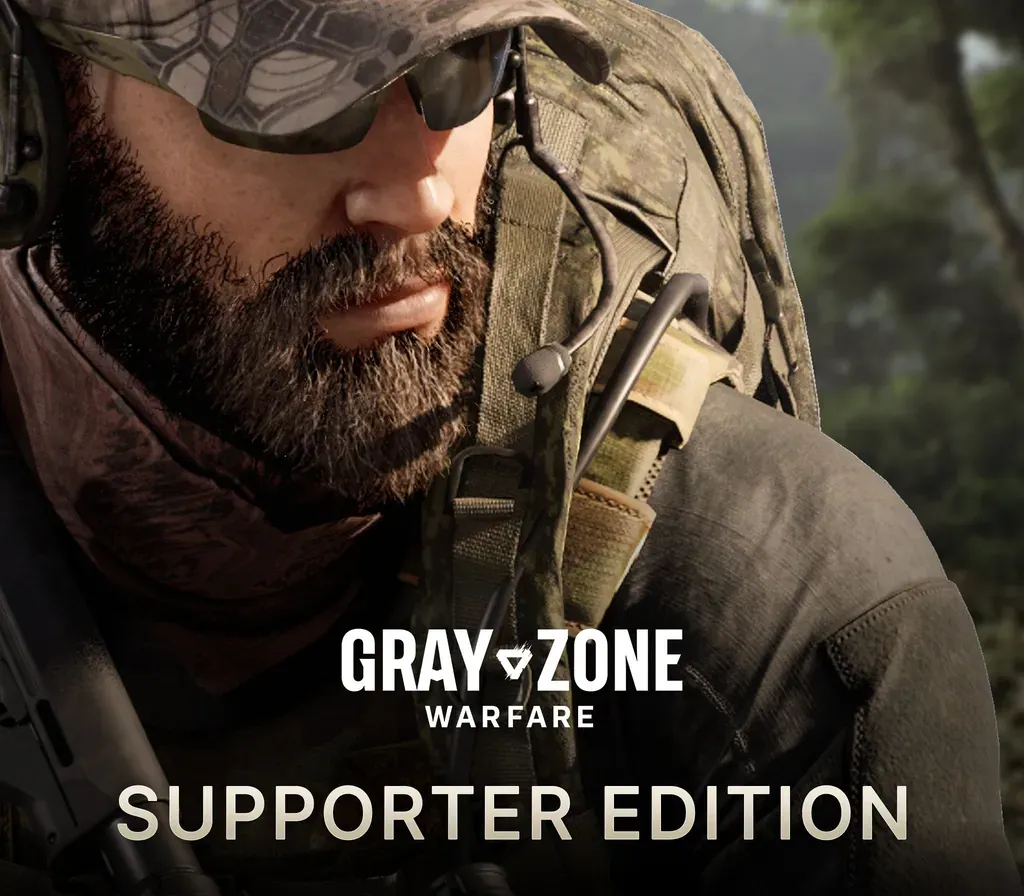

Gray Zone Warfare - Supporter Edition Upgrade PC Steam CD Key
Gray Zone Warfare - Supporter Edition Upgrade PC Steam CD Key ist ein digitaler Key für Steam, nicht regional gesperrt. Sofortige Lieferung nach der Zahlung.
⭐ 153,000+ Bestellungen seit 2018 geliefert
 Pago Móvil
 Binance Pay
Über dieses Spiel
Enthält
- Gray Zone Warfare
- Supporter Edition Upgrade DLC Tauche mit exklusiven Extras in das ultimative Gray-Zone-Warfare-Erlebnis ein, darunter einzigartige kosmetische Kleidung, eine besondere Unterstützer-Kennzeichnung, zusätzliche Ausrüstung, der größte Spind und ein Tresor. Spindgröße (10x60) Sicherer Tresor (3x3) GZW-T-Shirt (im Spiel) GZW-Hose (im Spiel) GZW-Handschuhe (im Spiel) Besonderer Unterstützer-Namensfarbton Exklusives Unterstützer-Abzeichen +5000$ (im Spiel) 1x Sturmgewehr 1x Gewehr 2x Granaten 1x Sturmgewehr-Schalldämpfer 1x Gewehr-Schalldämpfer 3x Sturmgewehr-Magazine 3x Gewehr-Magazine 1x taktisches Gerät 2x Zielfernrohre 2x Zielfernrohr-Montagen 120x Gewehrmunition 180x Sturmgewehrmunition 1x Helm 1x Plattenträger 1x Gürtel 1x Rucksack 1x Schlüsselhalter 1x Verbandskasten 1x Totenkopfmaske 1x Headset 1x Nachtsichtfernglas 1x NVG-Halterung 2x Schienen 1x Chirurgie-Set 2x Aderpressen 2x Schmerzmittel 2x Stimulanzien 1x großer Blutbeutel
Systemanforderungen
- Windows: Minimum: Erfordert einen 64-Bit-Prozessor und ein 64-Bit-Betriebssystem Betriebssystem: Windows® 10 64 Bit (latest update) Prozessor: Intel® Core™ i5-8600 / AMD Ryzen™ 5 2600 (AVX2 support required) Arbeitsspeicher: 16 GB RAM Grafik: NVIDIA® GeForce® GTX 1080 8GB / 2060 SUPER 8GB / RTX 3060 8GB / RTX 4060 8GB / AMD Radeon™ RX 5700 8GB / RX 6600 8GB / Intel® Arc™ A770 8GB DirectX: Version 12 Netzwerk: Breitband-Internetverbindung Speicherplatz: 40 GB verfügbarer Speicherplatz
So aktivierst du
- Starte den Steam-Client auf deinem PC und melde dich an, oder öffne store.steampowered.com/account/registerkey im Browser.
- Klicke oben auf das Menü "Spiele" (oder unten links auf "+ Spiel hinzufügen") und wähle "Ein Produkt bei Steam aktivieren...".
- Folge den Anweisungen, akzeptiere das Steam-Abonnement-Abkommen und gib deinen Key in das Feld "Produktschlüssel" ein.
- Klicke auf "Weiter" und "Fertigstellen". Das Spiel ist nun dauerhaft in deiner Steam-Bibliothek verfügbar und installationsbereit.
Kundenbewertungen
Häufig gestellte Fragen
Für welche Region ist das?
Das ist die Global-Version: Sie ist nicht regional gesperrt.
Wie aktiviere ich Gray Zone Warfare - Supporter Edition Upgrade PC Steam CD Key auf Steam?
1. Starte den Steam-Client auf deinem PC und melde dich an, oder öffne store.steampowered.com/account/registerkey im Browser. 2. Klicke oben auf das Menü "Spiele" (oder unten links auf "+ Spiel hinzufügen") und wähle "Ein Produkt bei Steam aktivieren...". 3. Folge den Anweisungen, akzeptiere das Steam-Abonnement-Abkommen und gib deinen Key in das Feld "Produktschlüssel" ein. 4. Klicke auf "Weiter" und "Fertigstellen". Das Spiel ist nun dauerhaft in deiner Steam-Bibliothek verfügbar und installationsbereit.
Wie schnell erfolgt die Lieferung?
Dein Key erscheint direkt nach der Zahlung in deinem Konto und wird dir per E-Mail geschickt.