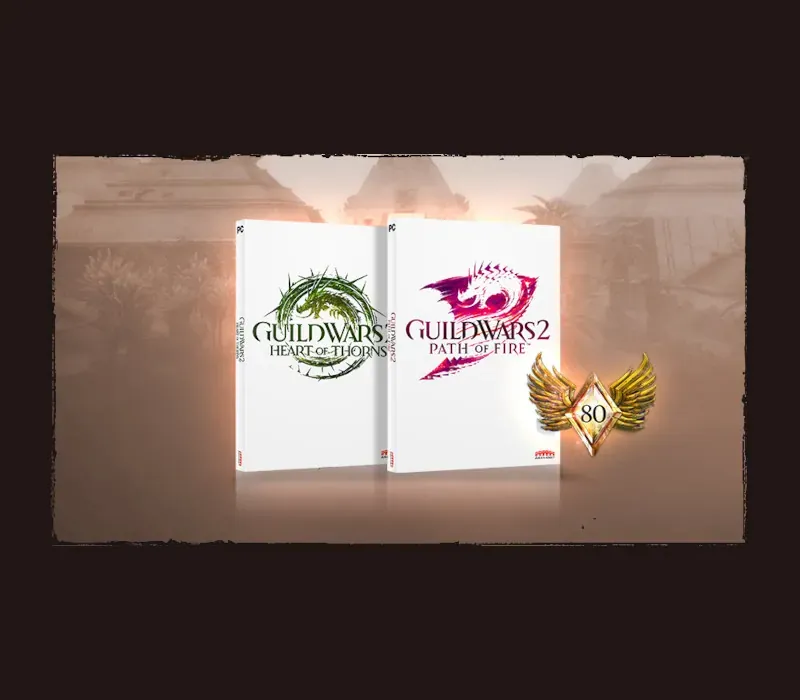
Guild Wars 2 Heart of Thorns & Path of Fire PC Steam CD Key
Guild Wars 2 Heart of Thorns & Path of Fire PC Steam CD Key ist ein digitaler Key für Steam, nicht regional gesperrt. Sofortige Lieferung nach der Zahlung.
⭐ 153,000+ Bestellungen seit 2018 geliefert
 Pago Móvil
 Binance Pay
Über dieses Spiel
Enthält
Erweiterung Path of Fire und Erweiterung Heart of Thorns. WIR STELLEN VOR: REITTIERE*. Reittiere sind weit mehr als ein Geschwindigkeitsschub – sie sind eine völlig neue Art, sich durch die Welt von Tyria zu bewegen. Schalte deine neuen Gefährten mit dem Meisterschaftssystem frei, trainiere sie und erkunde die Welt frei: Springe über Schluchten, erklimme hohe Klippen und gleite über Wasser und Treibsand. *Zum Freischalten der Reittiere Roller Beetle und Skyscale ist der Kauf zusätzlicher DLC erforderlich.
ELITESPEZIALISIERUNGEN
Passe deinen Charakter mit einer neuen Elitespezialisierung für jede deiner Lieblingsprofessionen an. Mit einer neuen Vielfalt an Spielstilen, Waffenoptionen und Eigenschaften hast du mehr Möglichkeiten denn je, auf deine Art zu spielen.
ENTDECKE DAS VERGESSENE LAND
Balthasar bedroht die Kristallwüste und das angrenzende Königreich Elona mit seinen Geschmiedeten Legionen. Erkunde riesige neue Karten voller magiegetränkter Wüstenebenen, antiker Tempel und Ruinen sowie wunderschöner Oasen. Entdecke die Geheimnisse der Geschichte Tyrias und finde nach Jahren der Stille heraus, was aus dem Volk von Elona geworden ist.
Systemanforderungen
- Windows: Betriebssystem: Windows 7 oder besser (nur 64 Bit) Prozessor: Intel Core 2 Quad 2.4 GHz, Core i3, AMD Athlon 64 X2 oder besser Arbeitsspeicher: 4 GB RAM Grafik: NVIDIA GeForce 8800GTS, ATI Radeon HD 2900 XT Speicherplatz: 70GB verfügbarer HDD-Speicherplatz Breitband-Internetverbindung Tastatur und Maus
So aktivierst du
- Starte den Steam-Client auf deinem PC und melde dich an, oder öffne store.steampowered.com/account/registerkey im Browser.
- Klicke oben auf das Menü "Spiele" (oder unten links auf "+ Spiel hinzufügen") und wähle "Ein Produkt bei Steam aktivieren...".
- Folge den Anweisungen, akzeptiere das Steam-Abonnement-Abkommen und gib deinen Key in das Feld "Produktschlüssel" ein.
- Klicke auf "Weiter" und "Fertigstellen". Das Spiel ist nun dauerhaft in deiner Steam-Bibliothek verfügbar und installationsbereit.
Kundenbewertungen
Häufig gestellte Fragen
Für welche Region ist das?
Das ist die Global-Version: Sie ist nicht regional gesperrt.
Wie aktiviere ich Guild Wars 2 Heart of Thorns & Path of Fire PC Steam CD Key auf Steam?
1. Starte den Steam-Client auf deinem PC und melde dich an, oder öffne store.steampowered.com/account/registerkey im Browser. 2. Klicke oben auf das Menü "Spiele" (oder unten links auf "+ Spiel hinzufügen") und wähle "Ein Produkt bei Steam aktivieren...". 3. Folge den Anweisungen, akzeptiere das Steam-Abonnement-Abkommen und gib deinen Key in das Feld "Produktschlüssel" ein. 4. Klicke auf "Weiter" und "Fertigstellen". Das Spiel ist nun dauerhaft in deiner Steam-Bibliothek verfügbar und installationsbereit.
Wie schnell erfolgt die Lieferung?
Dein Key erscheint direkt nach der Zahlung in deinem Konto und wird dir per E-Mail geschickt.