
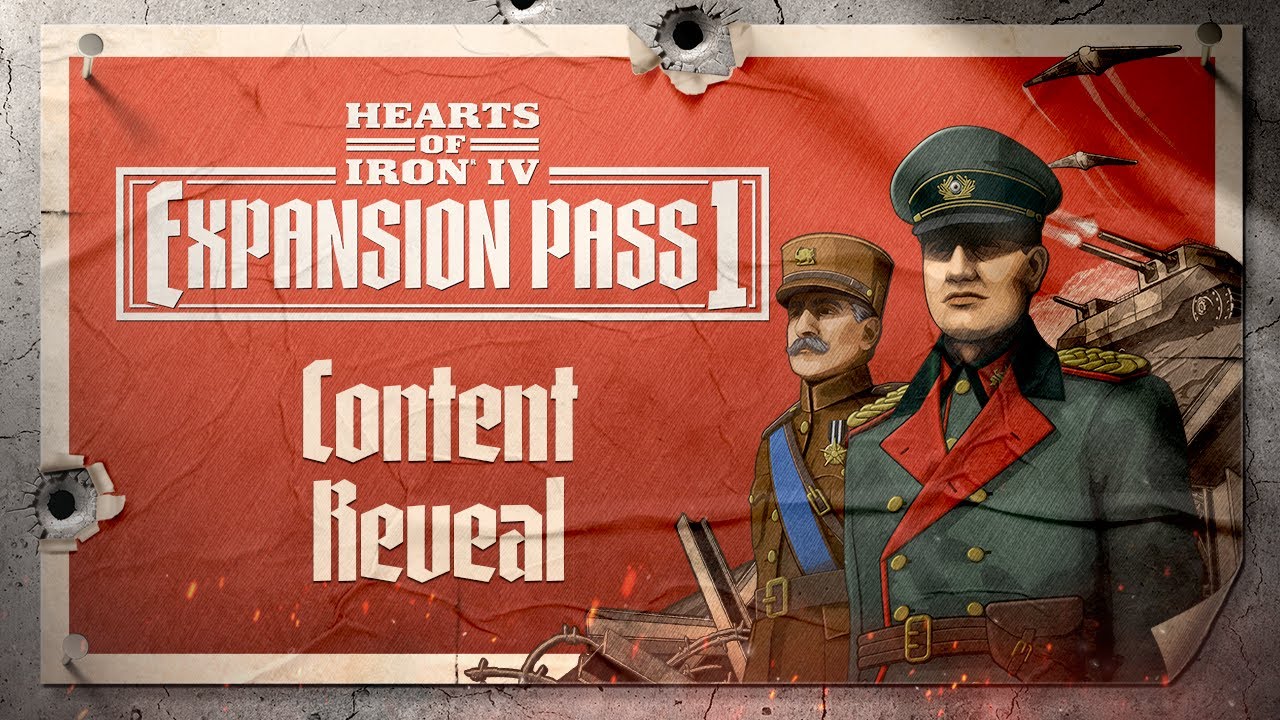
Hearts of Iron IV: Götterdämmerung PC Steam CD Key
Hearts of Iron IV: Götterdämmerung PC Steam CD Key ist ein digitaler Key für Steam, nicht regional gesperrt. Sofortige Lieferung nach der Zahlung. Preis: $19.83, 20 % unter Steam UVP: $24.99.
⭐ 153,000+ Bestellungen seit 2018 geliefert
 Pago Móvil
 Binance Pay
Über dieses Spiel
Baue die industrielle und wissenschaftliche Grundlage auf, um den größten Konflikt der Welt zu überstehen, in Hearts of Iron IV: Götterdämmerung. In dieser Erweiterung können Spieler neue Geschichten für Deutschland, Österreich, Ungarn, Belgien und den Kongo schreiben. Verfolge spannende neue Forschungs- und Militäroptionen, die neue Wege zu verheerenden Waffen und dramatischen Überfällen auf strategische Ziele eröffnen.
Die Merkmale von Hearts of Iron IV: Götterdämmerung umfassen: Deutscher Fokusbaum: Überarbeitete nationale Foki und alternative historische Pfade für eine der meistgespielten Nationen in Hearts of Iron IV. Diese politischen Pfade umfassen neue monarchistische Inhalte, ein wiederhergestelltes demokratisches Deutschland und einen alternativen kommunistischen Pfad. Mehr charaktergetriebene Ereignisse verleihen dem zentralen Akteur des Krieges zusätzliche Würze.
Österreichischer Fokusbaum: Neue alternative Geschichten für Österreich frei von deutscher Kontrolle sowie Inhalte für die umliegenden Länder, die einst zum Habsburgerreich gehörten. Es gibt außerdem einen historischen Pfad für das KI-gesteuerte Österreich. Ungarischer Fokusbaum: Baue die Nation wieder auf und überwinde mithilfe von Technologie den Arbeitskräftemangel. Reformiere die Österreichisch-Ungarische Monarchie und schmiede eine mächtige, geeinte Fraktion.
Belgischer Fokusbaum: Widersetze dich der deutschen Vorherrschaft oder heiße sie willkommen. Nutze den natürlichen Reichtum des Kongo und schaffe das Potenzial für eine Exilregierung in Afrika. Kongolesischer Fokusbaum: Arbeite mit Belgien zusammen, um deine Wirtschaft wachsen zu lassen und natürliche Ressourcen zu nutzen. Unterstütze die Alliierten oder wähle den Zeitpunkt deiner Unabhängigkeit, um einem kommunistischen, demokratischen oder monarchistischen Pfad zu folgen.
Spezialprojekte: Baue wissenschaftliche Einrichtungen, um fortgeschrittene Forschung in Spezialprojekten zu betreiben, und weise Wissenschaftler zu, um deine Kriegsanstrengungen voranzutreiben. Zu den Spezialprojekten gehören Kernphysik, fortschrittliche Flugzeuge, Raketentechnik, fortschrittliche Panzer und Artillerie, Schiffbau und Elektronik. Überfälle: Greife wichtige feindliche Ziele mit sorgfältig geplanten Schlägen an.
Feindliche Häfen, Industrieanlagen, Forschungseinrichtungen und Gebiete zur Sammlung besonderer Ressourcen sind mögliche Ziele für Bombenangriffe, Kommandoüberfälle oder Fallschirmjägerangriffe. Und mehr: Auf der Karte sichtbare Wahrzeichen und Staudämme wurden hinzugefügt. Neue Änderungen bei Einsatz und Wirksamkeit der Atomkriegführung.
Systemanforderungen
- Windows: Betriebssystem: Windows® 10 Home 64 Bit Prozessor: Intel® Core™ i5 750 | AMD® FX 4300 Arbeitsspeicher: 4 GB RAM Grafik: Nvidia® GeForce™ GTX 470 (1.28 GB) | AMD® HD 5850 (1 GB) | Intel Iris Xe G7 (Tiger Lake) | AMD® Radeon™ RX Vega 11 DirectX: Version 9.0c Speicherplatz: 2 GB verfügbarer Speicherplatz Soundkarte: DirectX-kompatible Soundkarte. Zusätzliche Hinweise: Maus und Tastatur erforderlich. / Neueste verfügbare WHQL-Treiber beider Hersteller / Internetverbindung oder LAN für Mehrspieler, bis zu 32 weitere Spieler im Mehrspielermodus.
- Mac: Betriebssystem: macOS 10.14 (Mojave) Prozessor: Intel Core i5 @ 2.60 GHz oder besser Arbeitsspeicher: 4 GB RAM Grafik: ATI Radeon HD 6970M Speicherplatz: 2 GB verfügbarer Speicherplatz Zusätzliche Hinweise: Maus und Tastatur erforderlich. / Neueste verfügbare proprietäre Treiber / Internetverbindung oder LAN für Mehrspieler, bis zu 32 weitere Spieler im Mehrspielermodus.
- Linux: Betriebssystem: Ubuntu 20.04 Prozessor: Intel Core 2 Quad Q9400 @ 2.66 GHz / AMD Athlon II X4 650 @ 3.20 GHz Arbeitsspeicher: 4 GB RAM Grafik: ATI Radeon HD 5850 oder NVIDIA GeForce GTX470 mit 1 GB VRAM / Neueste verfügbare proprietäre Treiber beider Hersteller Speicherplatz: 2 GB verfügbarer Speicherplatz Zusätzliche Hinweise: Controller-Unterstützung: Maus mit 3 Tasten, Tastatur und Lautsprecher erforderlich. / Internetverbindung oder LAN für Mehrspieler, bis zu 32 weitere Spieler im Mehrspielermodus.
So aktivierst du
- Starte den Steam-Client auf deinem PC und melde dich an, oder öffne store.steampowered.com/account/registerkey im Browser.
- Klicke oben auf das Menü "Spiele" (oder unten links auf "+ Spiel hinzufügen") und wähle "Ein Produkt bei Steam aktivieren...".
- Folge den Anweisungen, akzeptiere das Steam-Abonnement-Abkommen und gib deinen Key in das Feld "Produktschlüssel" ein.
- Klicke auf "Weiter" und "Fertigstellen". Das Spiel ist nun dauerhaft in deiner Steam-Bibliothek verfügbar und installationsbereit.
Kundenbewertungen
Häufig gestellte Fragen
Für welche Region ist das?
Das ist die Global-Version: Sie ist nicht regional gesperrt.
Wie aktiviere ich Hearts of Iron IV: Götterdämmerung PC Steam CD Key auf Steam?
1. Starte den Steam-Client auf deinem PC und melde dich an, oder öffne store.steampowered.com/account/registerkey im Browser. 2. Klicke oben auf das Menü "Spiele" (oder unten links auf "+ Spiel hinzufügen") und wähle "Ein Produkt bei Steam aktivieren...". 3. Folge den Anweisungen, akzeptiere das Steam-Abonnement-Abkommen und gib deinen Key in das Feld "Produktschlüssel" ein. 4. Klicke auf "Weiter" und "Fertigstellen". Das Spiel ist nun dauerhaft in deiner Steam-Bibliothek verfügbar und installationsbereit.
Wie schnell erfolgt die Lieferung?
Dein Key erscheint direkt nach der Zahlung in deinem Konto und wird dir per E-Mail geschickt.