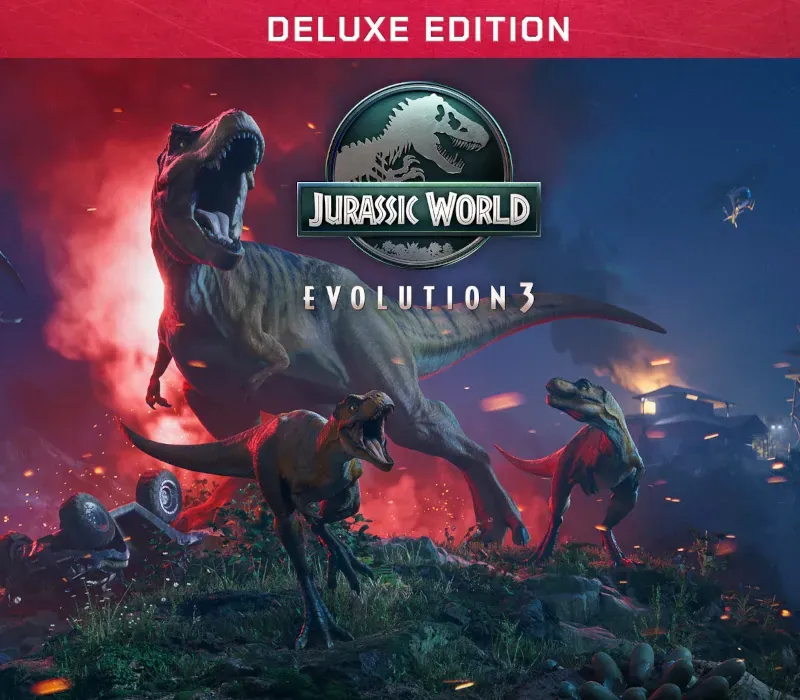
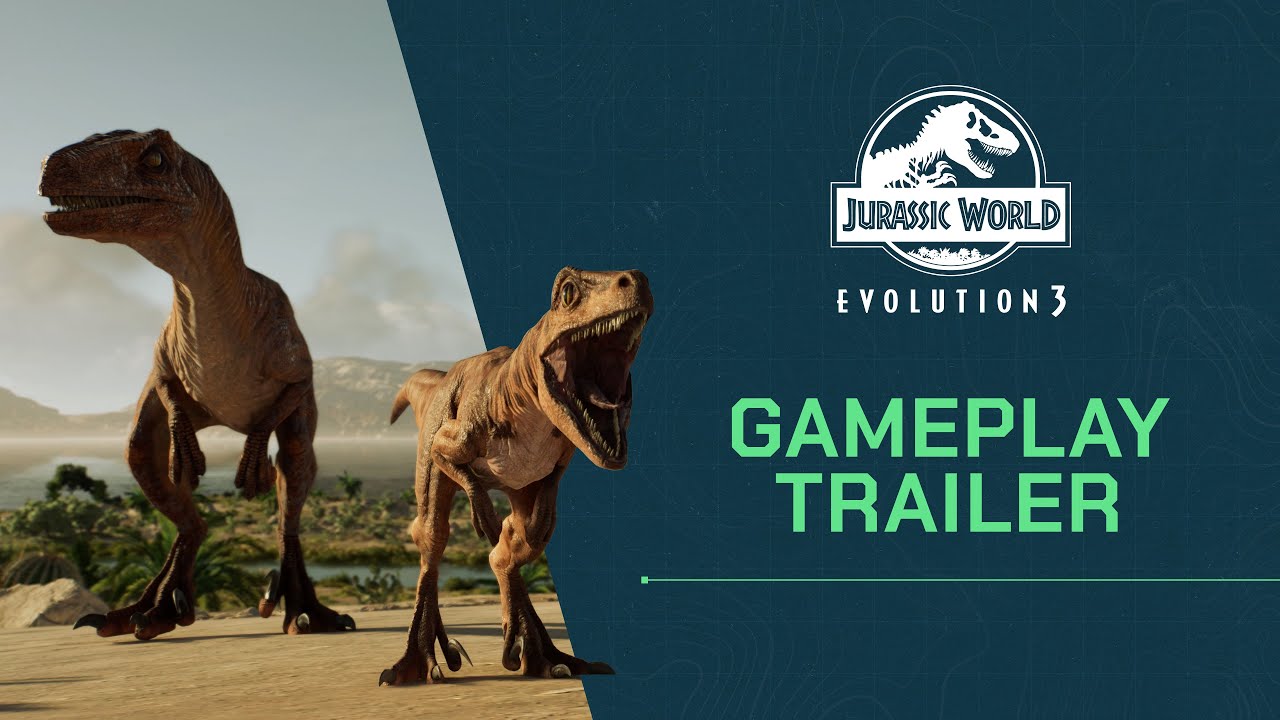
Jurassic World Evolution 3 Deluxe Edition PC Steam CD Key
Jurassic World Evolution 3 Deluxe Edition PC Steam CD Key ist ein digitaler Key für Steam, nicht regional gesperrt. Sofortige Lieferung nach der Zahlung.
⭐ 153,000+ Bestellungen seit 2018 geliefert
 Pago Móvil
 Binance Pay
Editionen vergleichen
Sehen Sie, was in jeder Edition enthalten ist
Über dieses Spiel
Enthält
Basisspiel, 4 zusätzliche spektakuläre prähistorische Arten als Familieneinheiten, mit männlichen, weiblichen und jungen Varianten: Protoceratops, Guanlong, Thanatosdrakon und Concavenator; Mosasaurus-Skin; einzigartige Clark-County-Kulisse; 3 ATV-Skins für das Wartungsteam. Der nächste Teil der preisgekrönten Serie: In Jurassic World Evolution 3 baust und betreibst du deine eigene Jurassic World. Hilf dem Leben, seinen Weg zu finden, indem du prähistorische Arten synthetisierst, züchtest und pflegst.
Verwalte jede Art und lass sie gedeihen, während du deinen Dinosauriern hilfst, Familien aufzuziehen und ihre Gene an künftige Generationen weiterzugeben. Schaffe unglaubliche Zufluchtsorte, in denen deine Dinosaurier aufblühen, baue aufregende neue Attraktionen, um die Besucher zu begeistern, und behalte die Kontrolle, wenn das Unglück unvermeidlich zuschlägt.
GENERATIONEN VON DINOSAURIERN
Mit über 80 ehrfurchtgebietenden prähistorischen Arten, von denen du bei 75 Dinosaurierfamilien über ganze Generationen hinweg verwalten, züchten und pflegen kannst. Ziehe sie von verspielten Jungtieren zu beeindruckenden Erwachsenen auf, jeweils mit eigenen weiblichen, männlichen und jungen Varianten. Die Parkbesucher werden staunen, wie diese majestätischen Kreaturen miteinander interagieren und auf die lebendige Welt um sie herum reagieren.
Verwalte einzigartige soziale Bedürfnisse und beobachte völlig neue Verhaltensweisen, etwa semiaquatische Dinosaurier, die sich in tiefes Wasser wagen, und Flugsaurier, die an Land laufen.
KREATIVITÄT WEITERENTWICKELT
Erschaffe atemberaubende Parks mit neuen kreativen Werkzeugen, die es in der Jurassic World Evolution-Reihe noch nie gab! Von bahnbrechender Geländebearbeitung bis zur modularen Anpassung der Kulisse – baue und verändere jeden Aspekt deines Parks von Grund auf. Gestalte deine Anlagen mit naturnahen Gehegen an steilen Hängen und in Kulissen und führe beeindruckende neue Attraktionen ein, etwa die Ballonfahrt, eine Attraktion aus nächster Nähe, bei der Besucher mit der Dinosaurierbegegnung prähistorische Tiere sehen und berühren können, und mehr!
Erstelle, lade hoch und teile plattformübergreifende Community-Kreationen über den Frontier Workshop. Stöbere in den besten Kreationen der Community, platziere sie in deinem eigenen Spiel oder entwirf eigene Parks, Gebäude und Gehege, bevor du sie für andere Spieler freigibst.
EPISCHE NEUE KAMPAGNE
Schließe dich bekannten Gesichtern aus dem Jurassic-Franchise an, darunter Dr. Ian Malcolm (gesprochen von Jeff Goldblum), und begib dich auf eine nichtlineare Kampagne über eine weitläufige Weltkarte voller ikonischer Orte wie den Badlands von Montana und neuer Schauplätze wie Japan – jeder mit aufregenden neuen Herausforderungen. Jede Entscheidung stellt deine Fähigkeiten im Parkmanagement auf die Probe, während du konkurrierende menschliche Interessen mit der heiklen Integration von Dinosauriern in eine moderne Welt in Einklang bringst.
Du musst deinen Ruf bei drei einflussreichen Branchensektoren und die einzigartigen Ansprüche einer Reihe von Kunden mit eigenen Standorten unter einen Hut bringen. Aber sei gewarnt: Nicht jeder möchte, dass die Dinosaurier gedeihen.
KONTROLLIERE DAS CHAOS
Richte deinen Standort so effizient wie möglich ein, mit leistungsstarken und leicht zugänglichen Parkmanagement-Werkzeugen, die dir die Kontrolle über den Betrieb deines Parks geben. Doch Chaos ist die einzige Gewissheit, also bereite dich mit neuen Überwachungskameras auf Katastrophen vor, die die Reaktion auf ausgebrochene Dinosaurier automatisieren, und setze dein Wartungsteam ein, um Bedrohungen in Schach zu halten, indem es kritische Reparaturen im gesamten Gelände durchführt.
Systemanforderungen
- Windows: Minimum: Betriebssystem: Windows 10 64bit (Mindestversion 22H2) Prozessor: Intel i5-6600K / AMD Ryzen 5 2600 Arbeitsspeicher: 16 GB RAM Grafik: NVIDIA GeForce GTX 1060 (6GB VRAM) / AMD Radeon RX 5600XT (6GB VRAM) / Intel Arc A750 (8GB VRAM) DirectX: Version 12 Speicherplatz: 25 GB verfügbarer Speicherplatz
So aktivierst du
- Starte den Steam-Client auf deinem PC und melde dich an, oder öffne store.steampowered.com/account/registerkey im Browser.
- Klicke oben auf das Menü "Spiele" (oder unten links auf "+ Spiel hinzufügen") und wähle "Ein Produkt bei Steam aktivieren...".
- Folge den Anweisungen, akzeptiere das Steam-Abonnement-Abkommen und gib deinen Key in das Feld "Produktschlüssel" ein.
- Klicke auf "Weiter" und "Fertigstellen". Das Spiel ist nun dauerhaft in deiner Steam-Bibliothek verfügbar und installationsbereit.
Kundenbewertungen
Häufig gestellte Fragen
Für welche Region ist das?
Das ist die Global-Version: Sie ist nicht regional gesperrt.
Wie aktiviere ich Jurassic World Evolution 3 Deluxe Edition PC Steam CD Key auf Steam?
1. Starte den Steam-Client auf deinem PC und melde dich an, oder öffne store.steampowered.com/account/registerkey im Browser. 2. Klicke oben auf das Menü "Spiele" (oder unten links auf "+ Spiel hinzufügen") und wähle "Ein Produkt bei Steam aktivieren...". 3. Folge den Anweisungen, akzeptiere das Steam-Abonnement-Abkommen und gib deinen Key in das Feld "Produktschlüssel" ein. 4. Klicke auf "Weiter" und "Fertigstellen". Das Spiel ist nun dauerhaft in deiner Steam-Bibliothek verfügbar und installationsbereit.
Wie schnell erfolgt die Lieferung?
Dein Key erscheint direkt nach der Zahlung in deinem Konto und wird dir per E-Mail geschickt.
Was ist in „Deluxe Edition“ enthalten?
Base game, 5 Exclusive Prehistoric Species, 6 Building Amenity Signs, 3 DFW Vehicle Skins