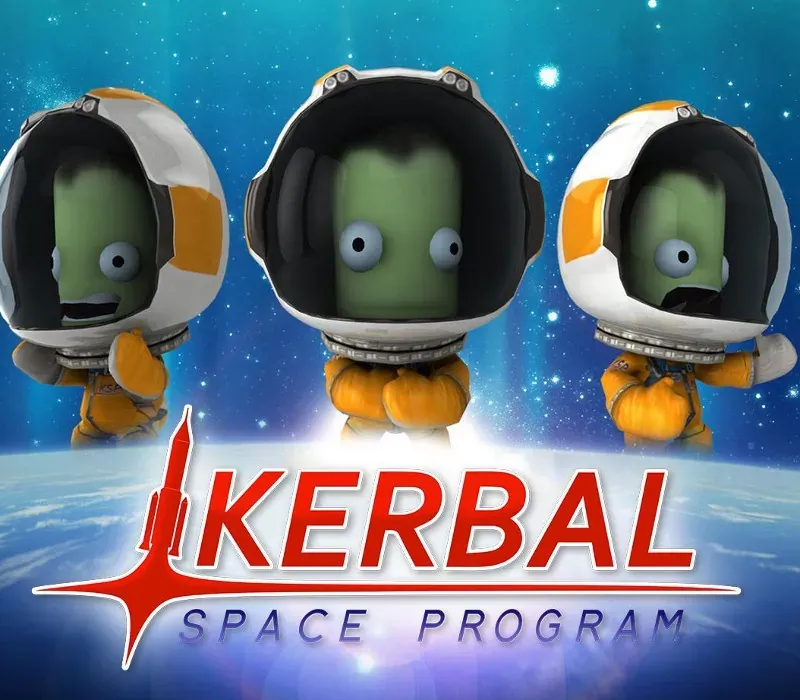
Kerbal Space Program Complete Edition PC Steam CD Key
Kerbal Space Program Complete Edition PC Steam CD Key ist ein digitaler Key für Steam, nicht regional gesperrt. Sofortige Lieferung nach der Zahlung. Preis: $19.47, 51 % unter Steam UVP: $39.99.
⭐ 153,000+ Bestellungen seit 2018 geliefert
 Pago Móvil
 Binance Pay
Wähle deine Edition
Edition
Lieferung
Editionen vergleichen
Sehen Sie, was in jeder Edition enthalten ist
Über dieses Spiel
Enthält
Basisspiel, DLC Making History, DLC Breaking Ground Das Kerbal Space Program Complete Bundle enthält das vielfach ausgezeichnete und sich stetig weiterentwickelnde Weltraumsimulationsspiel Kerbal Space Program sowie die Erweiterungen Making History und Breaking Ground zum Paketpreis. In Kerbal Space Program übernimmst du das Kommando über das Raumfahrtprogramm der außerirdischen Rasse der Kerbals.
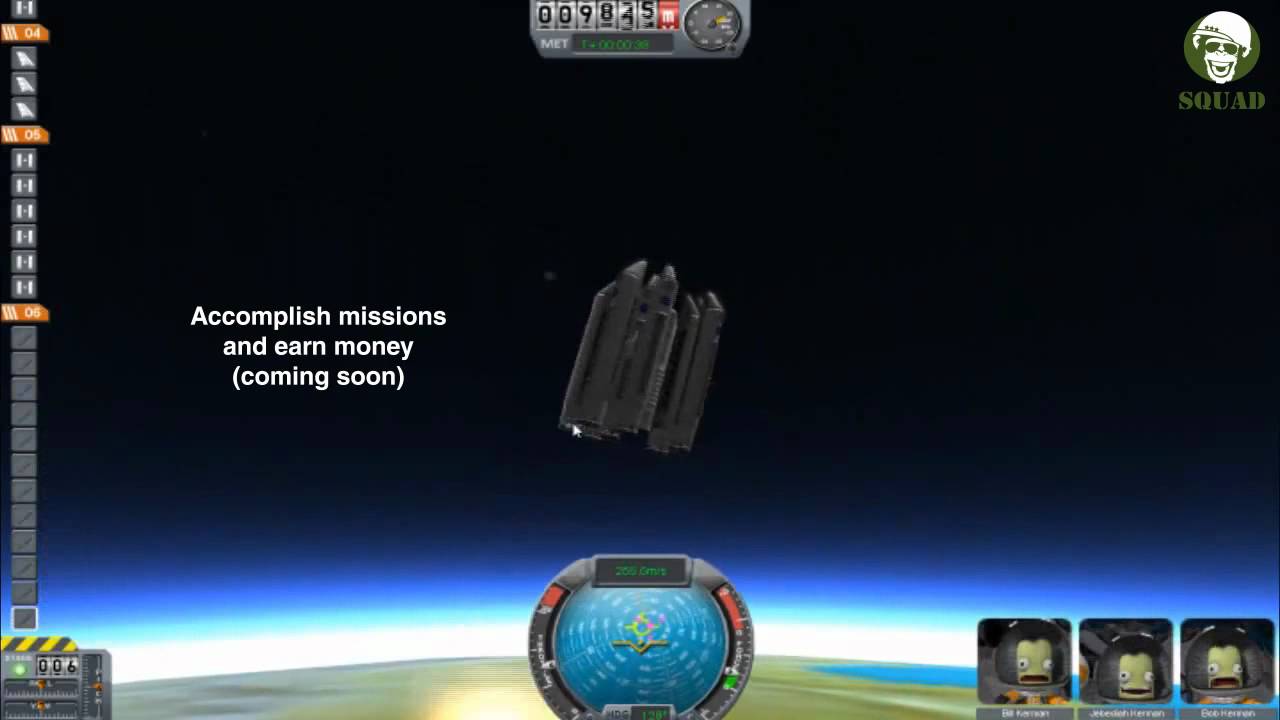
Du hast Zugriff auf eine Vielzahl von Teilen, um voll funktionsfähige Raumschiffe zu bauen, die auf Basis realistischer Aerodynamik und Orbitalphysik fliegen (oder auch nicht). Schicke deine Kerbal-Crew in die Umlaufbahn und darüber hinaus (und halte sie dabei am Leben), um Monde und Planeten im Kerbal-Sonnensystem zu erkunden und Basen und Raumstationen zu errichten, um die Reichweite deiner Expedition zu erweitern. Kerbal Space Program bietet drei Spielmodi.
Im Wissenschaftsmodus führst du Weltraumexperimente durch, um neue Technologien freizuschalten und das Wissen der Kerbals voranzubringen. Im Karrieremodus überwachst du jeden Aspekt des Raumfahrtprogramms, einschließlich Konstruktion, Strategie, Finanzierung, Upgrades und mehr. Im Sandbox-Modus kannst du jedes Raumschiff bauen, das du dir vorstellen kannst, mit allen Teilen und Technologien des Spiels.
Systemanforderungen
- Windows: Betriebssystem: Windows XP Prozessor: Core 2 Duo Arbeitsspeicher: 2 GB RAM Grafik: SM3 512MB VRAM Festplatte: 1 GB Festplattenspeicher
- Mac: Betriebssystem: Windows XP Prozessor: Core 2 Duo Arbeitsspeicher: 2 GB RAM Grafik: SM3 512MB VRAM Festplatte: 1 GB Festplattenspeicher
- Linux: Betriebssystem: Linux (die meisten Distributionen sollten funktionieren) Prozessor: Core 2 Duo Arbeitsspeicher: 2 GB RAM Festplattenspeicher: 1.5 GB Festplattenspeicher Grafikkarte: SM3 512MB VRAM
So aktivierst du
- Starte den Steam-Client auf deinem PC und melde dich an, oder öffne store.steampowered.com/account/registerkey im Browser.
- Klicke oben auf das Menü "Spiele" (oder unten links auf "+ Spiel hinzufügen") und wähle "Ein Produkt bei Steam aktivieren...".
- Folge den Anweisungen, akzeptiere das Steam-Abonnement-Abkommen und gib deinen Key in das Feld "Produktschlüssel" ein.
- Klicke auf "Weiter" und "Fertigstellen". Das Spiel ist nun dauerhaft in deiner Steam-Bibliothek verfügbar und installationsbereit.
Kundenbewertungen
Häufig gestellte Fragen
Für welche Region ist das?
Das ist die Global-Version: Sie ist nicht regional gesperrt.
Wie aktiviere ich Kerbal Space Program Complete Edition PC Steam CD Key auf Steam?
1. Starte den Steam-Client auf deinem PC und melde dich an, oder öffne store.steampowered.com/account/registerkey im Browser. 2. Klicke oben auf das Menü "Spiele" (oder unten links auf "+ Spiel hinzufügen") und wähle "Ein Produkt bei Steam aktivieren...". 3. Folge den Anweisungen, akzeptiere das Steam-Abonnement-Abkommen und gib deinen Key in das Feld "Produktschlüssel" ein. 4. Klicke auf "Weiter" und "Fertigstellen". Das Spiel ist nun dauerhaft in deiner Steam-Bibliothek verfügbar und installationsbereit.
Wie schnell erfolgt die Lieferung?
Dein Key erscheint direkt nach der Zahlung in deinem Konto und wird dir per E-Mail geschickt.
Was ist in „Complete Edition“ enthalten?
Base game, Making History Expansion, Breaking Ground Expansion