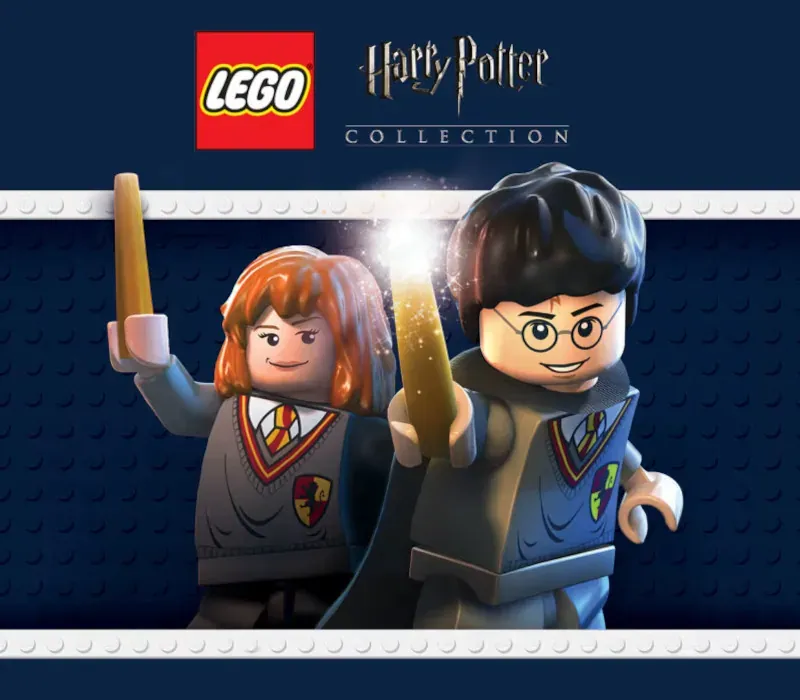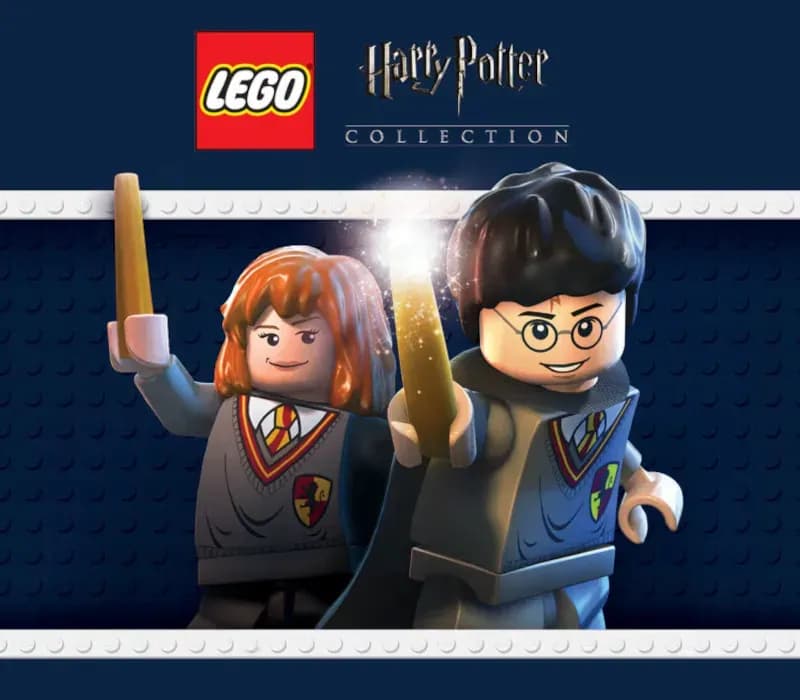
LEGO Harry Potter Collection PC Steam CD Key
LEGO Harry Potter Collection PC Steam CD Key ist ein digitaler Key für Steam, nicht regional gesperrt. Sofortige Lieferung nach der Zahlung. Preis: $6.28, 84 % unter Steam UVP: $39.99.
⭐ 153,000+ Bestellungen seit 2018 geliefert
 Pago Móvil
 Binance Pay
Über dieses Spiel
Enthält
LEGO Harry Potter: Years 1-4 LEGO Harry Potter: Years 5-7 LEGO Harry Potter: Years 1-4 Baue das Abenteuer vom Ligusterweg bis zum Trimagischen Turnier und erlebe die Magie der ersten vier Harry-Potter-Geschichten – im LEGO-Stil! Erkunde die Hogwarts-Schule für Hexerei und Zauberei, lerne Zaubersprüche, braue Tränke und erlebe die Abenteuer wie nie zuvor – mit augenzwinkerndem Humor und kreativer Individualisierung, wie es sie nur in LEGO-Videospielen gibt!
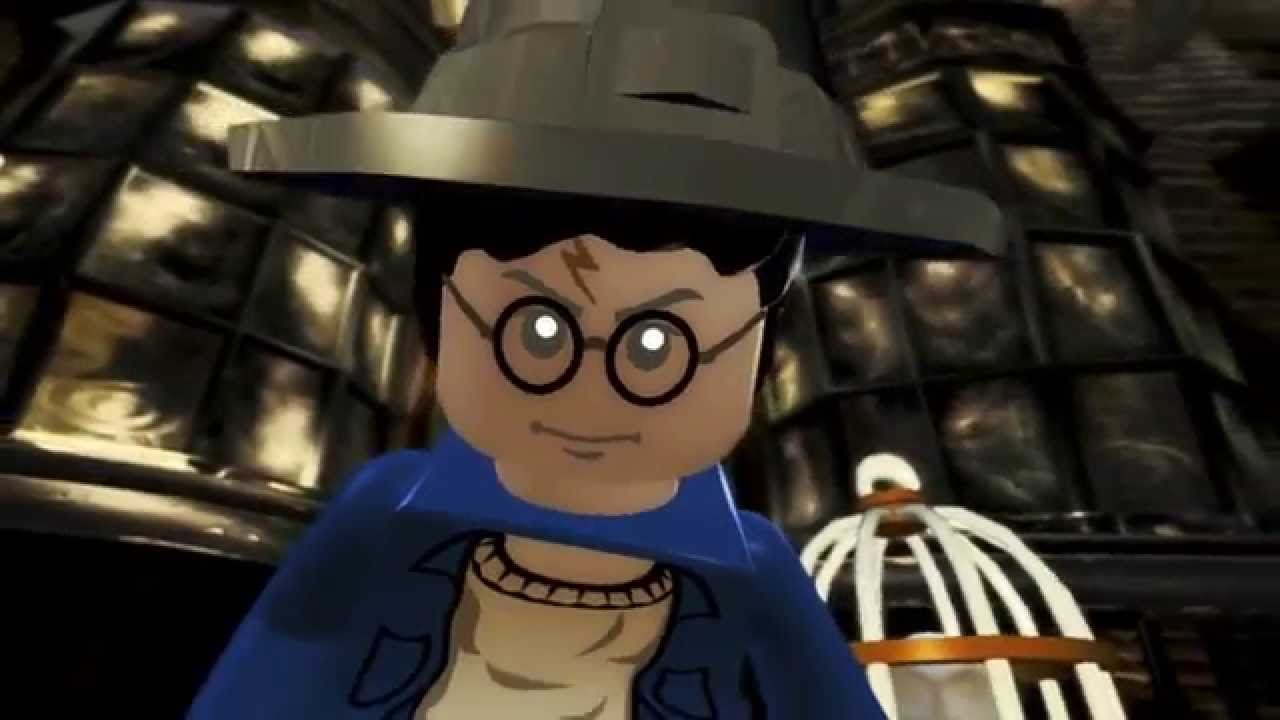
LEGO Harry Potter: Years 5-7 Basierend auf den letzten drei Harry-Potter-Büchern und den letzten vier Filmen führt LEGO Harry Potter: Years 5-7 die Spieler durch Harry Potters heldenhafte Abenteuer in der Muggel- und der Zaubererwelt. Vom Ligusterweg in Little Whinging über die Winkelgasse und Hogsmeade bis nach Hogwarts begegnen die Spieler neuen Gesichtern, neuen Herausforderungen und neuer Magie und bereiten sich auf das ultimative Duell mit Lord Voldemort vor
Systemanforderungen
- Windows: Minimum: Betriebssystem: Windows XP SP3 Vista oder Windows 7 Prozessor: Dual Core CPU @ 2GHz (Pentium D oder besser) Arbeitsspeicher: 1 GB RAM Festplattenspeicher: 8.5 GB freier Festplattenspeicher Grafikkarte: Shader Model 3 Grafikkarte (NVIDIA GeForce 6800, 7800, 8xxx oder besser; ATI X1950 oder besser)
So aktivierst du
- Starte den Steam-Client auf deinem PC und melde dich an, oder öffne store.steampowered.com/account/registerkey im Browser.
- Klicke oben auf das Menü "Spiele" (oder unten links auf "+ Spiel hinzufügen") und wähle "Ein Produkt bei Steam aktivieren...".
- Folge den Anweisungen, akzeptiere das Steam-Abonnement-Abkommen und gib deinen Key in das Feld "Produktschlüssel" ein.
- Klicke auf "Weiter" und "Fertigstellen". Das Spiel ist nun dauerhaft in deiner Steam-Bibliothek verfügbar und installationsbereit.
Kundenbewertungen
Häufig gestellte Fragen
Für welche Region ist das?
Das ist die Global-Version: Sie ist nicht regional gesperrt.
Wie aktiviere ich LEGO Harry Potter Collection PC Steam CD Key auf Steam?
1. Starte den Steam-Client auf deinem PC und melde dich an, oder öffne store.steampowered.com/account/registerkey im Browser. 2. Klicke oben auf das Menü "Spiele" (oder unten links auf "+ Spiel hinzufügen") und wähle "Ein Produkt bei Steam aktivieren...". 3. Folge den Anweisungen, akzeptiere das Steam-Abonnement-Abkommen und gib deinen Key in das Feld "Produktschlüssel" ein. 4. Klicke auf "Weiter" und "Fertigstellen". Das Spiel ist nun dauerhaft in deiner Steam-Bibliothek verfügbar und installationsbereit.
Wie schnell erfolgt die Lieferung?
Dein Key erscheint direkt nach der Zahlung in deinem Konto und wird dir per E-Mail geschickt.