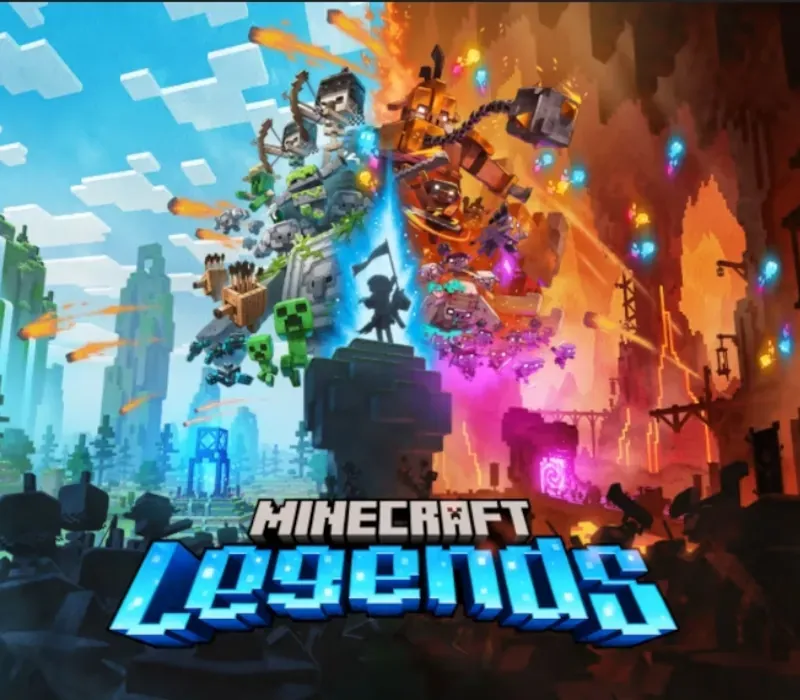
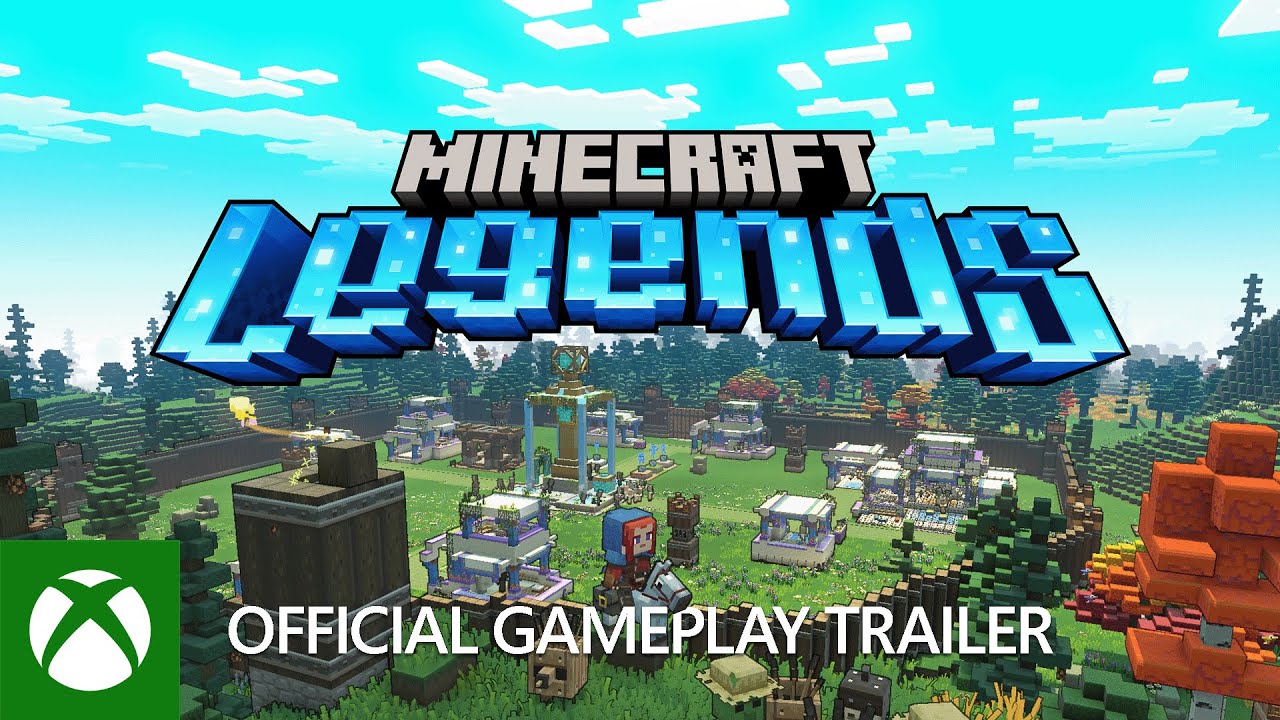
Minecraft Legends Xbox Series X|S CD Key
Minecraft Legends Xbox Series X|S CD Key ist ein digitaler Key für Xbox, nicht regional gesperrt. Sofortige Lieferung nach der Zahlung.
⭐ 153,000+ Bestellungen seit 2018 geliefert
 Pago Móvil
 Binance Pay
Über dieses Spiel
Die Nether-Korruption der Piglins breitet sich über die Oberwelt aus und versengt alles, was sie berührt. Bist du der Held, der dieses sanfte Land beschützt? Plane deine Strategie und stelle dich den Piglins in epischen Schlachten, aber sei gewarnt: Sie schlagen immer zurück. Nimm Piglin-Basen tagsüber ein und verteidige deine Verbündeten nach Einbruch der Dunkelheit.
Erkunde üppige Biome voller Schätze und Gefahren, schließe neue Freundschaften und treffe vertraute Mobs wieder. Mit den Allays an deiner Seite bleibt nur noch, die Welt zu retten.
Erlebe eine epische Legende aus dem Minecraft-Universum und die Oberwelt, wie du sie noch nie gesehen hast Schließe Bündnisse mit neuen Freunden und vertrauten Mobs und führe dann den Angriff in epischen Schlachten gegen die wilden Piglins an, um die Oberwelt zu verteidigen Durchquere eine üppige, dynamische Welt, die reich an Ressourcen ist und bei jedem Durchgang anders aussieht Fordere deine Freunde heraus oder tue dich mit ihnen in intensiven Schlachten zusammen, während du dein Dorf verteidigst und deine Einheiten anführst, um die Siedlungen deiner Gegner zu zerstören
Systemanforderungen
- Windows: Minimum: Erfordert einen 64-Bit-Prozessor und ein 64-Bit-Betriebssystem Betriebssystem: Windows 10 (Mai-2020-Update oder höher) oder Windows 11 Prozessor: Core i5 2.8GHz oder gleichwertig Arbeitsspeicher: 8 GB RAM Grafik: NVIDIA GeForce GTX 780 oder AMD Radeon 285 oder Intel HD 520 oder gleichwertige DX12-GPU DirectX: Version 12 Speicherplatz: 24 GB verfügbarer Speicherplatz Zusätzliche Hinweise: Die Leistung steigt mit High-End-Systemen. Wird unter Windows 10S nicht unterstützt.
So aktivierst du
- Rufe redeem.microsoft.com im Browser auf oder drücke die Xbox-Taste an der Konsole und wähle Store -> Einlösen.
- Melde dich mit dem Microsoft-/Xbox-Konto an, auf dem das Spiel aktiviert werden soll.
- Gib den 25-stelligen Produktcode ein (Bindestriche werden automatisch ergänzt).
- Klicke auf "Weiter" und bestätige. Das Spiel wird deiner Bibliothek hinzugefügt und ist unter "Meine Spiele & Apps" bzw. in der Xbox-App verfügbar.
Kundenbewertungen
Häufig gestellte Fragen
Für welche Region ist das?
Das ist die Global-Version: Sie ist nicht regional gesperrt.
Wie aktiviere ich Minecraft Legends Xbox Series X|S CD Key auf Xbox?
1. Rufe redeem.microsoft.com im Browser auf oder drücke die Xbox-Taste an der Konsole und wähle Store -> Einlösen. 2. Melde dich mit dem Microsoft-/Xbox-Konto an, auf dem das Spiel aktiviert werden soll. 3. Gib den 25-stelligen Produktcode ein (Bindestriche werden automatisch ergänzt). 4. Klicke auf "Weiter" und bestätige. Das Spiel wird deiner Bibliothek hinzugefügt und ist unter "Meine Spiele & Apps" bzw. in der Xbox-App verfügbar.
Wie schnell erfolgt die Lieferung?
Dein Key erscheint direkt nach der Zahlung in deinem Konto und wird dir per E-Mail geschickt.