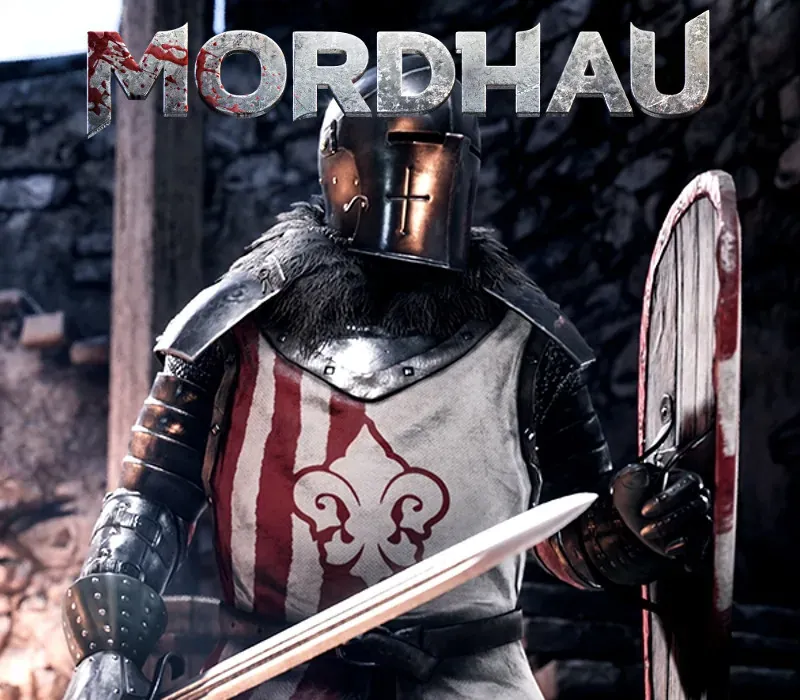
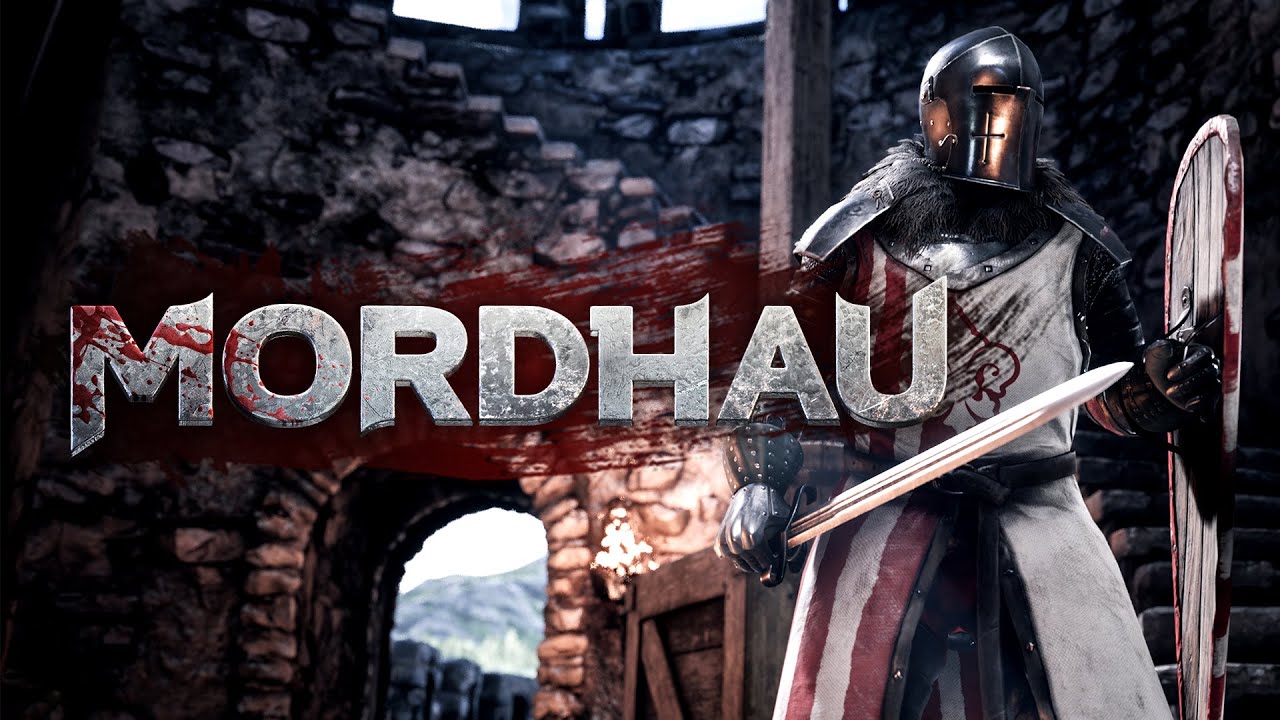
MORDHAU PC Steam CD Key
MORDHAU PC Steam CD Key ist ein digitaler Key für Steam, nicht regional gesperrt. Sofortige Lieferung nach der Zahlung. Preis: $5.39, 82 % unter Steam UVP: $29.99.
⭐ 153,000+ Bestellungen seit 2018 geliefert
 Pago Móvil
 Binance Pay
Über dieses Spiel
MORDHAU ist ein mittelalterlicher Multiplayer-Slasher in der Ego- und Third-Person-Perspektive. Betritt als Söldner ein hektisches Schlachtfeld mit bis zu 64 Spielern in einer fiktiven, aber realistischen Welt, in der du brutale und befriedigende Nahkämpfe erlebst, die dich immer wieder zurückkehren lassen.
Merkmale
Massive Schlachten: Von kleinen Gefechten bis zu 64-Spieler-Kriegen in Modi wie Frontline und Battle Royale. Koop- und Offline-Spiel: Kämpfe im kooperativen Horde-Modus an der Seite deiner Freunde gegen Gegnerwellen oder übe deine Fähigkeiten offline gegen die KI. Freier Nah- und Fernkampf: Erlange die volle Kontrolle über deinen Charakter und deine Angriffe und entwickle deinen einzigartigen Stil.
Umfangreiche Charakteranpassung: Forme dein Gesicht, stelle deine Waffe aus Einzelteilen zusammen und wähle einzelne Rüstungsteile aus, um den perfekten Krieger zu erschaffen. Riesiges Arsenal an Waffen und Ausrüstung: Stelle dich Feinden mit einem Zweihänder, lass Pfeile von oben regnen oder halte dich im Hintergrund und baue Befestigungen. Kämpfe überall: Erlebe Kavallerieangriffe, kämpfe auf Leitern und bediene Belagerungsmaschinen wie Katapult und Balliste.
Wuchtiger und blutiger Kampf: Spüre die Wucht jedes Schlags und lass Gliedmaßen fliegen, während du unter deinen Feinden wütest. (Blut und Gore sind optional). Glaubwürdige Kämpfe: In einem Spiel, in dem Kämpfe glaubwürdig aussehen, findet MORDHAU ein Gleichgewicht zwischen Gameplay und Realismus.
Systemanforderungen
- Windows: Erfordert einen 64-Bit-Prozessor und ein 64-Bit-Betriebssystem Betriebssystem: Windows 7 64 Bit, Windows 8 64 Bit, Windows 10 64 Bit Prozessor: Intel Core i5 - 4670 oder AMD-Äquivalent Arbeitsspeicher: 8 GB RAM Grafik: NVIDIA GTX 680 oder AMD-Äquivalent DirectX: Version 11 Netzwerk: Breitband-Internetverbindung Speicherplatz: 20 GB freier Speicherplatz
So aktivierst du
- Starte den Steam-Client auf deinem PC und melde dich an, oder öffne store.steampowered.com/account/registerkey im Browser.
- Klicke oben auf das Menü "Spiele" (oder unten links auf "+ Spiel hinzufügen") und wähle "Ein Produkt bei Steam aktivieren...".
- Folge den Anweisungen, akzeptiere das Steam-Abonnement-Abkommen und gib deinen Key in das Feld "Produktschlüssel" ein.
- Klicke auf "Weiter" und "Fertigstellen". Das Spiel ist nun dauerhaft in deiner Steam-Bibliothek verfügbar und installationsbereit.
Kundenbewertungen
Häufig gestellte Fragen
Für welche Region ist das?
Das ist die Global-Version: Sie ist nicht regional gesperrt.
Wie aktiviere ich MORDHAU PC Steam CD Key auf Steam?
1. Starte den Steam-Client auf deinem PC und melde dich an, oder öffne store.steampowered.com/account/registerkey im Browser. 2. Klicke oben auf das Menü "Spiele" (oder unten links auf "+ Spiel hinzufügen") und wähle "Ein Produkt bei Steam aktivieren...". 3. Folge den Anweisungen, akzeptiere das Steam-Abonnement-Abkommen und gib deinen Key in das Feld "Produktschlüssel" ein. 4. Klicke auf "Weiter" und "Fertigstellen". Das Spiel ist nun dauerhaft in deiner Steam-Bibliothek verfügbar und installationsbereit.
Wie schnell erfolgt die Lieferung?
Dein Key erscheint direkt nach der Zahlung in deinem Konto und wird dir per E-Mail geschickt.