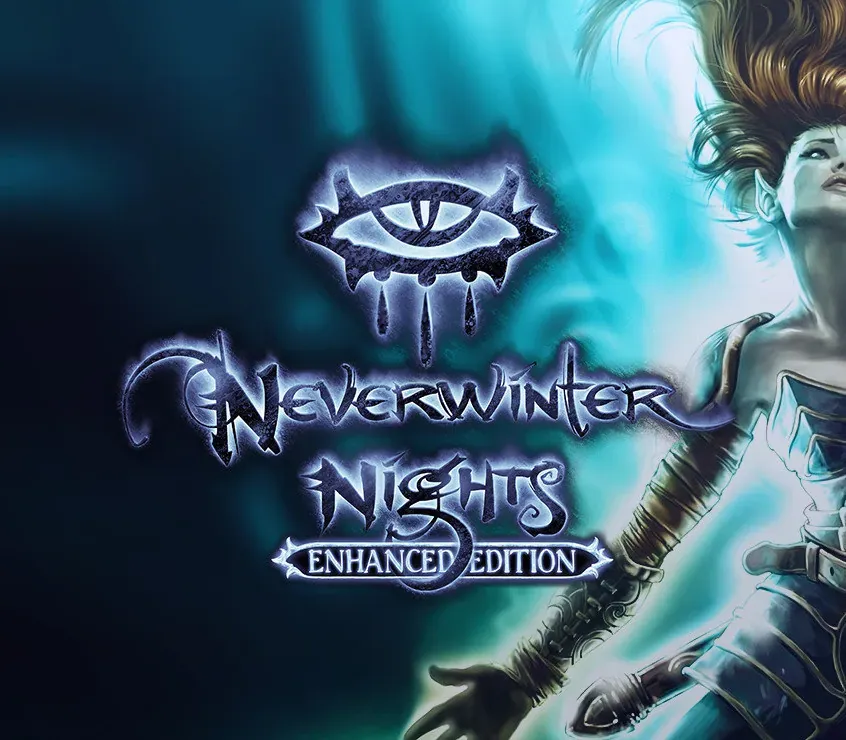

Neverwinter Nights: Enhanced Edition PC Steam CD Key
Neverwinter Nights: Enhanced Edition PC Steam CD Key ist ein digitaler Key für Steam, nicht regional gesperrt. Sofortige Lieferung nach der Zahlung. Preis: $2.14, 89 % unter Steam UVP: $19.99.
⭐ 153,000+ Bestellungen seit 2018 geliefert
 Pago Móvil
 Binance Pay
Über dieses Spiel
Schleiche als tödlicher Halbelfen-Schurke durch die Schatten, wirke gefürchtete Magie als mächtiger Gnomen-Zauberer, bezwinge deine Feinde als gepanzerter Zwergen-Paladin ... welchen Helden du auch erschaffst, unglaubliche Abenteuer warten auf dich.
Entdecke Magie, Wunder und Gefahren auf Schritt und Tritt, allein oder mit Freunden, in diesen klassischen Dungeons-&-Dragons-Abenteuern.
Features
Verbesserte Anzeige: Dein Porträt, die Kampfleiste, das Inventar und weitere Oberflächenelemente passen ihre Größe an die gewählte Auflösung an, einschließlich 1080p und 4K. Erweiterte Grafikoptionen: Pixel-Shader und Nachbearbeitungseffekte sorgen für schärfere, saubere Bilder. Aktiviere Kontrast-, Lebendigkeits- und Tiefenschärfe-Optionen nach Belieben.
Von der Community unterstützt: Die ursprünglichen Entwickler haben sich mit wichtigen Mitgliedern der Neverwinter-Nights-Community zusammengetan, um wichtige, von Fans gewünschte Verbesserungen zu kuratieren, die Spieler, Geschichtenerzähler und Modder unterstützen. Abwärtskompatibilität: Funktioniert mit Spielständen, Modulen und Mods des ursprünglichen Neverwinter Nights. Eine ganze Galaxis an von der Community erstellten Inhalten wartet auf dich.
Systemanforderungen
- Windows: Betriebssystem: Windows 7, 8 oder 10 Prozessor: 1 GHZ Arbeitsspeicher: 1 GB RAM Grafik: OpenGL-3.0-kompatibel Speicherplatz: 10 GB freier Speicherplatz
- Mac: Betriebssystem: Mac OS X 10.9 oder neuer Prozessor: Dual-Core-Prozessor Arbeitsspeicher: 1 GB RAM Grafik: OpenGL-3.0-kompatibel Speicherplatz: 10 GB freier Speicherplatz
- Linux: Betriebssystem: Ubuntu 12.04 oder höher, Fedora 21, Debian 8 Prozessor: Dual-Core-Prozessor Arbeitsspeicher: 1 GB RAM Grafik: OpenGL-3.0-kompatibel Speicherplatz: 10 GB freier Speicherplatz
So aktivierst du
- Starte den Steam-Client auf deinem PC und melde dich an, oder öffne store.steampowered.com/account/registerkey im Browser.
- Klicke oben auf das Menü "Spiele" (oder unten links auf "+ Spiel hinzufügen") und wähle "Ein Produkt bei Steam aktivieren...".
- Folge den Anweisungen, akzeptiere das Steam-Abonnement-Abkommen und gib deinen Key in das Feld "Produktschlüssel" ein.
- Klicke auf "Weiter" und "Fertigstellen". Das Spiel ist nun dauerhaft in deiner Steam-Bibliothek verfügbar und installationsbereit.
Kundenbewertungen
Häufig gestellte Fragen
Für welche Region ist das?
Das ist die Global-Version: Sie ist nicht regional gesperrt.
Wie aktiviere ich Neverwinter Nights: Enhanced Edition PC Steam CD Key auf Steam?
1. Starte den Steam-Client auf deinem PC und melde dich an, oder öffne store.steampowered.com/account/registerkey im Browser. 2. Klicke oben auf das Menü "Spiele" (oder unten links auf "+ Spiel hinzufügen") und wähle "Ein Produkt bei Steam aktivieren...". 3. Folge den Anweisungen, akzeptiere das Steam-Abonnement-Abkommen und gib deinen Key in das Feld "Produktschlüssel" ein. 4. Klicke auf "Weiter" und "Fertigstellen". Das Spiel ist nun dauerhaft in deiner Steam-Bibliothek verfügbar und installationsbereit.
Wie schnell erfolgt die Lieferung?
Dein Key erscheint direkt nach der Zahlung in deinem Konto und wird dir per E-Mail geschickt.