Noita PC Steam CD Key
Noita PC Steam CD Key ist ein digitaler Key für Steam, nicht regional gesperrt. Sofortige Lieferung nach der Zahlung. Preis: $11.14, 44 % unter Steam UVP: $19.99.
⭐ 153,000+ Bestellungen seit 2018 geliefert
 Pago Móvil
 Binance Pay
Über dieses Spiel
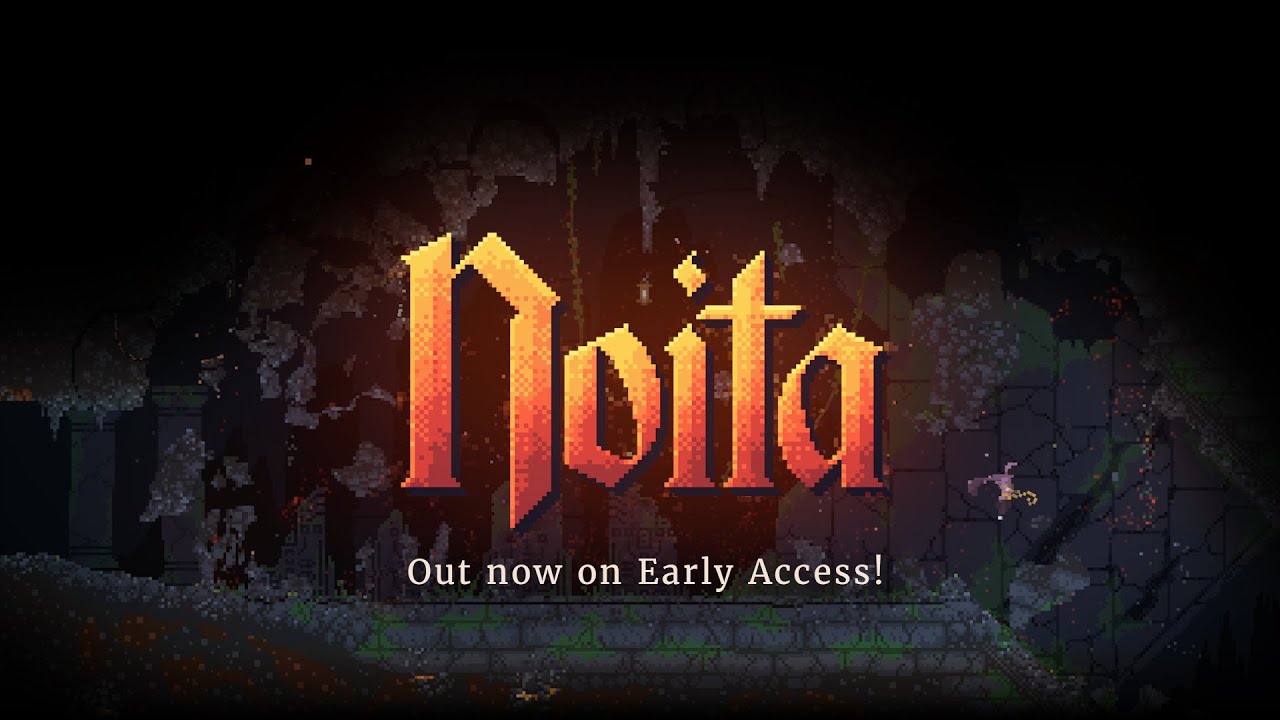
Noita ist ein magisches Action-Roguelite in einer Welt, in der jedes Pixel physikalisch simuliert wird. Kämpfe, erkunde, schmelze, verbrenne, gefriere und verdampfe dich durch die prozedural generierte Welt – mit Zaubern, die du selbst erschaffen hast. Erkunde vielfältige Umgebungen, von Kohleminen bis zu eisigen Einöden, und dringe auf der Suche nach unbekannten Geheimnissen immer tiefer vor.
Merkmale
Pixelbasierte Physik: Jedes Pixel der Welt wird simuliert. Verbrenne, sprenge oder schmelze alles. Schwimme im Blut deiner Feinde! Betritt eine simulierte Welt, die interaktiver ist als alles, was du bisher gesehen hast.
Deine eigene Magie: Erschaffe neue Zauber, während du tiefer in die Höhlen vordringst. Nutze Magie, um deine Feinde zu zermalmen und die Welt um dich herum zu manipulieren. Prozedural generierte Welt: Erkunde bei jedem Spiel eine einzigartige Welt. Entdecke neue Umgebungen, je tiefer du vordringst.
Action-Roguelite: Der Tod ist endgültig und stets eine drohende Gefahr. Wenn du stirbst, verzweifle nicht – nutze das Gelernte, um bei deinem nächsten Abenteuer weiterzukommen.
Systemanforderungen
- Windows: Betriebssystem: Windows Vista, 7, 8/8.1, 10 Prozessor: Dual-Core-CPU, Intel i5 oder besser Arbeitsspeicher: 4 GB RAM Grafik: 512 MB VRAM, OpenGL-3.0-Unterstützung Speicherplatz: 1 GB verfügbarer Speicherplatz
So aktivierst du
- Starte den Steam-Client auf deinem PC und melde dich an, oder öffne store.steampowered.com/account/registerkey im Browser.
- Klicke oben auf das Menü "Spiele" (oder unten links auf "+ Spiel hinzufügen") und wähle "Ein Produkt bei Steam aktivieren...".
- Folge den Anweisungen, akzeptiere das Steam-Abonnement-Abkommen und gib deinen Key in das Feld "Produktschlüssel" ein.
- Klicke auf "Weiter" und "Fertigstellen". Das Spiel ist nun dauerhaft in deiner Steam-Bibliothek verfügbar und installationsbereit.
Kundenbewertungen
Häufig gestellte Fragen
Für welche Region ist das?
Das ist die Global-Version: Sie ist nicht regional gesperrt.
Wie aktiviere ich Noita PC Steam CD Key auf Steam?
1. Starte den Steam-Client auf deinem PC und melde dich an, oder öffne store.steampowered.com/account/registerkey im Browser. 2. Klicke oben auf das Menü "Spiele" (oder unten links auf "+ Spiel hinzufügen") und wähle "Ein Produkt bei Steam aktivieren...". 3. Folge den Anweisungen, akzeptiere das Steam-Abonnement-Abkommen und gib deinen Key in das Feld "Produktschlüssel" ein. 4. Klicke auf "Weiter" und "Fertigstellen". Das Spiel ist nun dauerhaft in deiner Steam-Bibliothek verfügbar und installationsbereit.
Wie schnell erfolgt die Lieferung?
Dein Key erscheint direkt nach der Zahlung in deinem Konto und wird dir per E-Mail geschickt.