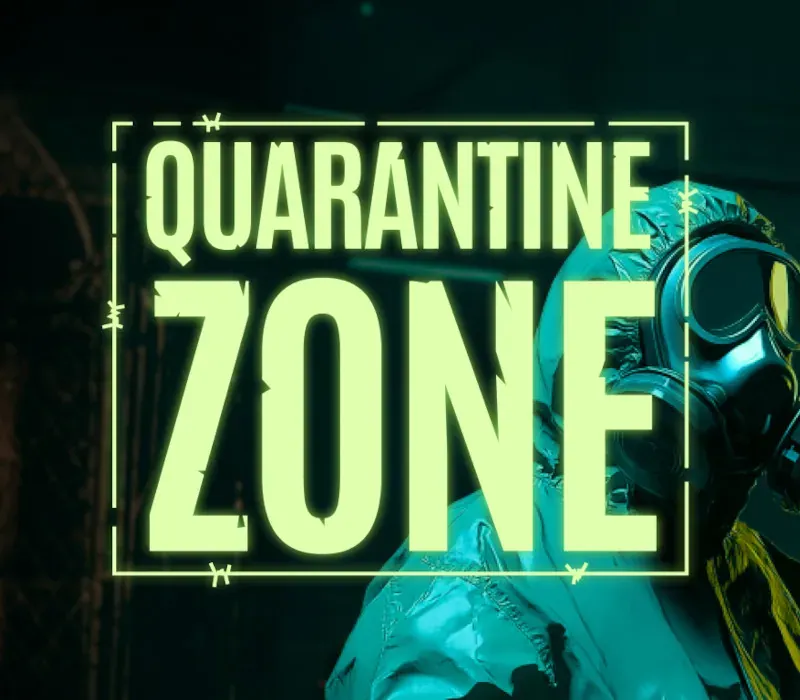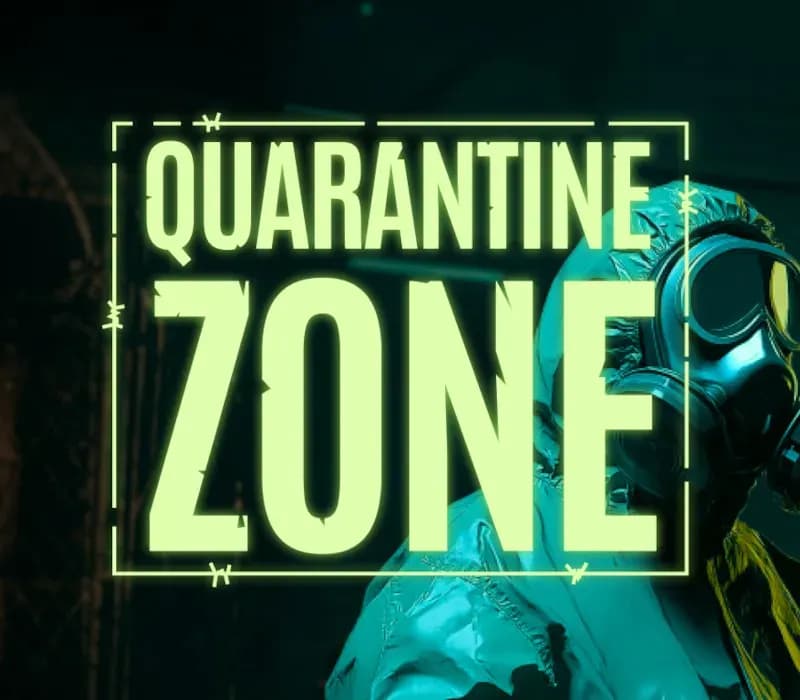

Quarantine Zone: The Last Check PC Steam CD Key
Quarantine Zone: The Last Check PC Steam CD Key ist ein digitaler Key für Steam, nicht regional gesperrt. Sofortige Lieferung nach der Zahlung. Preis: $15.03, 24 % unter Steam UVP: $19.99.
⭐ 153,000+ Bestellungen seit 2018 geliefert
 Pago Móvil
 Binance Pay
Über dieses Spiel
Jeder Scan, jede Entscheidung: Das Überleben der Menschheit hängt von dir ab. Schlüpfe in die Stiefel eines Armeeoffiziers in Quarantine Zone: The Last Checkpoint, einer packenden Überlebenssimulation, in der jede Entscheidung für jemanden eine Frage von Leben und Tod ist. In einer von einem Zombieausbruch verwüsteten Welt leitest du einen kritischen Kontrollpunkt, der gesunde Flüchtlinge von Infizierten trennen soll – und manchmal von den bloß Verdächtigen.
Lieber auf Nummer sicher Jeder Überlebende, der deinen Kontrollpunkt erreicht, will hinein – aber nicht alle sind infektionsfrei. Nutze militärische Technologie, scharfen Instinkt und strategisches Urteilsvermögen, um die Gesunden von den Infizierten zu trennen. Jeder Fehler könnte eine Katastrophe für die Evakuierung bedeuten, die du überwachen sollst. Das Überleben der Welt hängt von deiner Fähigkeit ab, die Stellung zu halten.
Wie lange kannst du den Ausbruch in Schach halten? Triff eine weise Wahl! Merkmale von Quarantine Zone: The Last Check Ressourcenmanagement: Halte das Gleichgewicht zwischen begrenzten Vorräten an Testkits und Inspektionswerkzeugen und sorge für Ordnung und Sicherheit an deinem Kontrollpunkt. Dynamische Bedrohungen: Stelle dich einer sich wandelnden Schlange von Flüchtlingen – manche gesund, manche mit gewöhnlichen Krankheiten und andere mit tödlichen Zombie-Erregern.
Immersive Inspektionsmechaniken: Nutze Werkzeuge wie UV-Taschenlampen, Thermometer und manuelle Scanner, um Anzeichen von Infektion oder Schmuggelware bei Personen und ihrem Gepäck aufzudecken. Intensive Entscheidungsfindung: Entscheide anhand visueller Hinweise, Dokumentenprüfung und medizinischer Tests, ob du Personen einlässt, unter Quarantäne stellst oder liquidierst. Strategische Progression: Verwalte tägliche Abläufe, von morgendlichen Basisberichten bis zu nächtlichen Verteidigungen, während die Einsätze mit jedem Tag steigen.
Systemanforderungen
- Windows: Minimum: Erfordert einen 64-Bit-Prozessor und ein 64-Bit-Betriebssystem Betriebssystem: Windows 10 Prozessor: i5 10400F Arbeitsspeicher: 16 GB RAM Grafik: NVidia GeForce GTX 1050 Ti DirectX: Version 12
So aktivierst du
- Starte den Steam-Client auf deinem PC und melde dich an, oder öffne store.steampowered.com/account/registerkey im Browser.
- Klicke oben auf das Menü "Spiele" (oder unten links auf "+ Spiel hinzufügen") und wähle "Ein Produkt bei Steam aktivieren...".
- Folge den Anweisungen, akzeptiere das Steam-Abonnement-Abkommen und gib deinen Key in das Feld "Produktschlüssel" ein.
- Klicke auf "Weiter" und "Fertigstellen". Das Spiel ist nun dauerhaft in deiner Steam-Bibliothek verfügbar und installationsbereit.
Kundenbewertungen
Häufig gestellte Fragen
Für welche Region ist das?
Das ist die Global-Version: Sie ist nicht regional gesperrt.
Wie aktiviere ich Quarantine Zone: The Last Check PC Steam CD Key auf Steam?
1. Starte den Steam-Client auf deinem PC und melde dich an, oder öffne store.steampowered.com/account/registerkey im Browser. 2. Klicke oben auf das Menü "Spiele" (oder unten links auf "+ Spiel hinzufügen") und wähle "Ein Produkt bei Steam aktivieren...". 3. Folge den Anweisungen, akzeptiere das Steam-Abonnement-Abkommen und gib deinen Key in das Feld "Produktschlüssel" ein. 4. Klicke auf "Weiter" und "Fertigstellen". Das Spiel ist nun dauerhaft in deiner Steam-Bibliothek verfügbar und installationsbereit.
Wie schnell erfolgt die Lieferung?
Dein Key erscheint direkt nach der Zahlung in deinem Konto und wird dir per E-Mail geschickt.