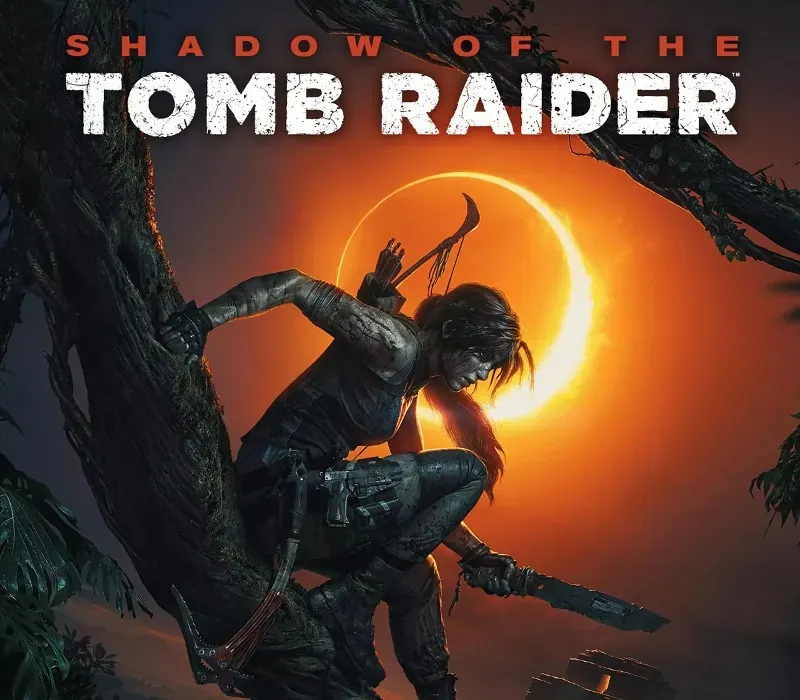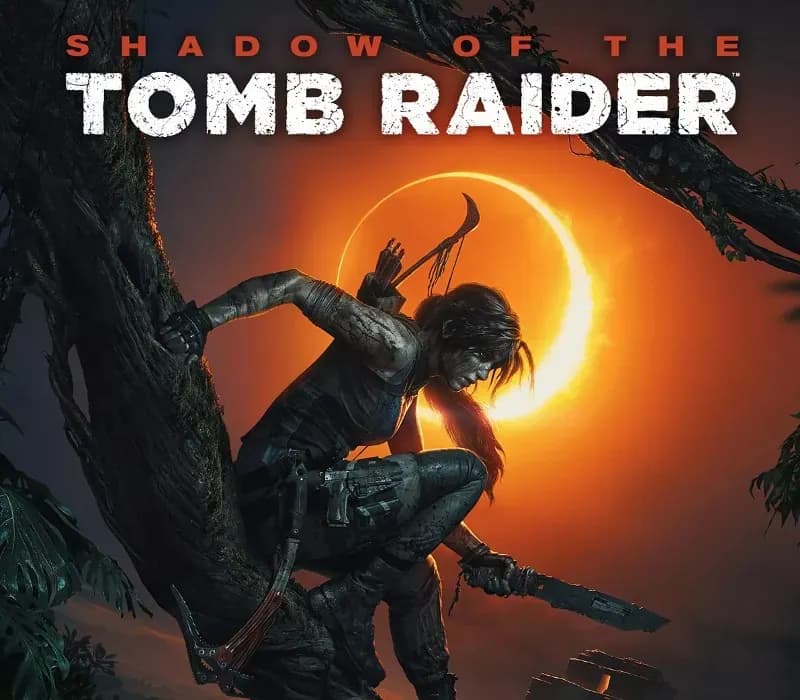

Shadow of the Tomb Raider (Definitive Edition) PC Steam CD Key
Shadow of the Tomb Raider (Definitive Edition) PC Steam CD Key ist ein digitaler Key für Steam, nicht regional gesperrt. Sofortige Lieferung nach der Zahlung. Preis: $10.48, 73 % unter Steam UVP: $39.99.
⭐ 153,000+ Bestellungen seit 2018 geliefert
 Pago Móvil
 Binance Pay
Über dieses Spiel
Erlebe den entscheidenden Moment von Lara Croft, in dem sie zur Tomb Raider wird. In Shadow of the Tomb Raider muss Lara einen tödlichen Dschungel meistern, furchterregende Gräber überwinden und in ihrer dunkelsten Stunde durchhalten. Während sie darum wettläuft, die Welt vor einer Maya-Apokalypse zu retten, wird Lara schließlich zu der Tomb Raider geschmiedet, die sie sein soll.
Funktionen
Überlebe und gedeihe am tödlichsten Ort der Erde: Meistere eine gnadenlose Dschungelumgebung, um zu überleben. Erkunde Unterwasserumgebungen voller Spalten und tiefer Tunnelsysteme. Werde eins mit dem Dschungel: Unterlegen an Feuerkraft und Zahl muss Lara den Dschungel zu ihrem Vorteil nutzen. Schlage plötzlich zu und verschwinde wie ein Jaguar, nutze Schlamm als Tarnung und verbreite Angst unter den Feinden, um Chaos zu stiften.
Entdecke dunkle und brutale Gräber: Gräber sind furchterregender als je zuvor, erfordern fortgeschrittene Fortbewegungstechniken, um sie zu erreichen, und sind im Inneren voller tödlicher Rätsel. Entdecke lebendige Geschichte: Finde eine verborgene Stadt und erkunde den größten Hub-Bereich, der je in einem Tomb-Raider-Spiel zu finden war.
Systemanforderungen
- Windows: Betriebssystem: Windows 7 64 bit Prozessor: i3-3220 INTEL oder AMD Equivalent Arbeitsspeicher: 8 GB RAM Grafik: Nvidia GTX 660/GTX 1050 oder AMD Radeon HD 7770 DirectX: Version 11 Speicherplatz: 40 GB verfügbarer Speicherplatz
So aktivierst du
- Starte den Steam-Client auf deinem PC und melde dich an, oder öffne store.steampowered.com/account/registerkey im Browser.
- Klicke oben auf das Menü "Spiele" (oder unten links auf "+ Spiel hinzufügen") und wähle "Ein Produkt bei Steam aktivieren...".
- Folge den Anweisungen, akzeptiere das Steam-Abonnement-Abkommen und gib deinen Key in das Feld "Produktschlüssel" ein.
- Klicke auf "Weiter" und "Fertigstellen". Das Spiel ist nun dauerhaft in deiner Steam-Bibliothek verfügbar und installationsbereit.
Kundenbewertungen
Häufig gestellte Fragen
Für welche Region ist das?
Das ist die Global-Version: Sie ist nicht regional gesperrt.
Wie aktiviere ich Shadow of the Tomb Raider (Definitive Edition) PC Steam CD Key auf Steam?
1. Starte den Steam-Client auf deinem PC und melde dich an, oder öffne store.steampowered.com/account/registerkey im Browser. 2. Klicke oben auf das Menü "Spiele" (oder unten links auf "+ Spiel hinzufügen") und wähle "Ein Produkt bei Steam aktivieren...". 3. Folge den Anweisungen, akzeptiere das Steam-Abonnement-Abkommen und gib deinen Key in das Feld "Produktschlüssel" ein. 4. Klicke auf "Weiter" und "Fertigstellen". Das Spiel ist nun dauerhaft in deiner Steam-Bibliothek verfügbar und installationsbereit.
Wie schnell erfolgt die Lieferung?
Dein Key erscheint direkt nach der Zahlung in deinem Konto und wird dir per E-Mail geschickt.