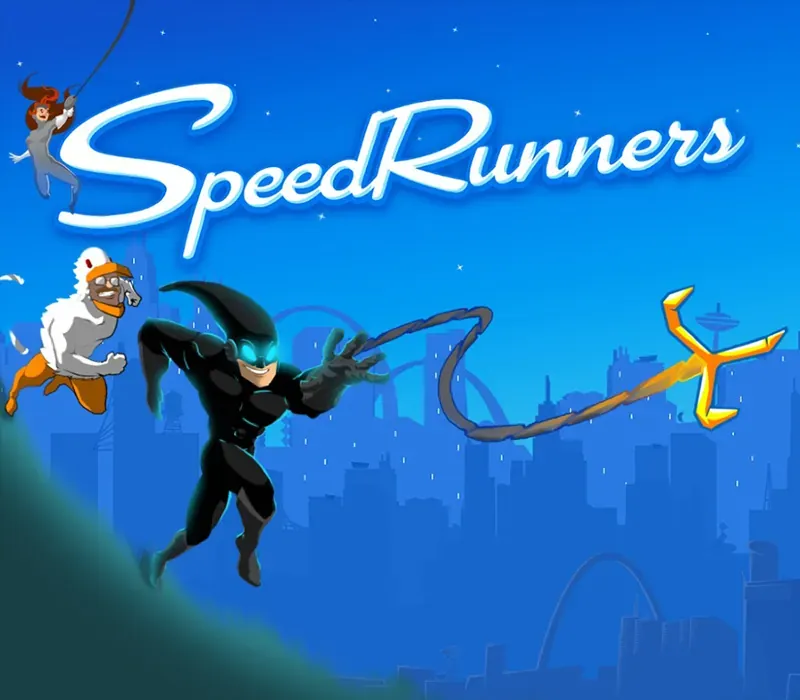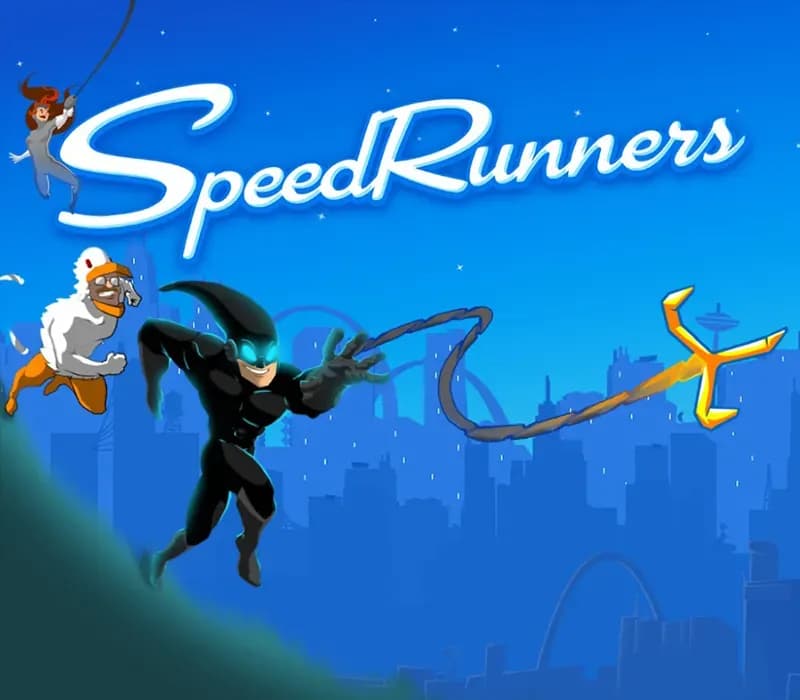

SpeedRunners PC Steam CD Key
SpeedRunners PC Steam CD Key ist ein digitaler Key für Steam, nicht regional gesperrt. Sofortige Lieferung nach der Zahlung. Preis: $4.12, 72 % unter Steam UVP: $14.99.
⭐ 153,000+ Bestellungen seit 2018 geliefert
 Pago Móvil
 Binance Pay
Über dieses Spiel
In einer Stadt voller Superhelden wird der Weg zum Verbrechen selbst zum Wettbewerb. Zum Glück liegen genug Raketen, Bomben, Enterhaken, Stacheln und andere Extras herum, damit der Wettbewerb spaßig und schnell bleibt. Willkommen bei SpeedRunners. SpeedRunners ist ein kompetitiver 4-Spieler-Plattformer mit Enterhaken, Power-ups und interaktiven Umgebungen.
Renne, springe, schwinge dich herum, feuere Raketen ab und hake dich an anderen fest, um sie aus dem Bildschirm zu befördern.
Merkmale
Kompetitives 4-Spieler-Plattforming! Halte mit dem schnellsten Spieler im Spiel Schritt, oder fall aus dem Bildschirm und scheide aus! Nutze Waffen wie Raketen, Minen und Enterhaken, um deinen Freunden das Leben schwer zu machen und dir neue Feinde zu schaffen! Lokaler und Online-Multiplayer!
Können 2 Spieler auf einer Couch gegen 2 andere Spieler im Internet antreten? Ja, natürlich! Bots aktiviert – spiele allein gegen mehrere KI-Gegner. Oder setze sie in Partien mit anderen Menschen ein!
Ein Tutorial bringt dir das Spielen bei Controller-kompatibel (und empfohlen!) 9 einzigartige Karten! Einzigartige Spielmodifikatoren Ein Charakter namens Unic! Ein aufregendes King-of-Speed-Turnier für die Feiertage!
Systemanforderungen
- Windows: Betriebssystem: Windows XP und höher Prozessor: 1Ghz und höher Arbeitsspeicher: 1 GB RAM Grafik: Dedizierte Grafikkarte empfohlen Netzwerk: Breitband-Internetverbindung Festplatte: 850 MB verfügbarer Speicherplatz Zusätzliche Hinweise: Am besten mit Xbox-Controller zu spielen. Läuft hervorragend auf Macs in virtuellen Windows-Maschinen. Gib ihm einfach mehr als 1GB RAM!
So aktivierst du
- Starte den Steam-Client auf deinem PC und melde dich an, oder öffne store.steampowered.com/account/registerkey im Browser.
- Klicke oben auf das Menü "Spiele" (oder unten links auf "+ Spiel hinzufügen") und wähle "Ein Produkt bei Steam aktivieren...".
- Folge den Anweisungen, akzeptiere das Steam-Abonnement-Abkommen und gib deinen Key in das Feld "Produktschlüssel" ein.
- Klicke auf "Weiter" und "Fertigstellen". Das Spiel ist nun dauerhaft in deiner Steam-Bibliothek verfügbar und installationsbereit.
Kundenbewertungen
Häufig gestellte Fragen
Für welche Region ist das?
Das ist die Global-Version: Sie ist nicht regional gesperrt.
Wie aktiviere ich SpeedRunners PC Steam CD Key auf Steam?
1. Starte den Steam-Client auf deinem PC und melde dich an, oder öffne store.steampowered.com/account/registerkey im Browser. 2. Klicke oben auf das Menü "Spiele" (oder unten links auf "+ Spiel hinzufügen") und wähle "Ein Produkt bei Steam aktivieren...". 3. Folge den Anweisungen, akzeptiere das Steam-Abonnement-Abkommen und gib deinen Key in das Feld "Produktschlüssel" ein. 4. Klicke auf "Weiter" und "Fertigstellen". Das Spiel ist nun dauerhaft in deiner Steam-Bibliothek verfügbar und installationsbereit.
Wie schnell erfolgt die Lieferung?
Dein Key erscheint direkt nach der Zahlung in deinem Konto und wird dir per E-Mail geschickt.