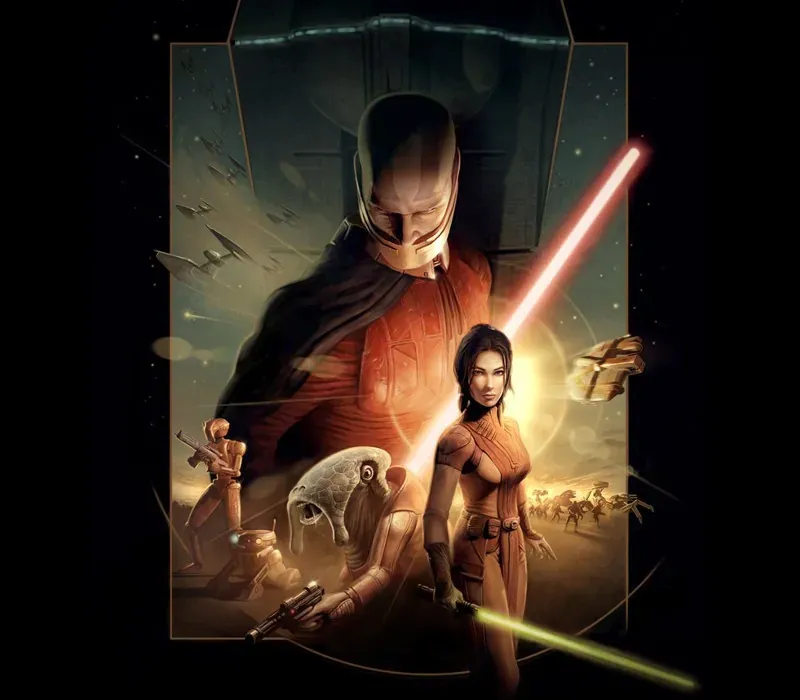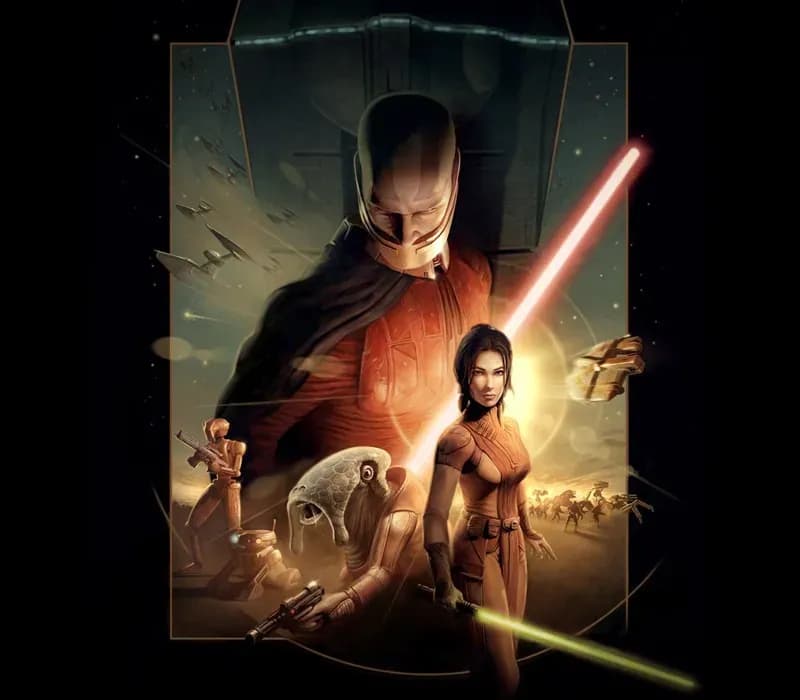

STAR WARS: Knights of the Old Republic PC Steam CD Key
STAR WARS: Knights of the Old Republic PC Steam CD Key ist ein digitaler Key für Steam, nicht regional gesperrt. Sofortige Lieferung nach der Zahlung. Preis: $3.52, 64 % unter Steam UVP: $9.99.
⭐ 153,000+ Bestellungen seit 2018 geliefert
 Pago Móvil
 Binance Pay
Über dieses Spiel
Wähle deinen Weg. Es sind vier Jahrtausende vor dem Galaktischen Imperium, und Hunderte Jedi-Ritter sind im Kampf gegen die gnadenlosen Sith gefallen. Du bist die letzte Hoffnung des Jedi-Ordens. Kannst du die gewaltige Kraft der Macht auf deiner Mission zur Rettung der Republik meistern?
Oder wirst du der Verlockung der dunklen Seite erliegen? Held oder Schurke, Retter oder Eroberer ... du allein bestimmst das Schicksal der gesamten Galaxis!
Funktionen
Ein brandneues Star-Wars-Rollenspielerlebnis mit einzigartigen Charakteren, Kreaturen, Fahrzeugen und Planeten. Lerne, die Macht mit über 40 verschiedenen Fähigkeiten einzusetzen, und baue dein eigenes Lichtschwert. Erlebe Abenteuer an einigen der beliebtesten Star-Wars-Schauplätze, darunter Tatooine und Kashyyyk, die Heimatwelt der Wookiees. Wähle deine Gruppe aus neun anpassbaren Charakteren, darunter Twi'leks, Droiden und Wookiees.
Reise in deinem eigenen Raumschiff, dem Ebon Hawk, zu acht riesigen Welten.
Systemanforderungen
- Windows: OS: Windows XP und Windows Vista Prozessor: Intel Pentium 3 1Ghz oder AMD Athlon 1GHz Arbeitsspeicher: 256 RAM Grafik: 32 MB mit Hardware-T&L DirectX®: Directx 9.0b oder besser Festplatte: 3.5 GB Sound: Directx-9.0b-kompatibel
- Mac: OS: Mac OS X 10.6.8 oder neuer Prozessor: 1.8 GHZ Intel-Chipsatz oder schneller Arbeitsspeicher: 512 MB oder höher Festplattenspeicher: 5 GB Grafikkarte: ATI Radeon X1600 / NVidia Geforce 7300 (128 MB VRAM oder höher) Sprachen: Englisch Unterstützte Grafikkarten: NVIDIA GEFORCE 7300, 7600, 8600, 8800, 9400, 9600, GT 120, 320M, 330M, ATI RADEON X1600, X1900, HD 2400, HD 2600, HD 3870, HD 4670, HD 4850, HD 5670, HD 5750, HD 5770, HD 5870, HD 6750, Intel HD Graphics 3000 Zusätzlich: Integrierte Intel-Grafikchipsätze werden nicht unterstützt. Dieses Spiel wird auf Volumes im Format Mac OS Extended (Groß-/Kleinschreibung beachten) nicht unterstützt; nur Apple-Intel-Chipsätze. Power-PC-Prozessoren (G4 und G5) werden nicht unterstützt
So aktivierst du
- Starte den Steam-Client auf deinem PC und melde dich an, oder öffne store.steampowered.com/account/registerkey im Browser.
- Klicke oben auf das Menü "Spiele" (oder unten links auf "+ Spiel hinzufügen") und wähle "Ein Produkt bei Steam aktivieren...".
- Folge den Anweisungen, akzeptiere das Steam-Abonnement-Abkommen und gib deinen Key in das Feld "Produktschlüssel" ein.
- Klicke auf "Weiter" und "Fertigstellen". Das Spiel ist nun dauerhaft in deiner Steam-Bibliothek verfügbar und installationsbereit.
Kundenbewertungen
Häufig gestellte Fragen
Für welche Region ist das?
Das ist die Global-Version: Sie ist nicht regional gesperrt.
Wie aktiviere ich STAR WARS: Knights of the Old Republic PC Steam CD Key auf Steam?
1. Starte den Steam-Client auf deinem PC und melde dich an, oder öffne store.steampowered.com/account/registerkey im Browser. 2. Klicke oben auf das Menü "Spiele" (oder unten links auf "+ Spiel hinzufügen") und wähle "Ein Produkt bei Steam aktivieren...". 3. Folge den Anweisungen, akzeptiere das Steam-Abonnement-Abkommen und gib deinen Key in das Feld "Produktschlüssel" ein. 4. Klicke auf "Weiter" und "Fertigstellen". Das Spiel ist nun dauerhaft in deiner Steam-Bibliothek verfügbar und installationsbereit.
Wie schnell erfolgt die Lieferung?
Dein Key erscheint direkt nach der Zahlung in deinem Konto und wird dir per E-Mail geschickt.