
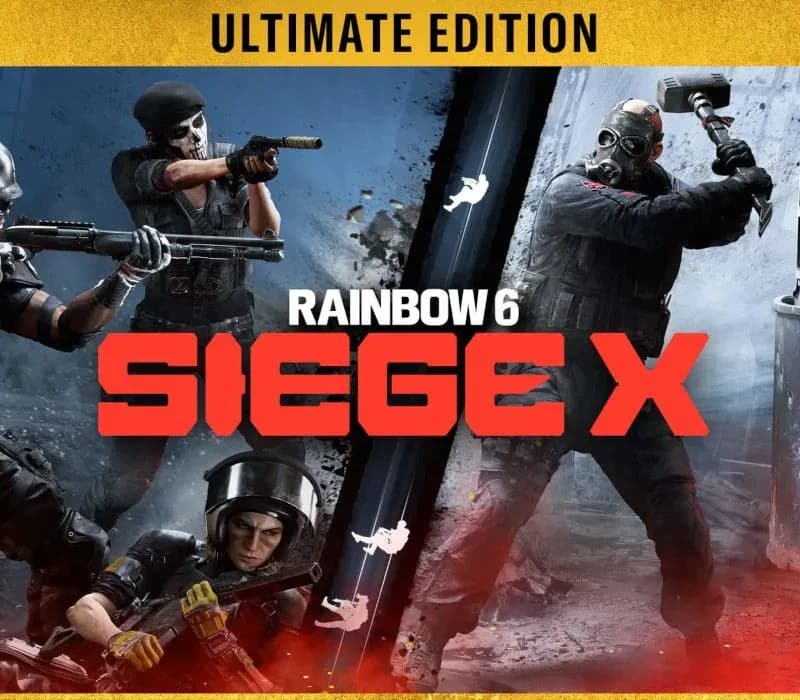
 1 von 9
Tom Clancy's Rainbow Six Siege X Ultimate Edition PS4/PS5 Account
Release: 1. Dez. 2015 · Entwickler: Ubisoft Montreal · Publisher: Ubisoft
Tom Clancy's Rainbow Six Siege X Ultimate Edition — PSN account for PS4/PS5, Global. Not a code — read the account-ban notice before buying.
Wähle deine Version
- Sicher bezahlenSofort
- Key in deinem Account sichtbar~60s
- Auf PlayStation einlösenDirekte Aktivierung
 Pago Móvil
 Binance Pay
 Kryptowährungen
 Wallet
154.000+ Verkäufe im Shop und auf Marktplätzen · Zuletzt ausgelieferte Bestellung: vor 34 Minuten
So aktivierst du
- 1Schalte die PlayStation ein, wähle "Benutzer hinzufügen" und klicke auf "Erste Schritte" (nicht als Gast anmelden).
- 2Melde dich im PSN mit der bereitgestellten E-Mail und dem Passwort an und gib bei Bedarf den 2FA-Code ein.
- 3Aktiviere das Teilen: Auf PS5 unter Einstellungen -> Benutzer und Konten -> Anderes -> "Konsolenfreigabe und Offline-Spiel" auf Aktivieren setzen (PS4: Einstellungen -> Kontoverwaltung -> "Als primäre PS4 aktivieren").
- 4Gehe in die Spielebibliothek -> "Deine Sammlung", starte den Download und wechsle zu deinem persönlichen Profil zum Spielen.
Über dieses Spiel
Tom Clancy's Rainbow Six Siege X Ultimate Edition PS4/PS5 Account ist ein Spielekonto für PlayStation, nicht regional gesperrt.
Important — please read before buying: This is a PlayStation account created and supplied by a third-party seller, not a code for your own account. Sony's Terms of Service do not allow buying or selling PSN accounts, so a ban of the account (or restrictions on the console) is a likely possibility, though not a certainty, and we cannot guarantee the account will not be restricted. Do not change the account's country/region or add a payment method; play on your own profile via Console Sharing and Offline Play.
Tom Clancy's Rainbow Six Siege is the undisputed reference in tactical team shooters, where elite strategy and execution triumph. Enjoy free access to Quick Match and Unranked game modes with a selection of operators. Certain features like Ranked playlists, Siege Cup, additional operators, and cosmetics require payment to unlock.HIGH STAKES 5v5 ATTACK VS. DEFENSE Alternate between attack and defense, adapting your approach to each operator and map. Feel the thrill and intensity of the action as you leverage next-level destruction and gadgetry to outsmart and outplay your opponents in every round. On defense, transform your surroundings into fortified strongholds. Reinforce walls, set up barricades, and deploy traps to control enemy movement. Use surveillance tools to gather intel and anticipate their approach. Hold your ground, adapt to their tactics, and outplay the attackers at every turn. On attack, gather intel on enemy positions and the bomb site using your observation drones. Coordinate with your team to breach reinforced defenses, bypass traps, and create unexpected openings. Take your enemies by surprise with vertical plays – striking from above, below, or making a daring entry through windows by rappel. Plan your assault, execute, and defuse every situation.TOOLS OF DESTRUCTION Destruction is more than chaos: it is a key tool for your success. Use the environment to your advantage – turn walls into windows of opportunity. Use state-of-the-art technology to track enemy movements, shatter walls to create new lines of sight, and manipulate your surroundings to secure the tactical advantage.
Häufig gestellte Fragen
Für welche Region ist das?
Das ist die Global-Version: Sie ist nicht regional gesperrt.
Wie aktiviere ich Tom Clancy's Rainbow Six Siege X Ultimate Edition PS4/PS5 Account auf PlayStation?
1. Schalte die PlayStation ein, wähle "Benutzer hinzufügen" und klicke auf "Erste Schritte" (nicht als Gast anmelden). 2. Melde dich im PSN mit der bereitgestellten E-Mail und dem Passwort an und gib bei Bedarf den 2FA-Code ein. 3. Aktiviere das Teilen: Auf PS5 unter Einstellungen -> Benutzer und Konten -> Anderes -> "Konsolenfreigabe und Offline-Spiel" auf Aktivieren setzen (PS4: Einstellungen -> Kontoverwaltung -> "Als primäre PS4 aktivieren"). 4. Gehe in die Spielebibliothek -> "Deine Sammlung", starte den Download und wechsle zu deinem persönlichen Profil zum Spielen.
Was bedeutet „Konto“?
Du erhältst die Zugangsdaten für ein PlayStation-Konto, das das Spiel bereits besitzt.
Kundenbewertungen
Alle Bewertungen ansehen und eigene schreiben
Kundenbewertungen
Noch hat niemand dieses Spiel bewertet. Wenn du es kaufst, erzähl uns, wie es war.
Das könnte dir auch gefallen
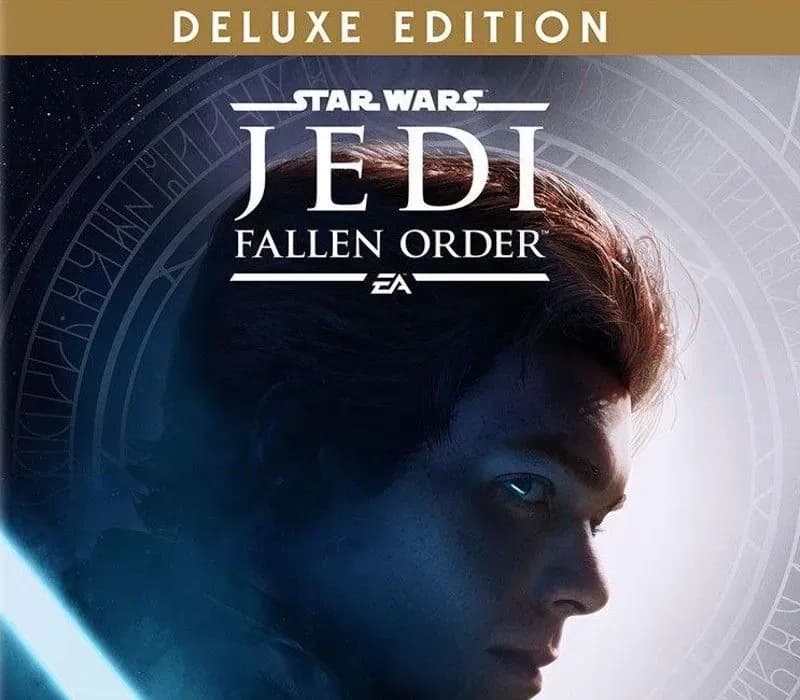 −70%
Star Wars Jedi: Fallen Order Deluxe Edition PS4 Account
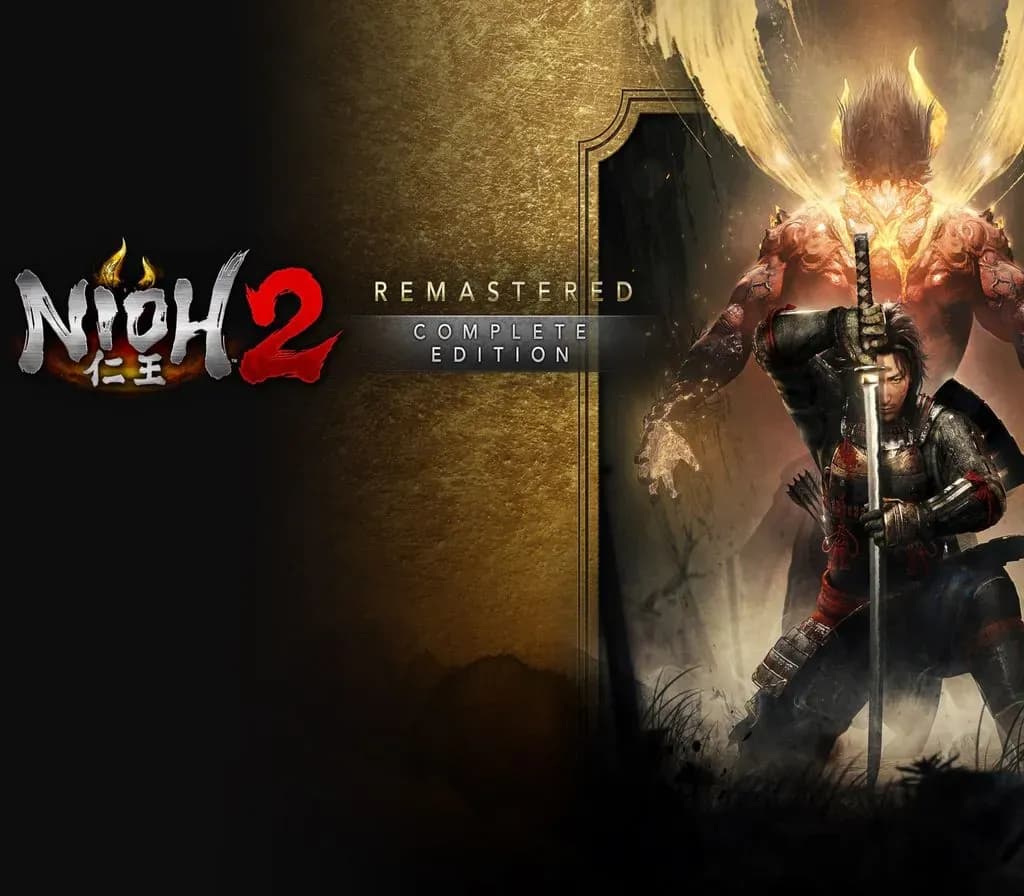 −69%
Nioh 2 Remastered – The Complete Edition PS4 Account
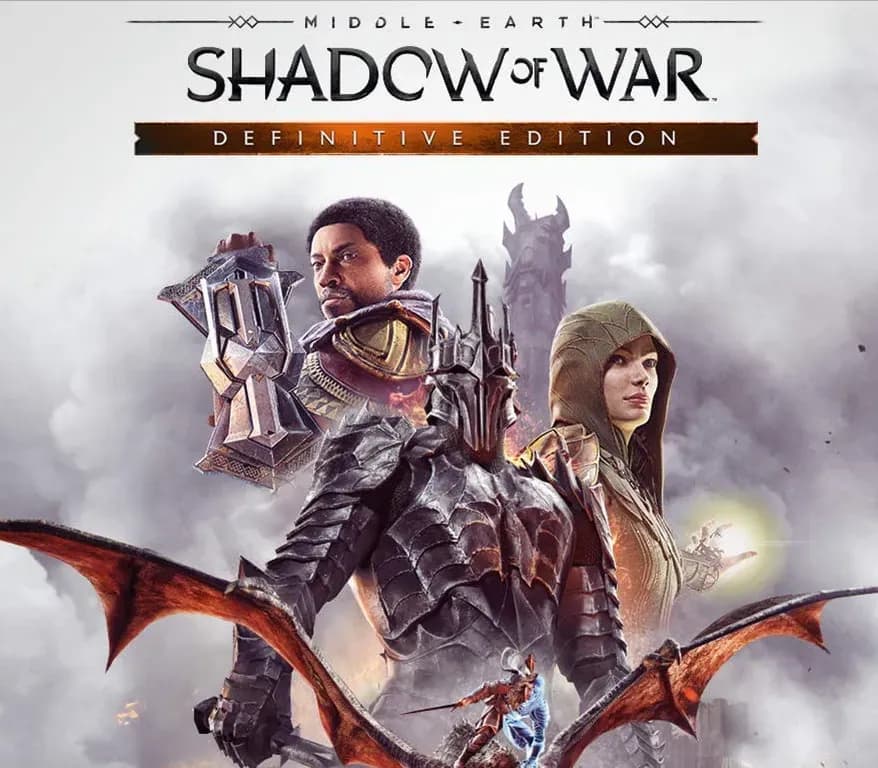 −63%
Middle-earth: Shadow of War Definitive Edition PS4/PS5 Account
 −75%
Marvel's Spider-Man GOTY PS4 Account
 −54%