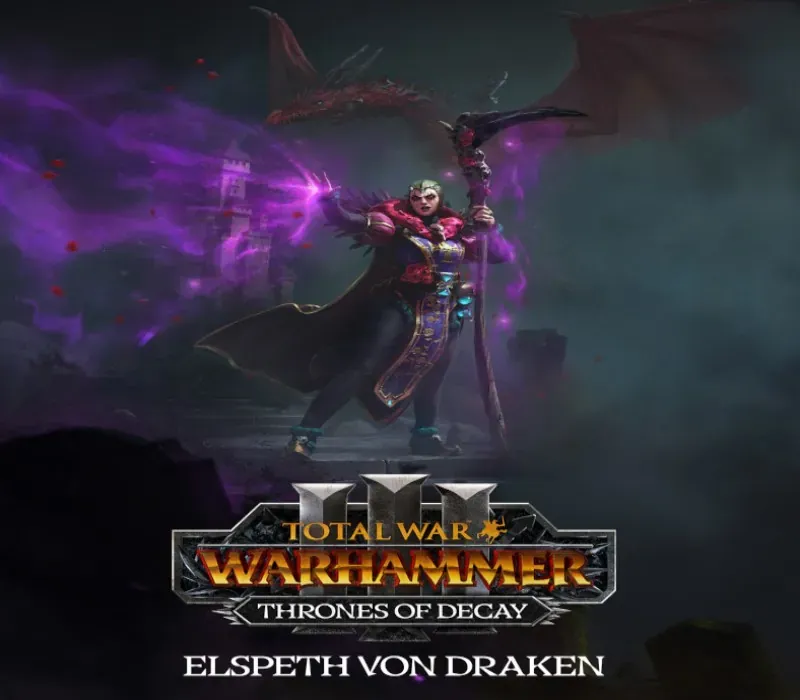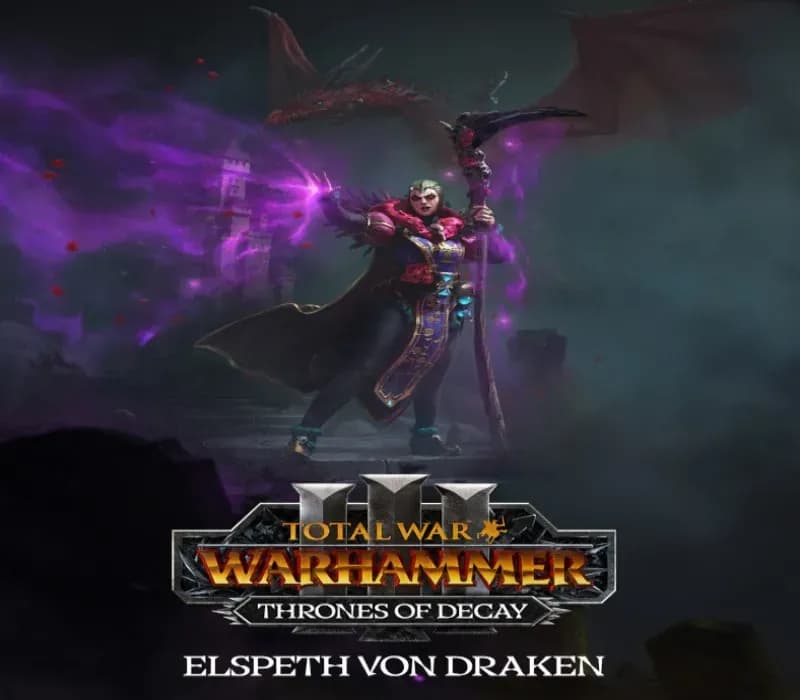

Total War: WARHAMMER III - Elspeth – Thrones of Decay PC Steam CD Key
Total War: WARHAMMER III - Elspeth – Thrones of Decay PC Steam CD Key ist ein digitaler Key für Steam, nicht regional gesperrt. Sofortige Lieferung nach der Zahlung. Preis: $7.68, 14 % unter Steam UVP: $8.99.
⭐ 153,000+ Bestellungen seit 2018 geliefert
 Pago Móvil
 Binance Pay
Über dieses Spiel
Das Paket Elspeth – Thrones of Decay führt Elspeth Von Draken ein, eine neue legendäre Lordin für das Imperium, nutzbar sowohl in der Realm-of-Chaos- als auch in der Immortal-Empires-Kampagne.
Setze auf Zauberei und Weisheit mit neuen Lords, Helden, Einheiten und Mechaniken, um dein Kampagnenaufgebot auf und abseits des Schlachtfelds zu verstärken. Elspeth von Draken kommt nach Total War: WARHAMMER III und bringt einzigartige Kampagnenmechaniken für das Imperium mit, samt einem völlig neuen Ziel im Realm of Chaos, unabhängig von der Ursun-Storyline. Dazu neue Einheiten und Helden, die Elspeth zum totalen Sieg verhelfen. Nutze die Stärken von Magie und Schießpulver mit Nulns Kaiserlicher Geschützschule.
Kaufe exklusive und mächtige Einheiten, indem du das Amethyst-Arsenal freischaltest. Reise sofort zwischen verbündeten Siedlungen mit den Gärten Morrs. Theodore Bruckner, der Hund des Urteils und ein geschickter Kämpfer, schließt sich dem Imperium als legendärer Held an. Verbessere deine Chancen mit 5 neuen Einheiten, einem generischen Lord, einem generischen Helden und 3 weiteren Regimentern des Ruhms.
Systemanforderungen
- Windows: Minimum: Betriebssystem *: Windows 7 64 Bit Prozessor: Intel i3/Ryzen 3-Serie Arbeitsspeicher: 6 GB RAM Grafik: Nvidia GTX 900/AMD RX 400-Serie | Intel Iris Xe Graphics DirectX: Version 11 Speicherplatz: 120 GB verfügbarer Speicherplatz
- Mac: Minimum: Betriebssystem: macOS 12.5 Prozessor: Apple M1 (8‑Core CPU) oder besser Arbeitsspeicher: 8 GB RAM Grafik: Apple M1 (7‑Core GPU) oder besser Speicherplatz: 125 GB verfügbarer Speicherplatz
So aktivierst du
- Starte den Steam-Client auf deinem PC und melde dich an, oder öffne store.steampowered.com/account/registerkey im Browser.
- Klicke oben auf das Menü "Spiele" (oder unten links auf "+ Spiel hinzufügen") und wähle "Ein Produkt bei Steam aktivieren...".
- Folge den Anweisungen, akzeptiere das Steam-Abonnement-Abkommen und gib deinen Key in das Feld "Produktschlüssel" ein.
- Klicke auf "Weiter" und "Fertigstellen". Das Spiel ist nun dauerhaft in deiner Steam-Bibliothek verfügbar und installationsbereit.
Kundenbewertungen
Häufig gestellte Fragen
Für welche Region ist das?
Das ist die Global-Version: Sie ist nicht regional gesperrt.
Wie aktiviere ich Total War: WARHAMMER III - Elspeth – Thrones of Decay PC Steam CD Key auf Steam?
1. Starte den Steam-Client auf deinem PC und melde dich an, oder öffne store.steampowered.com/account/registerkey im Browser. 2. Klicke oben auf das Menü "Spiele" (oder unten links auf "+ Spiel hinzufügen") und wähle "Ein Produkt bei Steam aktivieren...". 3. Folge den Anweisungen, akzeptiere das Steam-Abonnement-Abkommen und gib deinen Key in das Feld "Produktschlüssel" ein. 4. Klicke auf "Weiter" und "Fertigstellen". Das Spiel ist nun dauerhaft in deiner Steam-Bibliothek verfügbar und installationsbereit.
Wie schnell erfolgt die Lieferung?
Dein Key erscheint direkt nach der Zahlung in deinem Konto und wird dir per E-Mail geschickt.