Wanderburg PC Steam CD Key
⭐ 153,000+ Bestellungen seit 2018 geliefert
 Pago Móvil
 Binance Pay
Editionen vergleichen
Sehen Sie, was in jeder Edition enthalten ist
| Wanderburg | StandardDeine Edition | |
|---|---|---|
Wanderburg (base game) Vollständiges Grundspiel | ||
Supporter Pack Rein kosmetischer Piraten-Flair für deine Burg | — | |
Official soundtrack Wanderburg-Soundtrack von Tumul | — |
Über dieses Spiel
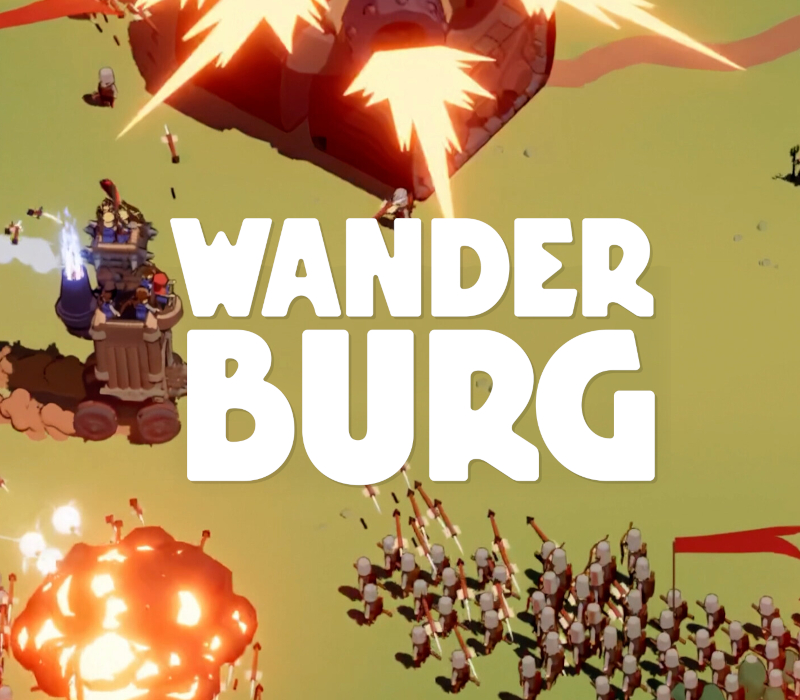
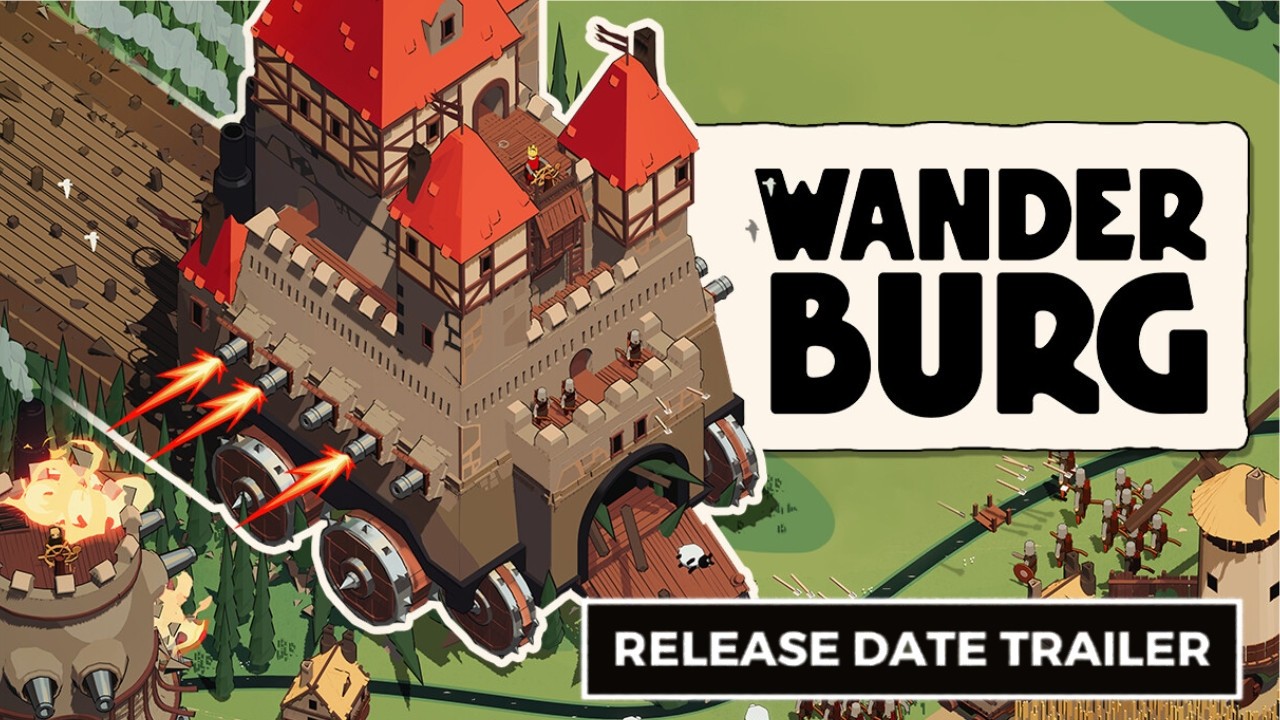
Castles weren’t built to move. Now they do. Wanderburg is a fast-paced, minimalist roguelike set in a medieval world of roaming fortresses. Castles hunt, Villages flee. And only the biggest stronghold survives. What begins as a modest moving fortress quickly becomes a growing, devouring war machine that reshapes the battlefield with every run. Roll forward and consume everything in your path. Fleeing villages, wandering flocks and smaller fortresses all feed your growth. Defeat powerful enemy castles to push your evolution further. Your castle does not just upgrade - it expands. Steam-powered siege engines roll beside arcane artillery. Knights ride bicycles into battle. Massive strongholds fire broadsides like warships on land. And somewhere beyond the hills, something bigger is already on the move. Build your modular arsenal piece by piece. Break the game while you're at it. Mount cannons, raise arcane towers staffed with wizards, deploy explosives, and experiment with wildly different builds each run. Between runs, unlock new modules and vehicles that open up fresh strategies and game-breaking combinations. A modular progression system lets you expand your moving fortress with new siege modules and structures, while unlockable vehicles, artifacts and captains between runs steadily widen your strategic options and build variety. Fully playable with mouse, keyboard, or controller and highly optimized for almost anything you throw at it.
So aktivierst du
- Starte den Steam-Client auf deinem PC und melde dich an, oder öffne store.steampowered.com/account/registerkey im Browser.
- Klicke oben auf das Menü "Spiele" (oder unten links auf "+ Spiel hinzufügen") und wähle "Ein Produkt bei Steam aktivieren...".
- Folge den Anweisungen, akzeptiere das Steam-Abonnement-Abkommen und gib deinen Key in das Feld "Produktschlüssel" ein.
- Klicke auf "Weiter" und "Fertigstellen". Das Spiel ist nun dauerhaft in deiner Steam-Bibliothek verfügbar und installationsbereit.