 1 di 8
Ghostwire: Tokyo PS5 Account
Uscita: 25 mar 2022 · Sviluppatore: Tango Gameworks · Editore: Bethesda Softworks
Ghostwire: Tokyo — PSN account for PS5, Global. Not a code — read the account-ban notice before buying.
- Paga in sicurezzaImmediata
- Key visibile nel tuo account~60 s
- Riscatta su PlayStationAttivazione diretta
 Pago Móvil
 Binance Pay
 Crypto
 Portafoglio
154.000+ vendite nel negozio e sui marketplace · Ultimo ordine consegnato: 32 minuti fa
Come attivarla
- 1Accendi la tua console PlayStation, seleziona «Aggiungi utente» e scegli «Inizia» (non selezionare «Gioca come ospite temporaneo»).
- 2Accedi a PlayStation Network con l'email e la password dell'account consegnato e, se richiesto, inserisci il codice 2FA fornito.
- 3Attiva la condivisione della console: su PS5 vai su Impostazioni -> Utenti e account -> Altro -> «Condivisione della console e gioco offline» -> Abilita (su PS4: Impostazioni -> Gestione account -> «Attiva come PS4 principale»).
- 4Apri la Raccolta giochi -> «La tua raccolta», avvia il download del gioco acquistato e torna al tuo profilo personale principale per giocare e ottenere i trofei.
Informazioni sul gioco
Ghostwire: Tokyo PS5 Account: account di gioco per PlayStation, senza blocco regionale.
Important — please read before buying: This is a PlayStation account created and supplied by a third-party seller, not a code for your own account. Sony's Terms of Service do not allow buying or selling PSN accounts, so a ban of the account (or restrictions on the console) is a likely possibility, though not a certainty, and we cannot guarantee the account will not be restricted. Do not change the account's country/region or add a payment method; play on your own profile via Console Sharing and Offline Play.
Face the unknown, uncover the truth and save the city
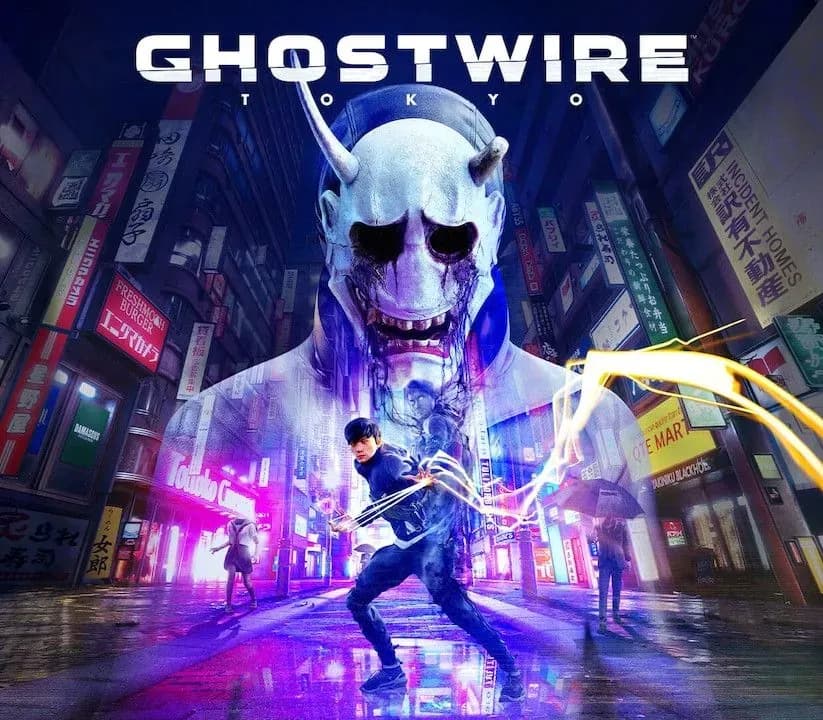
Tokyo is overrun by deadly supernatural forces as a dangerous occultist causes the city's population to vanish in an instant. Join forces with a powerful spectral entity on their quest for vengeance and master a powerful arsenal of abilities to unravel the dark truth behind the disappearance as you FACE THE UNKNOWN in Ghostwire: Tokyo.
A Beautifully Haunted tokyo
Explore a unique vision of Tokyo twisted by a supernatural presence. From its ultra-modern cityscape to its traditional temples and narrow alleyways, discover a hauntingly beautiful city teeming with Yokai - vengeful spirits that prowl the streets.
Discover iconic landmarks like Shibuya Crossing and Tokyo Tower, stunningly rendered with incredible detail and built to take advantage of next-generation technology. Experience the city frozen in time when the city’s population disappeared, and travel to the surreal underworld on your quest to save your family.
Devastating Elemental Abilities
Wield a combination of upgradeable elemental powers and ghost-hunting skills to combat the supernatural threat. Use your ethereal abilities to ascend to the top of Tokyo's skyline and soar over the streets to discover new missions or even get the drop on your enemies.
Explore all-new content with the Ghostwire: Tokyo Spider's Thread Update
Free for all players, the Spider's Thread update contains several additions to the base game, including a new area to explore, extended cutscenes, new side-missions, all-new enemies, added quality of life improvements, extra combat skills and a new roguelite "The Spider's Thread" game mode!
Domande frequenti
Per quale regione è?
Questa è la versione Global: non è bloccata per regione.
Come attivo Ghostwire: Tokyo PS5 Account su PlayStation?
1. Accendi la tua console PlayStation, seleziona «Aggiungi utente» e scegli «Inizia» (non selezionare «Gioca come ospite temporaneo»). 2. Accedi a PlayStation Network con l'email e la password dell'account consegnato e, se richiesto, inserisci il codice 2FA fornito. 3. Attiva la condivisione della console: su PS5 vai su Impostazioni -> Utenti e account -> Altro -> «Condivisione della console e gioco offline» -> Abilita (su PS4: Impostazioni -> Gestione account -> «Attiva come PS4 principale»). 4. Apri la Raccolta giochi -> «La tua raccolta», avvia il download del gioco acquistato e torna al tuo profilo personale principale per giocare e ottenere i trofei.
Cosa significa «account»?
Ricevi i dati di accesso di un account PlayStation che possiede già il gioco.
Recensioni dei clienti
Vedi tutte le recensioni e scrivi la tua
Recensioni dei clienti
Nessuno ha ancora recensito questo gioco. Se lo compri, raccontaci com'è andata.