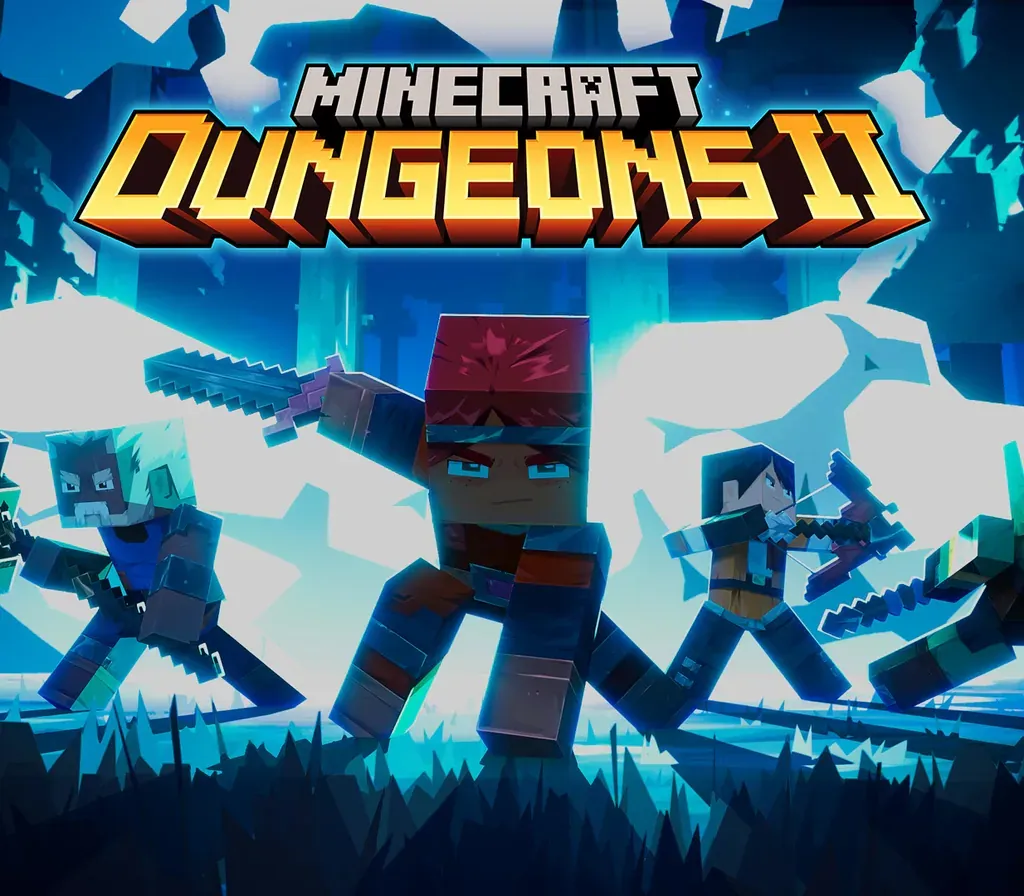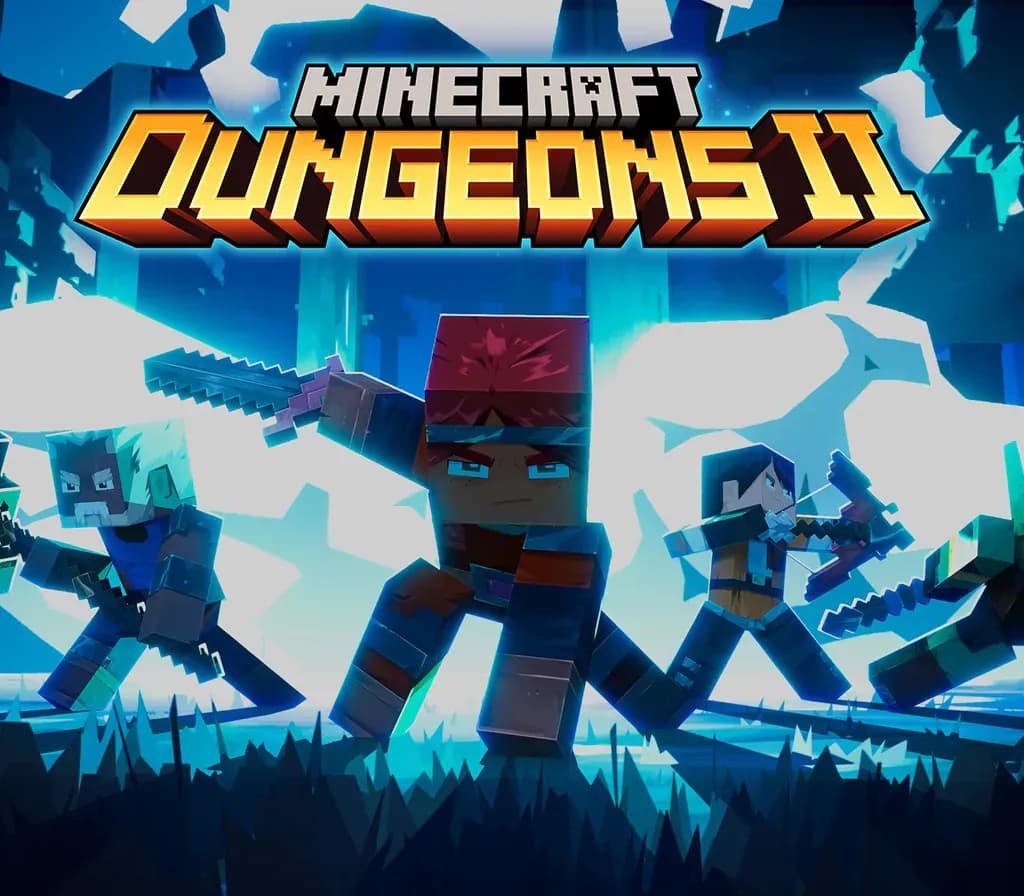
Minecraft Dungeons II PC Steam Account
Minecraft Dungeons II PC Steam Account ist ein Spielekonto für Steam, nicht regional gesperrt. Preis: $24.68, 17 % unter Steam UVP: $29.99.
⭐ 153,000+ Bestellungen seit 2018 geliefert
 Pago Móvil
 Binance Pay
Über dieses Spiel
Minecraft Dungeons II is here with more action, more loot, and more adventure. Step through the rift and fight where no hero has been before: the Sift, an uncharted dimension teeming with threats, mysteries, and breathtaking beauty. Gear up and customize your playstyle to face your toughest enemies yet in explosive battles. Brave the unknown as a lone hero, team up with friends in couch, online and mixed co-op, or find allies through matchmaking. The illagers’ plot is already underway, and their cruelty is only matched by their power. Stop them – or lose the Overworld to their corruption. Fight against a new, challenging threat that puts your combat skills to the test like never before Explore the Sift, a new dimension in the Minecraft universe, for the first time Experience an all-new chapter in the Minecraft Dungeons saga that takes you across the Overworld... and beyond Craft the perfect hero with legendary gear, including a wide range of weapons, armour, and artifacts Team up with new and old friends in a party of up to four players and smash your foes with the power of teamwork
So aktivierst du
- Melde dich im Steam-Client oder Browser von deinem persönlichen Konto ab.
- Melde dich mit dem Benutzernamen und Passwort an, die du bei deiner Bestellung erhalten hast.
- Gib den Steam-Guard-Sicherheitscode ein, den du über das mitgelieferte temporäre E-Mail-Postfach abrufst.
- Gehe auf Steam -> Einstellungen -> Account und ändere sowohl die E-Mail-Adresse als auch das Passwort auf deine eigenen Daten.
- Installiere das Spiel aus der Bibliothek oder aktiviere den Family Sharing Modus, um es über dein Hauptkonto zu spielen.
Kundenbewertungen
Häufig gestellte Fragen
Für welche Region ist das?
Das ist die Global-Version: Sie ist nicht regional gesperrt.
Wie aktiviere ich Minecraft Dungeons II PC Steam Account auf Steam?
1. Melde dich im Steam-Client oder Browser von deinem persönlichen Konto ab. 2. Melde dich mit dem Benutzernamen und Passwort an, die du bei deiner Bestellung erhalten hast. 3. Gib den Steam-Guard-Sicherheitscode ein, den du über das mitgelieferte temporäre E-Mail-Postfach abrufst. 4. Gehe auf Steam -> Einstellungen -> Account und ändere sowohl die E-Mail-Adresse als auch das Passwort auf deine eigenen Daten. 5. Installiere das Spiel aus der Bibliothek oder aktiviere den Family Sharing Modus, um es über dein Hauptkonto zu spielen.
Was bedeutet „Konto“?
Du erhältst die Zugangsdaten für ein Steam-Konto, das das Spiel bereits besitzt.