Minecraft Dungeons II PC Steam Gift (NA)
Minecraft Dungeons II PC Steam Gift (NA) ist ein Geschenk für Steam, gültig in Nordamerika.
⭐ 153,000+ Bestellungen seit 2018 geliefert
 Pago Móvil
 Binance Pay
Über dieses Spiel
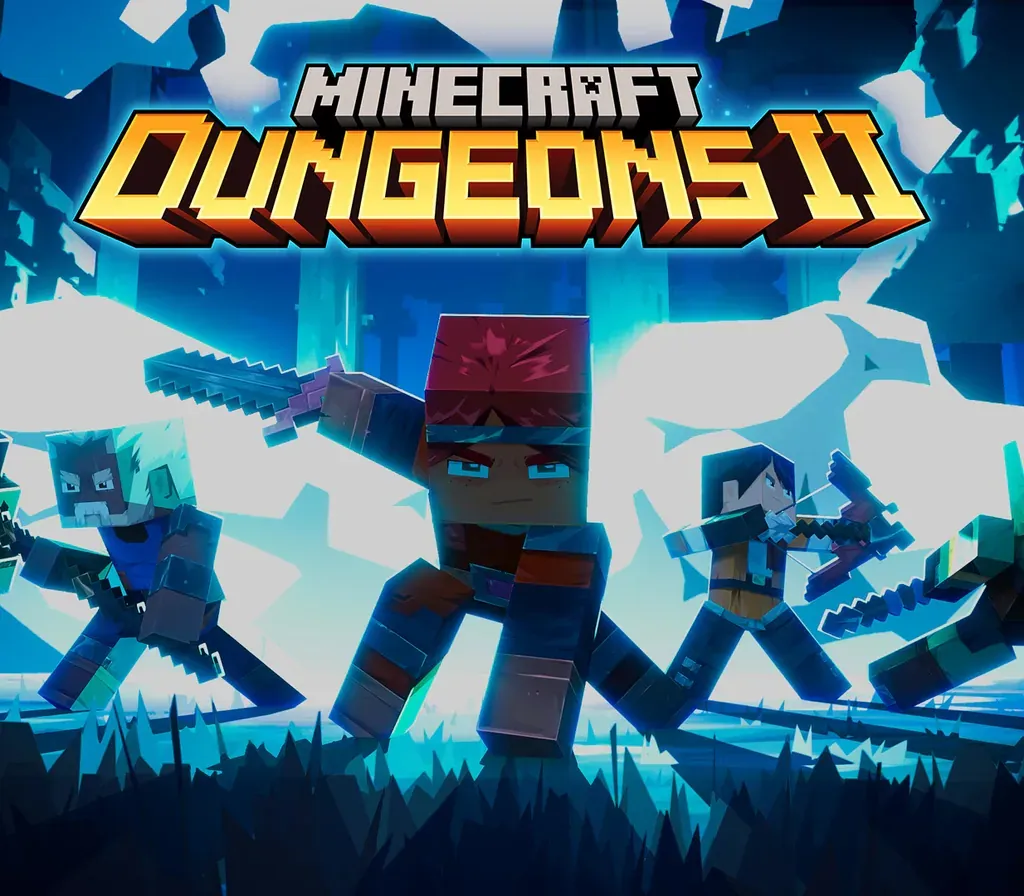
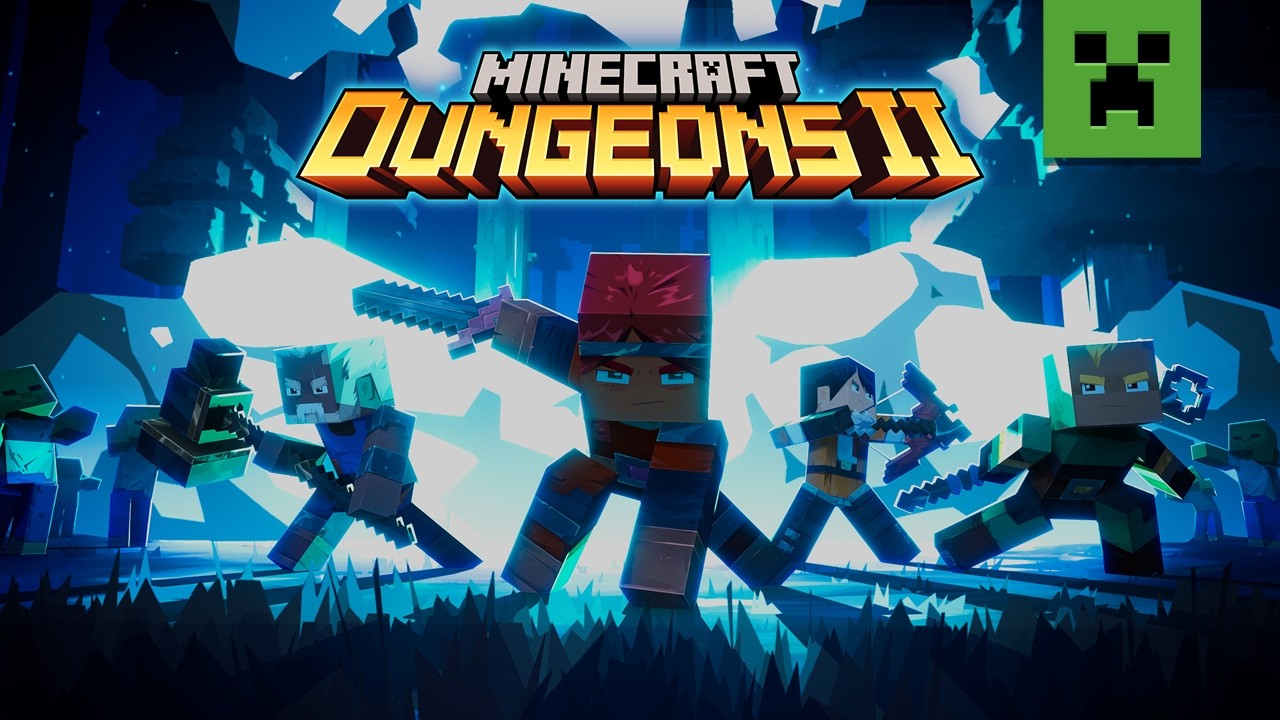
Minecraft Dungeons II is here with more action, more loot, and more adventure. Step through the rift and fight where no hero has been before: the Sift, an uncharted dimension teeming with threats, mysteries, and breathtaking beauty. Gear up and customize your playstyle to face your toughest enemies yet in explosive battles. Brave the unknown as a lone hero, team up with friends in couch, online and mixed co-op, or find allies through matchmaking. The illagers’ plot is already underway, and their cruelty is only matched by their power. Stop them – or lose the Overworld to their corruption. Fight against a new, challenging threat that puts your combat skills to the test like never before Explore the Sift, a new dimension in the Minecraft universe, for the first time Experience an all-new chapter in the Minecraft Dungeons saga that takes you across the Overworld... and beyond Craft the perfect hero with legendary gear, including a wide range of weapons, armour, and artifacts Team up with new and old friends in a party of up to four players and smash your foes with the power of teamwork
So aktivierst du
- Melde dich im Steam-Client oder im Webbrowser unter store.steampowered.com an.
- Falls du einen Aktivierungslink erhalten hast, öffne ihn und nimm die Freundschaftsanfrage oder den Direkttransfer des Bots an.
- Klicke im Steam-Client oben rechts auf das Briefumschlag-Icon bzw. die Geschenk-Benachrichtigung.
- Wähle "Geschenk annehmen" und klicke auf "Meiner Bibliothek hinzufügen", um das Spiel dauerhaft zu aktivieren.
Kundenbewertungen
Häufig gestellte Fragen
Für welche Region ist das?
Das ist die Nordamerika-Version. Stelle vor dem Kauf sicher, dass dein Konto in dieser Region registriert ist.
Wie aktiviere ich Minecraft Dungeons II PC Steam Gift (NA) auf Steam?
1. Melde dich im Steam-Client oder im Webbrowser unter store.steampowered.com an. 2. Falls du einen Aktivierungslink erhalten hast, öffne ihn und nimm die Freundschaftsanfrage oder den Direkttransfer des Bots an. 3. Klicke im Steam-Client oben rechts auf das Briefumschlag-Icon bzw. die Geschenk-Benachrichtigung. 4. Wähle "Geschenk annehmen" und klicke auf "Meiner Bibliothek hinzufügen", um das Spiel dauerhaft zu aktivieren.
Was bedeutet „Geschenk“?
Du erhältst das Spiel als Geschenk auf deinem Steam-Konto. Es gibt keinen Key einzulösen.