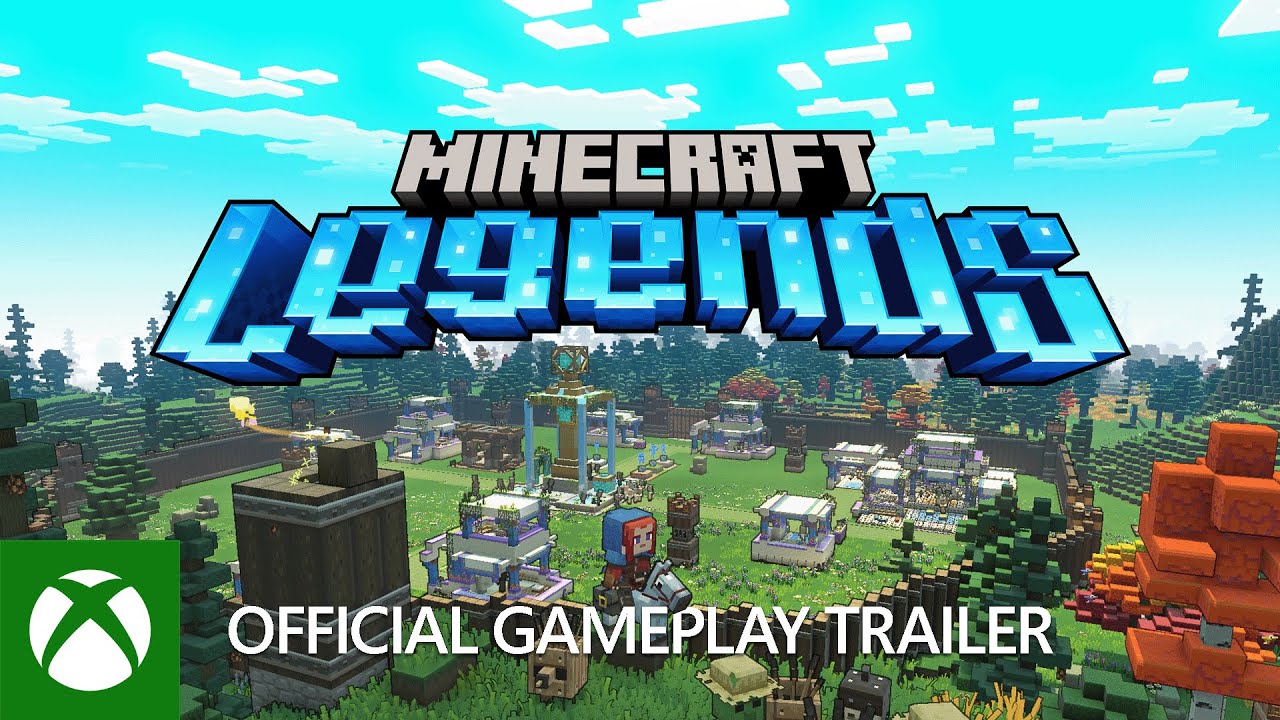
Minecraft Legends PC Microsoft CD Key (EU)
⭐ 153,000+ Bestellungen seit 2018 geliefert
 Pago Móvil
 Binance Pay
Über dieses Spiel
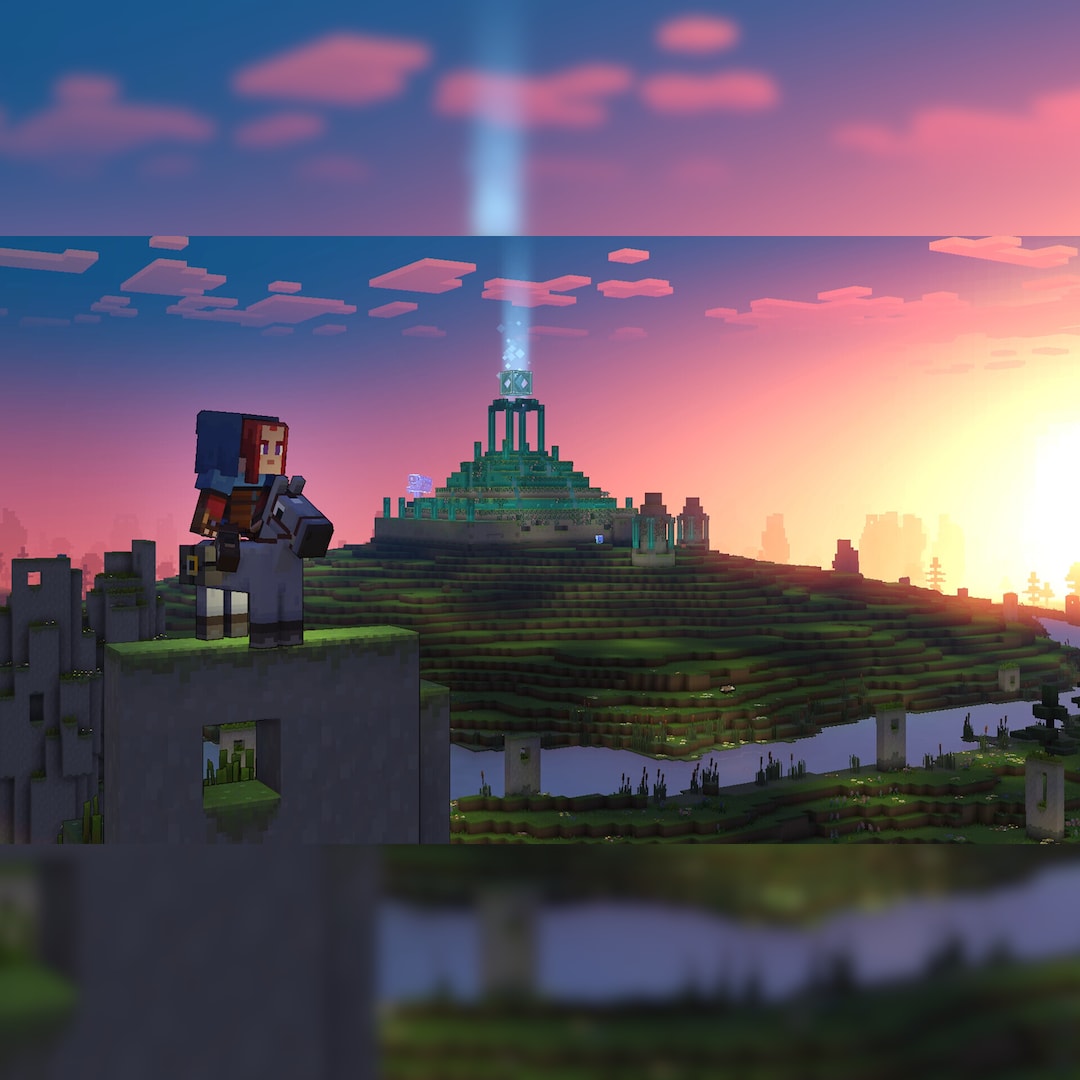
The piglins’ Nether corruption is spreading across the Overworld, scorching everything it touches. Are you the hero who will protect this gentle land? Plan your strategy and face the piglins in epic battles – but be warned: they always fight back. Take on piglin bases by day and defend your allies after dusk.
Explore lush biomes filled with treasures and perils, meet new friends, and reunite with familiar mobs. With the allays by your side, all that’s left to do is save the world.
Experience an epic legend from the Minecraft universe and the Overworld as you’ve never seen it before Form alliances with new friends and familiar mobs, then lead the charge in epic battles against the fierce piglins to defend the Overworld Traverse a lush, dynamic world that’s rich in resources and different in each playthrough Challenge your friends or team up in intense battles as you defend your village while leading your units to destroy your opponents’ settlements
System Requirements
- Windows: Minimum: Requires a 64-bit processor and operating system OS: Windows 10 (May 2020 Update or higher) or Windows 11 Processor: Core i5 2.8GHz or equivalent Memory: 8 GB RAM Graphics: NVIDIA GeForce GTX 780 or AMD Radeon 285 or Intel HD 520 or equivalent DX12 GPU DirectX: Version 12 Storage: 24 GB available space Additional Notes: Performance increases with higher-end systems. Not supported on Windows 10S.
So aktivierst du
- Lade den Launcher des Herstellers herunter (z. B. Rockstar Games Launcher) oder rufe das Aktivierungsportal auf (z. B. rockstargames.com/activation).
- Melde dich mit deinem Benutzerkonto an (z. B. Rockstar Games Social Club).
- Klicke oben rechts auf dein Profilbild und wähle "Code einlösen".
- Gib deinen Aktivierungscode ein, klicke auf "Prüfen" und bestätige mit "Einlösen".
- Gehe zum Spiel in der Launcher-Bibliothek und klicke auf "Jetzt installieren".