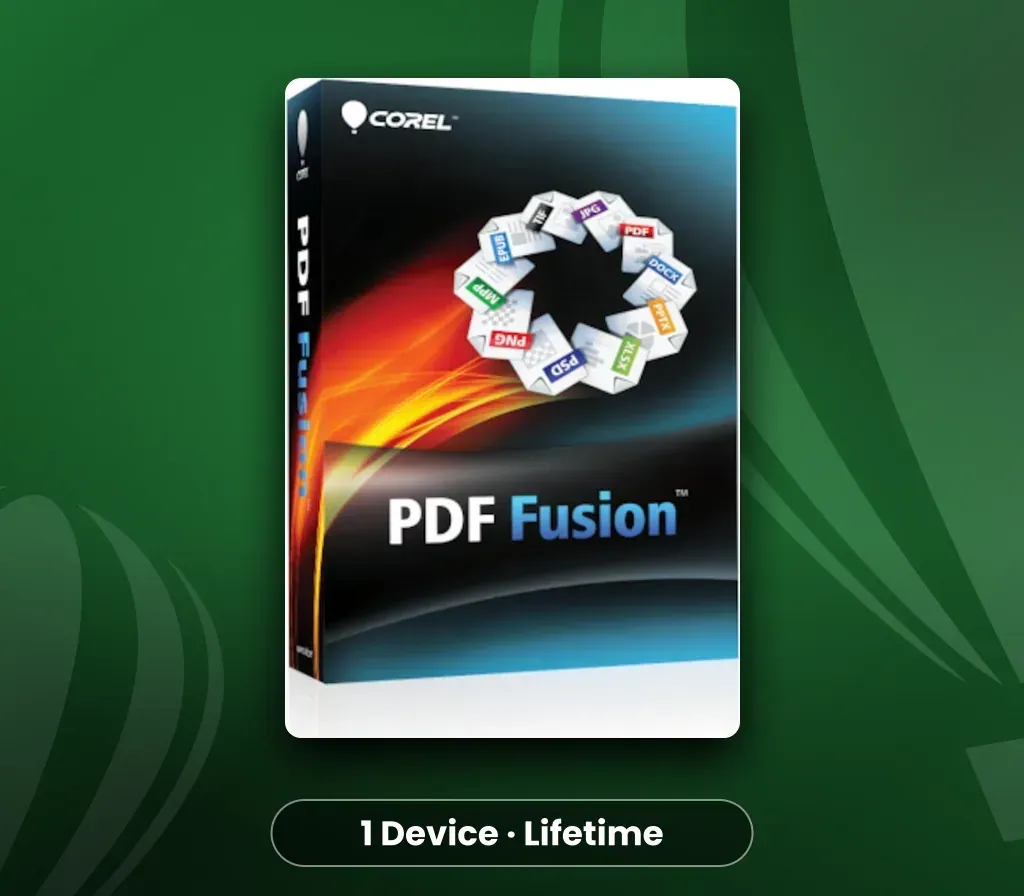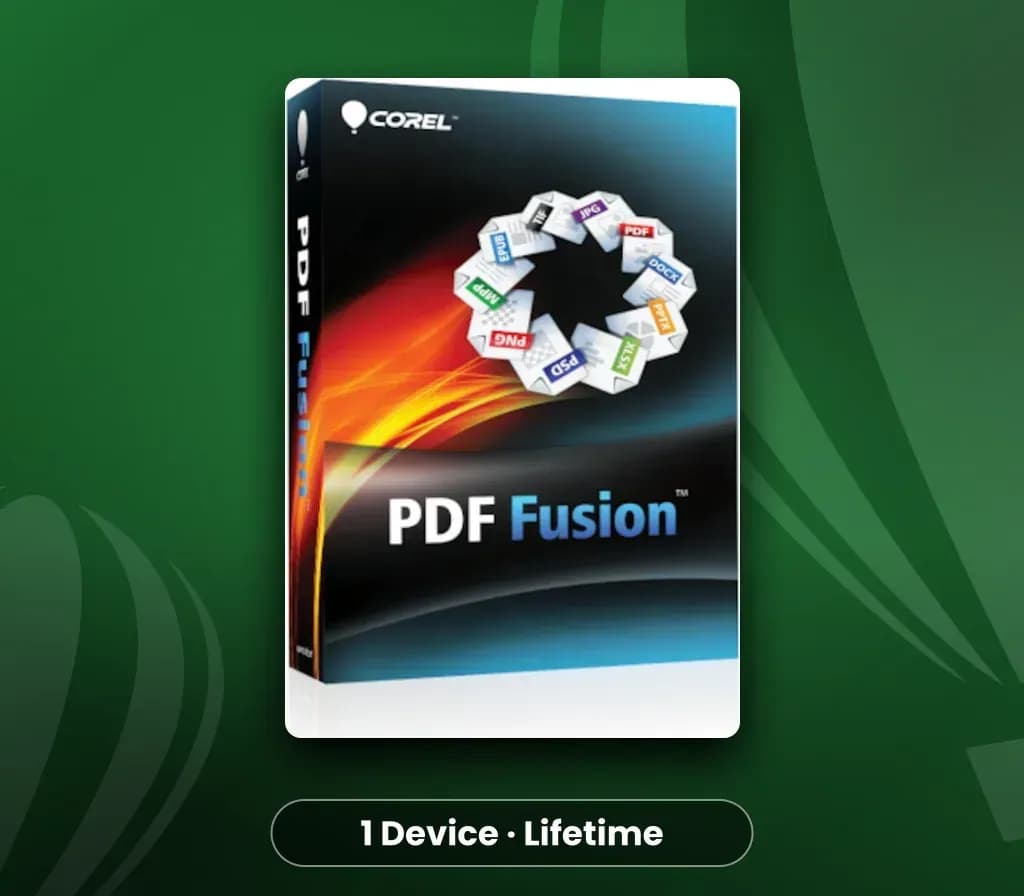
Corel PDF Fusion (1 Device, Lifetime) Key
Corel PDF Fusion (1 Device, Lifetime) Key est une clé numérique pour PC, sans verrouillage régional. Livraison instantanée après le paiement.
⭐ 153,000+ commandes livrées depuis 2018
 Pago Móvil
 Binance Pay
À propos de ce jeu
La boîte à outils tout-en-un de création de PDF ! Boostez votre productivité avec Corel PDF Fusion, un créateur de PDF tout-en-un qui vous permet d'assembler, de modifier et de créer des PDF. Ouvrez plus de 100 types de fichiers différents par simple glisser-déposer sur l'écran d'accueil. Récupérez des pages de plusieurs fichiers, dont des documents, des feuilles de calcul et des présentations, et combinez-les en un seul PDF à partager avec n'importe qui.
Ajoutez du nouveau texte, des signets et des commentaires. Convertissez en outre des fichiers aux formats PDF, PDF/A, XPS et DOC en un seul clic. Économisez en affichant plus de 100 types de fichiers sans acheter de logiciel supplémentaire Créez et modifiez facilement des PDF Glissez-déposez pour combiner plusieurs types de fichiers dans un seul document PDF Gagnez du temps en réutilisant facilement du contenu, au lieu de le retaper ou de faire des copier-coller Partagez des fichiers avec n'importe qui en les convertissant en PDF, PDF/A, XPS ou aux formats Microsoft Word
Configuration requise
- Windows : Microsoft Windows 10, Microsoft Windows 8 / 8.1, Windows 7, Windows Vista ou Windows XP avec les derniers service packs installés (éditions 32 bits et 64 bits) 512 Mo de RAM (1 Go recommandé) 250 Mo d'espace disque disponible Processeur à 1,3 GHz ou plus rapide Résolution d'écran de 1024 x 768 Prise en charge des serveurs : Corel PDF Fusion prend en charge le déploiement via les systèmes tiers suivants : Novell ZENworks, Citrix XenApp et les stratégies de groupe Windows. PDF Fusion prend également en charge Windows Server 2008 R2, Windows Server 2008 et Windows Server 2003 (éditions 32 bits et 64 bits), y compris la virtualisation sur les serveurs Microsoft Hyper-V et VMware.
Comment activer
Avis clients
Questions fréquentes
Pour quelle région est-ce ?
C’est la version Global : elle n’est pas verrouillée par région.
Quelle est la rapidité de la livraison ?
Votre clé apparaît dans votre compte et vous est envoyée par e-mail juste après le paiement.