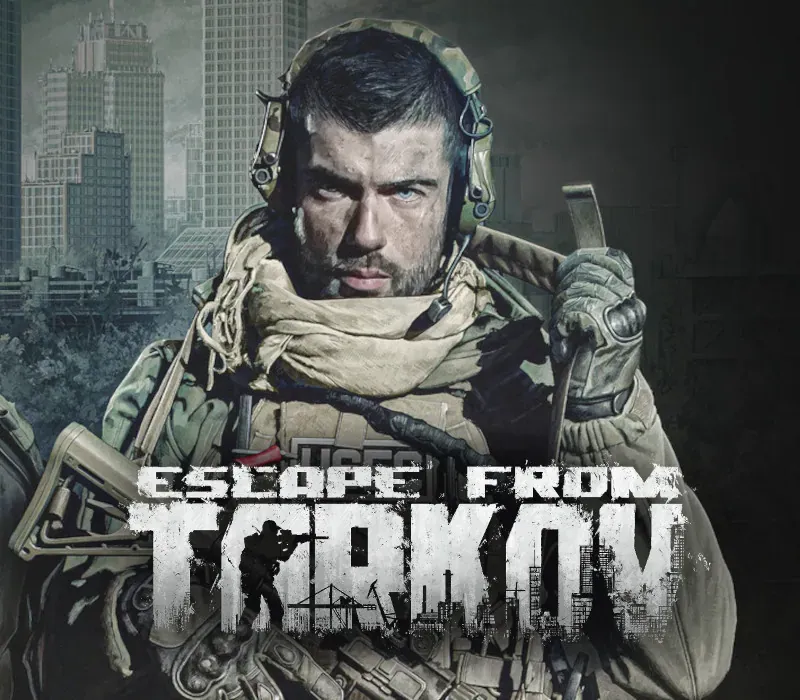
Escape from Tarkov: Standard Edition PC Steam Account
Escape from Tarkov: Standard Edition PC Steam Account est un compte de jeu pour Steam, sans verrouillage régional. Prix : $15.86, soit 68 % de moins que Prix conseillé Steam : $49.99.
⭐ 153,000+ commandes livrées depuis 2018
 Pago Móvil
 Binance Pay
À propos de ce jeu
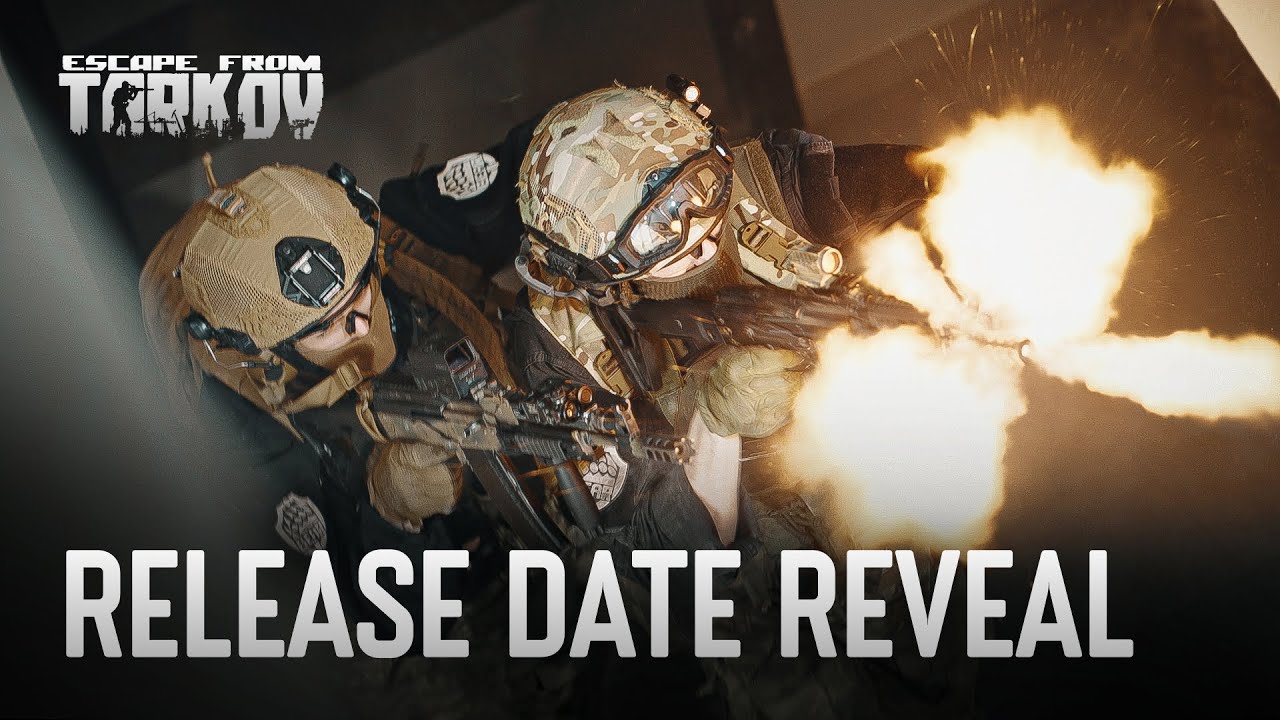
Escape from Tarkov est la référence. C'est ici que sont nées les mécaniques de fuite d'une zone de conflit. Ce n'est pas seulement du PvP ou du PvE : c'est un monde où chaque décision influe sur votre survie. Chaque raid est un scénario unique. Vous y entrez en prenant des risques et vous en ressortez avec le butin, ou vous n'en ressortez pas du tout.
Maniement des armes et sons : manipulations réalistes du personnage, balistique, système d'armure avancé, saignements, fractures... ce n'est pas un énième jeu de tir. C'est une simulation de combat dans des conditions extrêmes. Tout a un prix : armure, munitions, temps. Une erreur lors d'un raid signifie tout perdre.
Commerce, artisanat, planque, échanges, montée de compétences, accomplissement de tâches : ce ne sont pas des objectifs secondaires, mais la base de la progression. Le vainqueur n'est pas celui qui tire le mieux, mais celui qui vit dans le monde de Tarkov, en comprend les subtilités et possède un avantage stratégique. Personnalisation complète des armes : des combinaisons infinies de viseurs, de gadgets et d'accessoires pour créer des builds uniques. Plus de 1000 modèles d'équipements et d'armes, aussi proches que possible de la réalité.
Personnalisation de l'apparence du personnage, vêtements pour différentes saisons : tout cela influe sur le gameplay et vos chances de survie. Conception unique des lieux : chaque lieu implique une tactique, un rythme et un risque différents ; usines, forêts, quartiers de la ville. Aucune répétitivité. On ne sait jamais ce qui nous attend lors d'un nouveau raid.
Raids de nuit, mauvais temps, trahisons, largages, points d'extraction aléatoires, fusillades avec les Scavs, Boss uniques : chaque raid peut être votre dernier. Mais après être mort lors d'un raid, il ne faut pas abandonner. Vous apprenez de vos erreurs et rééquipez votre personnage pour tenter de vous échapper de Tarkov une fois pour toutes.
Configuration requise
- Windows : Minimale : Nécessite un processeur et un système d'exploitation 64 bits Système : Windows 10 Processeur : AMD Ryzen 5 3600 ou similaire Mémoire : 16 Go de RAM Carte graphique : GTX 1660 ou similaire DirectX : Version 11
Comment activer
- Déconnectez-vous de votre compte personnel Steam dans le client ou le navigateur.
- Connectez-vous avec l'identifiant et le mot de passe Steam fournis dans votre commande.
- Saisissez le code de sécurité Steam Guard reçu sur l'accès e-mail temporaire fourni avec votre commande.
- Allez dans Steam -> Paramètres -> Compte, puis modifiez l'adresse e-mail et le mot de passe avec vos propres identifiants.
- Installez le jeu depuis la Bibliothèque, ou configurez le Partage familial dans les Paramètres pour y jouer depuis votre compte principal.
Avis clients
Questions fréquentes
Pour quelle région est-ce ?
C’est la version Global : elle n’est pas verrouillée par région.
Comment activer Escape from Tarkov: Standard Edition PC Steam Account sur Steam ?
1. Déconnectez-vous de votre compte personnel Steam dans le client ou le navigateur. 2. Connectez-vous avec l'identifiant et le mot de passe Steam fournis dans votre commande. 3. Saisissez le code de sécurité Steam Guard reçu sur l'accès e-mail temporaire fourni avec votre commande. 4. Allez dans Steam -> Paramètres -> Compte, puis modifiez l'adresse e-mail et le mot de passe avec vos propres identifiants. 5. Installez le jeu depuis la Bibliothèque, ou configurez le Partage familial dans les Paramètres pour y jouer depuis votre compte principal.
Que signifie « compte » ?
Vous recevez les identifiants d’un compte Steam qui possède déjà le jeu.