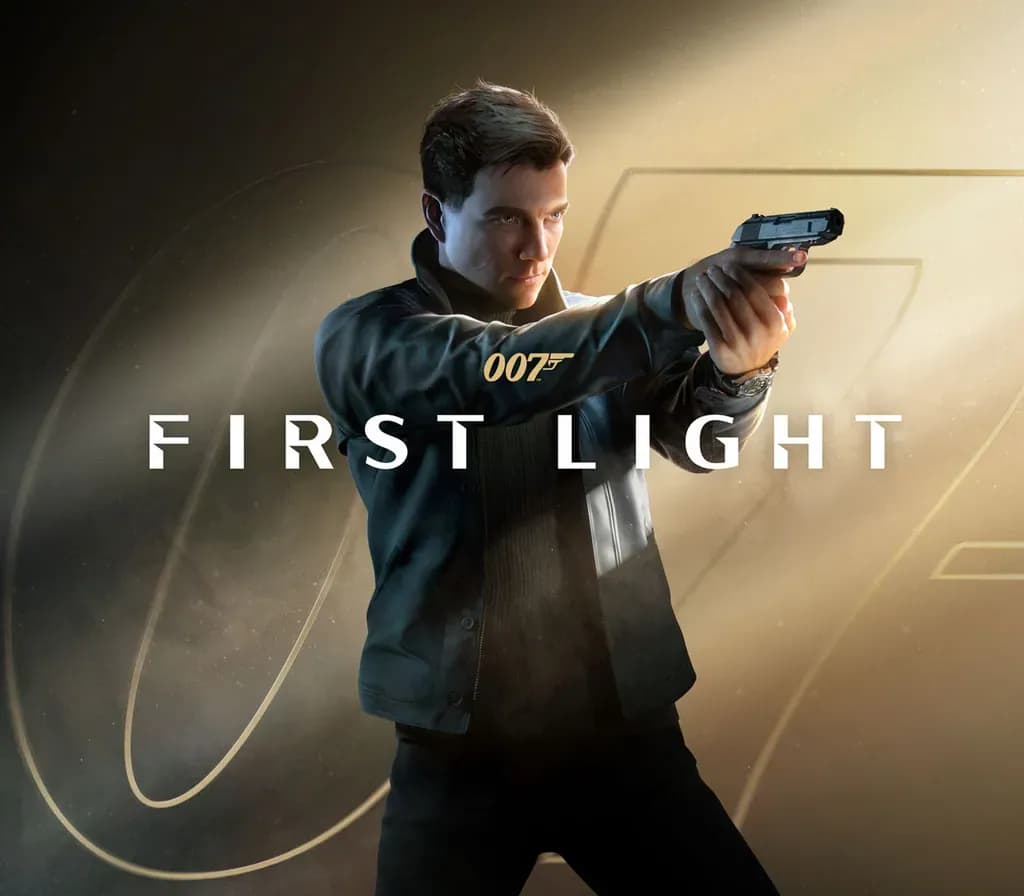
007: First Light Xbox Series X|S / PC Account
007: First Light Xbox Series X|S / PC Account is a game account for Xbox / PC, not region-locked. Price: $57.18, 18% below the MSRP of $69.99.
Choose your version
Platform
Edition
How to buy it
- Xbox / PC
- Global
- Account
154,000+ sales in our store and on marketplaces
 Pago Móvil
 Binance Pay
About this game
Follow James Bond as a young, resourceful and sometimes reckless recruit in MI6's training program, and discover an origin story of the world’s most famous spy.
After a heroic act, young Naval air crewman James Bond is offered to join the newly revived Double 0 program. But when a mission to stop a rogue agent ends in tragedy, he must join forces with his reluctant mentor Greenway to expose a deep conspiracy and stop a looming coup at the heart of the State.
How to activate
- Press the Xbox button on your controller, navigate to "Profile & system" -> "Add or switch" -> "Add new".
- Enter the Microsoft email and password provided in your order details; select "No barriers" for sign-in security.
- Go to Settings -> General -> Personalisation -> "My home Xbox" and select "Make this my home Xbox".
- Open "My games & apps" -> "Full library" -> "Owned games", download the purchased game, then switch back to your main personal profile to play.
About this game
Follow James Bond as a young, resourceful and sometimes reckless recruit in MI6's training program, and discover an origin story of the world’s most famous spy.
After a heroic act, young Naval air crewman James Bond is offered to join the newly revived Double 0 program. But when a mission to stop a rogue agent ends in tragedy, he must join forces with his reluctant mentor Greenway to expose a deep conspiracy and stop a looming coup at the heart of the State.
Customer Reviews
Nobody has reviewed this game yet. If you buy it, tell us how it went.
Frequently asked questions
Which region is this for?
This is the Global version: it is not region-locked.
How do I activate 007: First Light Xbox Series X|S / PC Account on Xbox / PC?
1. Press the Xbox button on your controller, navigate to "Profile & system" -> "Add or switch" -> "Add new". 2. Enter the Microsoft email and password provided in your order details; select "No barriers" for sign-in security. 3. Go to Settings -> General -> Personalisation -> "My home Xbox" and select "Make this my home Xbox". 4. Open "My games & apps" -> "Full library" -> "Owned games", download the purchased game, then switch back to your main personal profile to play.
What does “account” mean?
You receive login details for a Xbox / PC account that already owns the game.