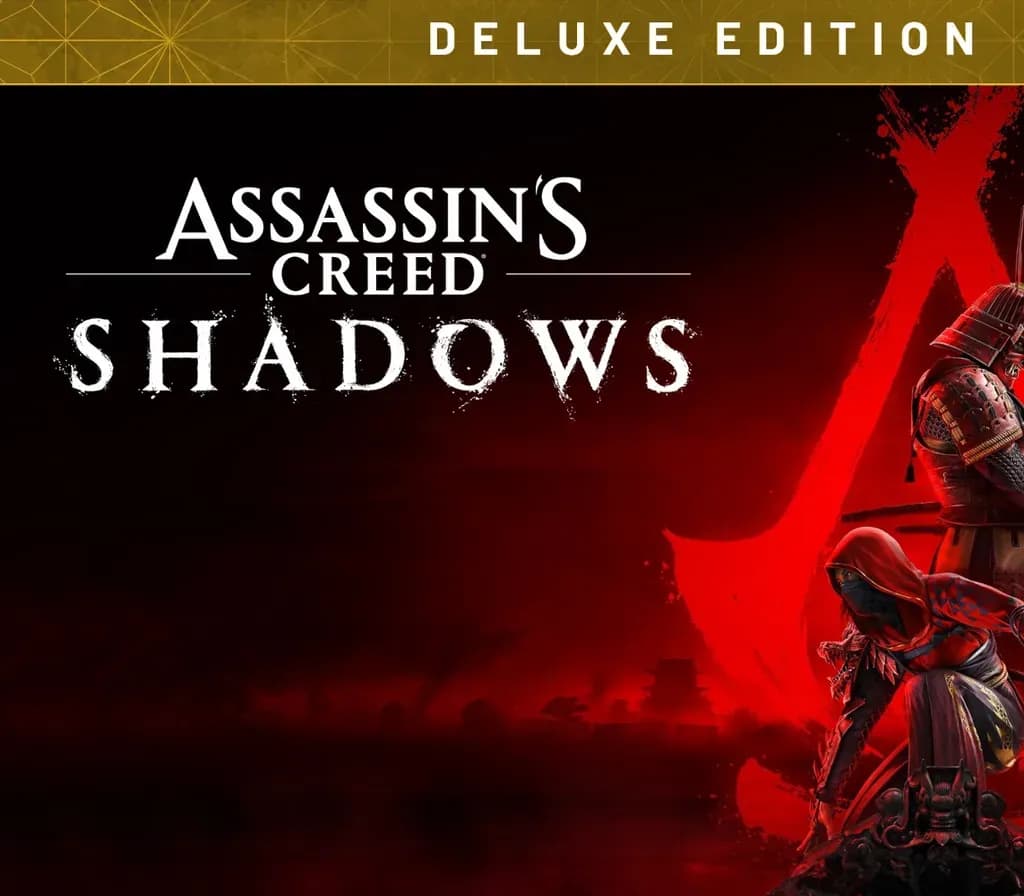
Assassin's Creed Origins Deluxe Edition PC Steam Account
Assassin's Creed Origins Deluxe Edition PC Steam Account is a game account for Steam, not region-locked.
Choose your version
Your country: United States
Platform
Edition
How to buy it
- Steam
- Global
- Account
154,000+ sales in our store and on marketplaces
 Pago Móvil
 Binance Pay
About this game
A COUNTRY TO DISCOVER
From deserts to lush oases, from the Mediterranean Sea to the tombs of Giza, sail down the Nile, and fight your way against dangerous ancient factions and wild beasts as you explore this gigantic and unpredictable land.
EMBRACE ACTION-RPG
Experience a completely new way to fight. Loot and use dozens of weapons with different characteristics and rarities. Explore deep progression mechanics and challenge your skills against unique and powerful bosses.
A NEW STORY EVERY TIME YOU PLAY
Engage in multiple quests and gripping stories as you cross paths with strong and memorable characters, from the wealthiest high-born to the most desperate outcasts.
System Requirements
Minimum
- OS: Windows 10 (64-bit versions only)
- Processor: Intel Core i5-2400s @ 2.5 GHz or AMD FX-6350 @ 3.9 GHz or equivalent
- Memory: 6 GB RAM
- Graphics: NVIDIA GeForce GTX 660 or AMD R9 270 (2048 MB VRAM with Shader Model 5.0 or better)
- DirectX: Version 11
- Storage: 42 GB available space
- Additional Notes: Video Preset: Lowest (720p). Game contains Denuvo and VMProtect anti-piracy technology.
Recommended
- OS: Windows 10 (64-bit versions only)
- Processor: Intel Core i7- 3770 @ 3.5 GHz or AMD FX-8350 @ 4.0 GHz
- Memory: 8 GB RAM
- Graphics: NVIDIA GeForce GTX 760 or AMD R9 280X (3GB VRAM with Shader Model 5.0 or better)
- Storage: 42 GB available space
- Additional Notes: Video Preset: High (1080p). Game contains Denuvo and VMProtect anti-piracy technology.
How to activate
- Log out of your personal Steam account in the client or browser.
- Log in using the provided Steam username and password delivered with your order.
- Enter the Steam Guard security verification code sent to the temporary email access included in your purchase.
- Go to Steam -> Settings -> Account, and update both the contact email address and the account password to your own credentials.
- Install the game from the Library, or configure Family Library Sharing under Settings to play from your main account.
About this game
A COUNTRY TO DISCOVER
From deserts to lush oases, from the Mediterranean Sea to the tombs of Giza, sail down the Nile, and fight your way against dangerous ancient factions and wild beasts as you explore this gigantic and unpredictable land.
EMBRACE ACTION-RPG
Experience a completely new way to fight. Loot and use dozens of weapons with different characteristics and rarities. Explore deep progression mechanics and challenge your skills against unique and powerful bosses.
A NEW STORY EVERY TIME YOU PLAY
Engage in multiple quests and gripping stories as you cross paths with strong and memorable characters, from the wealthiest high-born to the most desperate outcasts.
System Requirements
Minimum
- OS: Windows 10 (64-bit versions only)
- Processor: Intel Core i5-2400s @ 2.5 GHz or AMD FX-6350 @ 3.9 GHz or equivalent
- Memory: 6 GB RAM
- Graphics: NVIDIA GeForce GTX 660 or AMD R9 270 (2048 MB VRAM with Shader Model 5.0 or better)
- DirectX: Version 11
- Storage: 42 GB available space
- Additional Notes: Video Preset: Lowest (720p). Game contains Denuvo and VMProtect anti-piracy technology.
Recommended
- OS: Windows 10 (64-bit versions only)
- Processor: Intel Core i7- 3770 @ 3.5 GHz or AMD FX-8350 @ 4.0 GHz
- Memory: 8 GB RAM
- Graphics: NVIDIA GeForce GTX 760 or AMD R9 280X (3GB VRAM with Shader Model 5.0 or better)
- Storage: 42 GB available space
- Additional Notes: Video Preset: High (1080p). Game contains Denuvo and VMProtect anti-piracy technology.
Customer Reviews
Nobody has reviewed this game yet. If you buy it, tell us how it went.
Frequently asked questions
Which region is this for?
This is the Global version: it is not region-locked.
How do I activate Assassin's Creed Origins Deluxe Edition PC Steam Account on Steam?
1. Log out of your personal Steam account in the client or browser. 2. Log in using the provided Steam username and password delivered with your order. 3. Enter the Steam Guard security verification code sent to the temporary email access included in your purchase. 4. Go to Steam -> Settings -> Account, and update both the contact email address and the account password to your own credentials. 5. Install the game from the Library, or configure Family Library Sharing under Settings to play from your main account.
What does “account” mean?
You receive login details for a Steam account that already owns the game.