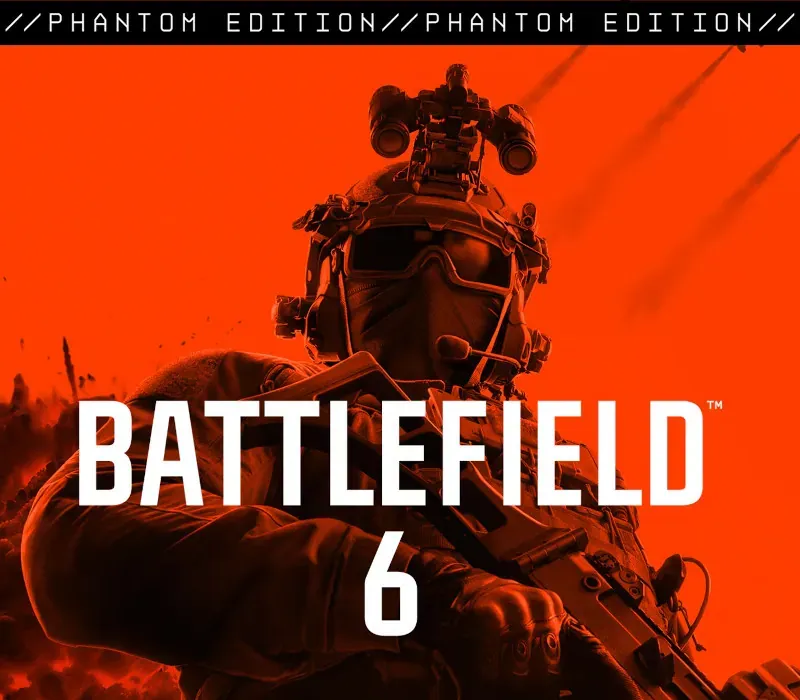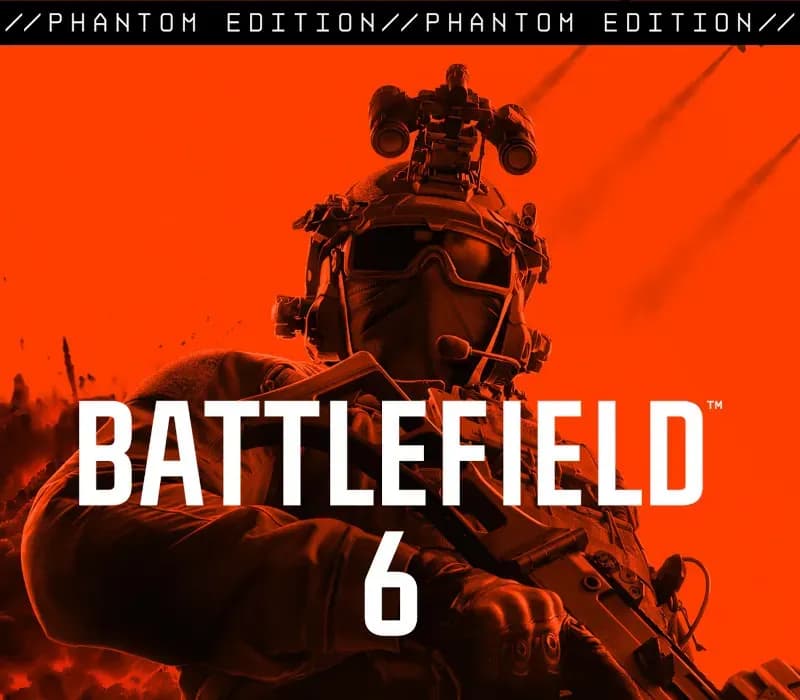

Battlefield 6 Phantom Edition PC Steam Gift
Battlefield 6 Phantom Edition PC Steam Gift is a gift for Steam, not region-locked.
⭐ 153,000+ orders delivered since 2018
 Pago Móvil
 Binance Pay
About this game
Includes
Base game Battlefield Pro Token The Phantom Pack, featuring: Phantom Squad: 4 Soldier Skins 2 Weapon Packages Melee Knife Weapon Skin Vehicle Skin Weapon Sticker Weapon Charm Dog Tag Phantom XP Boost Set The ultimate all-out warfare experience. Fight in high-intensity infantry combat. Rip through the skies in aerial dogfights. Demolish your environment for a strategic advantage.
Harness complete control over every action and movement using the Kinesthetic Combat System. In a war of tanks, fighter jets, and massive combat arsenals, the deadliest weapon is your squad. This is Battlefield 6.
System Requirements
- Windows: Minimum: Requires a 64-bit processor and operating system OS: Windows 10 Processor: Intel Core i5-8400, AMD Ryzen 5 2600 Memory: 16 GB RAM Graphics: Nvidia RTX 2060, AMD Radeon RX 5600 XT 6GB DirectX: Version 12 Network: Broadband Internet connection Storage: 55 GB available space Sound Card: No Recommendation VR Support: Not Supported
How to activate
- Log into your Steam account via the desktop client or browser at store.steampowered.com.
- If delivered via activation link, open the link from your order and follow the prompt to accept the bot's friend request or direct gift transfer.
- In the Steam client, click the gift envelope / notification icon in the top-right corner to open the pending gift prompt.
- Select "Accept Gift" and choose "Add to my library" to bind the game permanently to your account.
Customer Reviews
Frequently asked questions
Which region is this for?
This is the Global version: it is not region-locked.
How do I activate Battlefield 6 Phantom Edition PC Steam Gift on Steam?
1. Log into your Steam account via the desktop client or browser at store.steampowered.com. 2. If delivered via activation link, open the link from your order and follow the prompt to accept the bot's friend request or direct gift transfer. 3. In the Steam client, click the gift envelope / notification icon in the top-right corner to open the pending gift prompt. 4. Select "Accept Gift" and choose "Add to my library" to bind the game permanently to your account.
What does “gift” mean?
You receive the game as a gift on your Steam account. There is no key to redeem.