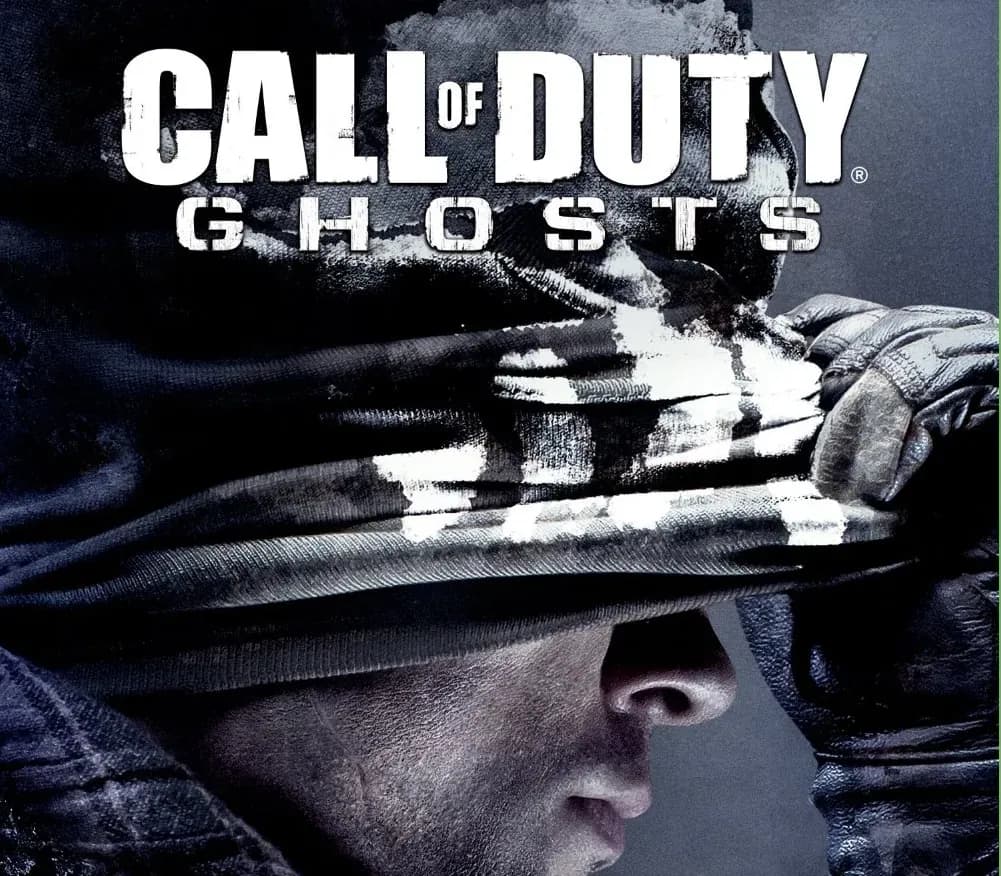
Call of Duty: Ghosts Xbox One / Xbox Series X|S Account
Call of Duty: Ghosts Xbox One / Xbox Series X|S Account is a game account for Xbox, not region-locked. Price: $6.61, 83% below the MSRP of $39.99.
Choose your version
Platform
How to buy it
- Xbox
- Global
- Account
154,000+ sales in our store and on marketplaces
 Pago Móvil
 Binance Pay
About this game
Outnumbered and outgunned, but not outmatched.
Call of Duty®: Ghosts is an extraordinary step forward for one of the largest entertainment franchises of all-time. This new chapter in the Call of Duty® franchise features a new dynamic where players are on the side of a crippled nation fighting not for freedom, or liberty, but simply to survive.
Fueling this all new Call of Duty experience, the franchise's new next-gen engine delivers stunning levels of immersion and performance, all while maintaining the speed and fluidity of 60 frames-per-second across all platforms.
Single Player Campaign
- Ten years after a devastating mass event, America’s borders and the balance of global power have changed forever. As what's left of the nation's Special Operations forces, a mysterious group known only as "Ghosts" leads the fight back against a newly emerged, technologically-superior global power.
- A New Call of Duty Universe: For the first time in franchise history, players will take on the underdog role with Call of Duty: Ghosts; outnumbered and outgunned, players must fight to reclaim a fallen nation in an intensely personal narrative. Gamers will get to know an entirely new cast of characters and visit locales in a changed world unlike anything seen in Call of Duty® before.
Multiplayer
- In Call of Duty: Ghosts you don't just create a class, you create a soldier, a first for the franchise. In the new Create-A-Soldier system, players can change the physical appearance of their soldier by choosing the head, body type, head-gear and equipment, and for the first time in a Call of Duty® game, the player can also choose their gender. With 20,000 possible combinations, this is the most flexible and comprehensive character customization in Call of Duty history.
- New dynamic maps are the evolution of multiplayer. They include interactive elements and player triggered events that make the environment evolve as each match goes on. The entire landscape can shift and force players to change tactics and strategies.
- Call of Duty: Ghosts introduces new tactical player movements. The new contextual lean system now allows players to lean around obstacles without adding button combinations or fully leaving cover. The new mantling system allows fluid movement over objects, while maintaining momentum. The knee slide allows for a natural transition from sprinting crouching to prone.
How to activate
- Press the Xbox button on your controller, navigate to "Profile & system" -> "Add or switch" -> "Add new".
- Enter the Microsoft email and password provided in your order details; select "No barriers" for sign-in security.
- Go to Settings -> General -> Personalisation -> "My home Xbox" and select "Make this my home Xbox".
- Open "My games & apps" -> "Full library" -> "Owned games", download the purchased game, then switch back to your main personal profile to play.
About this game
Outnumbered and outgunned, but not outmatched.
Call of Duty®: Ghosts is an extraordinary step forward for one of the largest entertainment franchises of all-time. This new chapter in the Call of Duty® franchise features a new dynamic where players are on the side of a crippled nation fighting not for freedom, or liberty, but simply to survive.
Fueling this all new Call of Duty experience, the franchise's new next-gen engine delivers stunning levels of immersion and performance, all while maintaining the speed and fluidity of 60 frames-per-second across all platforms.
Single Player Campaign
- Ten years after a devastating mass event, America’s borders and the balance of global power have changed forever. As what's left of the nation's Special Operations forces, a mysterious group known only as "Ghosts" leads the fight back against a newly emerged, technologically-superior global power.
- A New Call of Duty Universe: For the first time in franchise history, players will take on the underdog role with Call of Duty: Ghosts; outnumbered and outgunned, players must fight to reclaim a fallen nation in an intensely personal narrative. Gamers will get to know an entirely new cast of characters and visit locales in a changed world unlike anything seen in Call of Duty® before.
Multiplayer
- In Call of Duty: Ghosts you don't just create a class, you create a soldier, a first for the franchise. In the new Create-A-Soldier system, players can change the physical appearance of their soldier by choosing the head, body type, head-gear and equipment, and for the first time in a Call of Duty® game, the player can also choose their gender. With 20,000 possible combinations, this is the most flexible and comprehensive character customization in Call of Duty history.
- New dynamic maps are the evolution of multiplayer. They include interactive elements and player triggered events that make the environment evolve as each match goes on. The entire landscape can shift and force players to change tactics and strategies.
- Call of Duty: Ghosts introduces new tactical player movements. The new contextual lean system now allows players to lean around obstacles without adding button combinations or fully leaving cover. The new mantling system allows fluid movement over objects, while maintaining momentum. The knee slide allows for a natural transition from sprinting crouching to prone.
Customer Reviews
Nobody has reviewed this game yet. If you buy it, tell us how it went.
Frequently asked questions
Which region is this for?
This is the Global version: it is not region-locked.
How do I activate Call of Duty: Ghosts Xbox One / Xbox Series X|S Account on Xbox?
1. Press the Xbox button on your controller, navigate to "Profile & system" -> "Add or switch" -> "Add new". 2. Enter the Microsoft email and password provided in your order details; select "No barriers" for sign-in security. 3. Go to Settings -> General -> Personalisation -> "My home Xbox" and select "Make this my home Xbox". 4. Open "My games & apps" -> "Full library" -> "Owned games", download the purchased game, then switch back to your main personal profile to play.
What does “account” mean?
You receive login details for a Xbox account that already owns the game.