Cars 3: Driven to Win Xbox One / Xbox Series X|S Account
Cars 3: Driven to Win Xbox One / Xbox Series X|S Account is a game account for Xbox, not region-locked.
Choose your version
How to buy it
- Xbox
- Global
- Account
154,000+ sales in our store and on marketplaces
 Pago Móvil
 Binance Pay
About this game
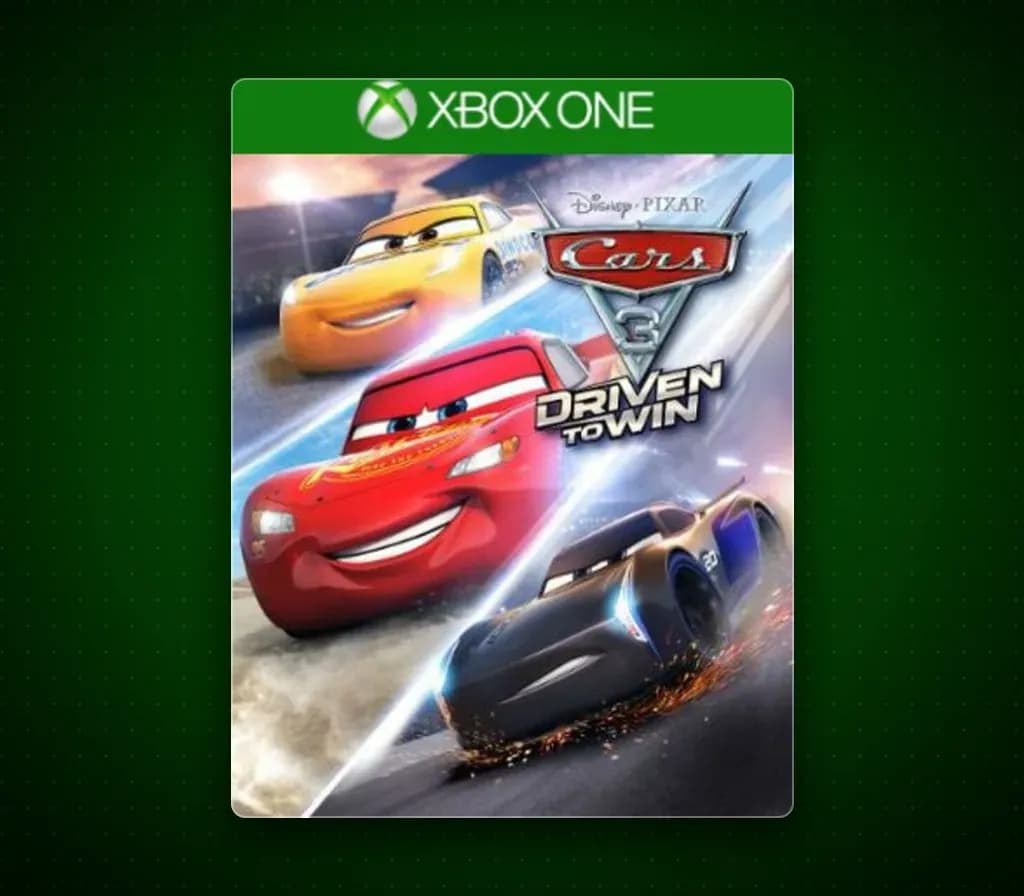
Start your engines and gear up for the ultimate racing experience in Cars 3: Driven to Win inspired by Disney•Pixar's film, Cars 3. Play with over 20 customizable characters including Lightning McQueen, Jackson Storm, Cruz Ramirez and the next generation of racers in over 20 tracks set in iconic locations from the film such as Radiator Springs. Train and advance your abilities in 6 game modes and challenge your family and friends in the Battle Race to become the Ultimate Champion. On the road to becoming a Hall of Fame Driver, training and skill will give you an edge in a race that anyone can win.
How to activate
- Press the Xbox button on your controller, navigate to "Profile & system" -> "Add or switch" -> "Add new".
- Enter the Microsoft email and password provided in your order details; select "No barriers" for sign-in security.
- Go to Settings -> General -> Personalisation -> "My home Xbox" and select "Make this my home Xbox".
- Open "My games & apps" -> "Full library" -> "Owned games", download the purchased game, then switch back to your main personal profile to play.
About this game
Start your engines and gear up for the ultimate racing experience in Cars 3: Driven to Win inspired by Disney•Pixar's film, Cars 3. Play with over 20 customizable characters including Lightning McQueen, Jackson Storm, Cruz Ramirez and the next generation of racers in over 20 tracks set in iconic locations from the film such as Radiator Springs. Train and advance your abilities in 6 game modes and challenge your family and friends in the Battle Race to become the Ultimate Champion. On the road to becoming a Hall of Fame Driver, training and skill will give you an edge in a race that anyone can win.
Customer Reviews
Nobody has reviewed this game yet. If you buy it, tell us how it went.
Frequently asked questions
Which region is this for?
This is the Global version: it is not region-locked.
How do I activate Cars 3: Driven to Win Xbox One / Xbox Series X|S Account on Xbox?
1. Press the Xbox button on your controller, navigate to "Profile & system" -> "Add or switch" -> "Add new". 2. Enter the Microsoft email and password provided in your order details; select "No barriers" for sign-in security. 3. Go to Settings -> General -> Personalisation -> "My home Xbox" and select "Make this my home Xbox". 4. Open "My games & apps" -> "Full library" -> "Owned games", download the purchased game, then switch back to your main personal profile to play.
What does “account” mean?
You receive login details for a Xbox account that already owns the game.