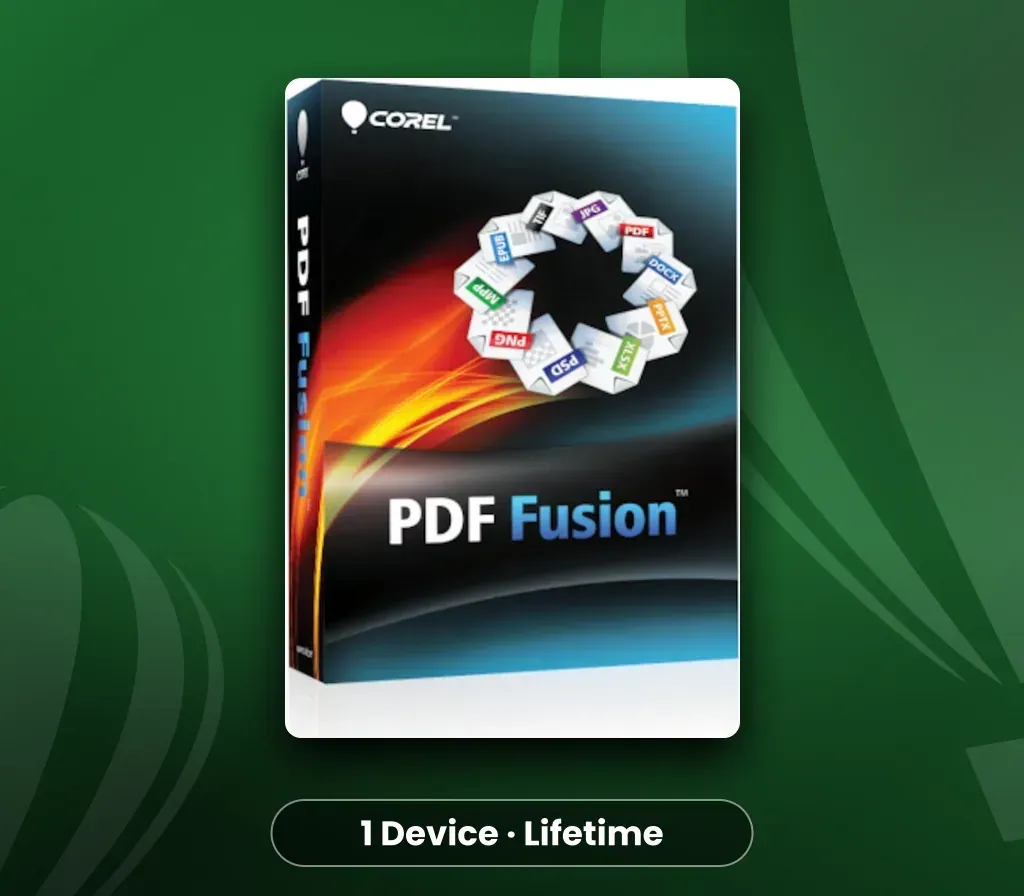
Corel PDF Fusion (1 Device, Lifetime) Key
Corel PDF Fusion (1 Device, Lifetime) Key is a digital key for PC, not region-locked. Delivered instantly after payment.
⭐ 153,000+ orders delivered since 2018
 Pago Móvil
 Binance Pay
About this game
The all-in-one PDF creator toolkit! Boost your productivity with Corel PDF Fusion, an all-in-one PDF creator that lets you assemble, edit and create PDFs. Open more than 100 different file types just by dragging and dropping them onto the Welcome Screen. Take pages from multiple files, including documents, spreadsheets and presentations, and combine them into a single PDF to share with anyone.
Add new text, bookmarks and comments. Plus, convert files to PDF, PDF/A, XPS and DOC formats with just a click. Save money by viewing over 100 file types without purchasing additional software Easily create and edit PDFs Drag and drop to combine multiple file types in one PDF document Save time by easily re-purposing content, instead of retyping, and cutting and pasting Share files with anyone by converting to PDF, PDF/A, XPS or Microsoft Word formats
System Requirements
- Windows: Microsoft Windows 10, Microsoft Windows 8 / 8.1, Windows 7, Windows Vista or Windows XP with latest service packs installed (32-bit and 64-bit editions) 512 MB of RAM (1 GB recommended) 250 MB of available hard disk space 1.3 GHz or faster processor 1024 x 768 screen resolution Server Support Corel PDF Fusion supports deployment via the following third-party systems: Novell ZENworks, Citrix XenApp and Windows Group Policies. PDF Fusion also supports Windows Server 2008 R2, Windows Server 2008 and Windows Server 2003 (32-bit and 64-bit editions), including virtualization on Microsoft Hyper-V servers and VMware.
How to activate
Customer Reviews
Frequently asked questions
Which region is this for?
This is the Global version: it is not region-locked.
How fast is delivery?
Your key appears in your account and is emailed to you right after payment.