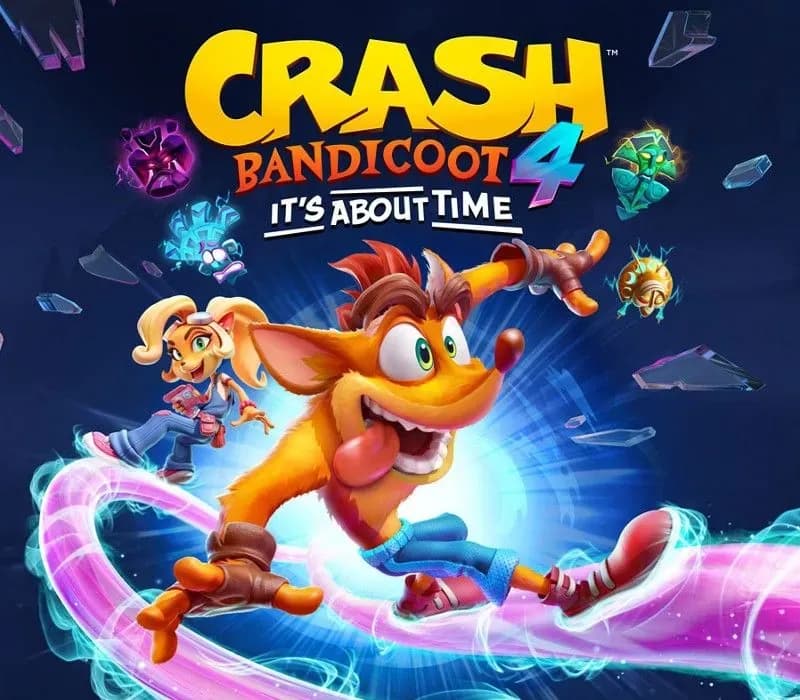
Crash Bandicoot 4: It’s About Time Xbox One Account
Crash Bandicoot 4: It’s About Time Xbox One Account is a game account for Xbox, not region-locked. Price: $17.28, 71% below the MSRP of $59.99.
Choose your version
How to buy it
- Xbox
- Global
- Account
154,000+ sales in our store and on marketplaces
 Pago Móvil
 Binance Pay
About this game
It’s About Time - the critically-acclaimed Crash Bandicoot™ 4: It's About Time is now on Steam! Crash fourward into a time shattered adventure with your favorite marsupials.
Neo Cortex and N. Tropy are back at it again and launching an all-out assault on not just this universe, but the entire multiverse! Crash and Coco are here to save the day by reuniting the four Quantum Masks and bending the rules of reality.
New abilities? Check. More playable characters? Yep. Alternate dimensions? Obviously. Ridonkulous bosses? For sure. Same awesome sauce? You bet your sweet jorts. Wait, are they actually jorts? Not in this universe!
How to activate
- Press the Xbox button on your controller, navigate to "Profile & system" -> "Add or switch" -> "Add new".
- Enter the Microsoft email and password provided in your order details; select "No barriers" for sign-in security.
- Go to Settings -> General -> Personalisation -> "My home Xbox" and select "Make this my home Xbox".
- Open "My games & apps" -> "Full library" -> "Owned games", download the purchased game, then switch back to your main personal profile to play.
About this game
It’s About Time - the critically-acclaimed Crash Bandicoot™ 4: It's About Time is now on Steam! Crash fourward into a time shattered adventure with your favorite marsupials.
Neo Cortex and N. Tropy are back at it again and launching an all-out assault on not just this universe, but the entire multiverse! Crash and Coco are here to save the day by reuniting the four Quantum Masks and bending the rules of reality.
New abilities? Check. More playable characters? Yep. Alternate dimensions? Obviously. Ridonkulous bosses? For sure. Same awesome sauce? You bet your sweet jorts. Wait, are they actually jorts? Not in this universe!
Customer Reviews
Nobody has reviewed this game yet. If you buy it, tell us how it went.
Frequently asked questions
Which region is this for?
This is the Global version: it is not region-locked.
How do I activate Crash Bandicoot 4: It’s About Time Xbox One Account on Xbox?
1. Press the Xbox button on your controller, navigate to "Profile & system" -> "Add or switch" -> "Add new". 2. Enter the Microsoft email and password provided in your order details; select "No barriers" for sign-in security. 3. Go to Settings -> General -> Personalisation -> "My home Xbox" and select "Make this my home Xbox". 4. Open "My games & apps" -> "Full library" -> "Owned games", download the purchased game, then switch back to your main personal profile to play.
What does “account” mean?
You receive login details for a Xbox account that already owns the game.