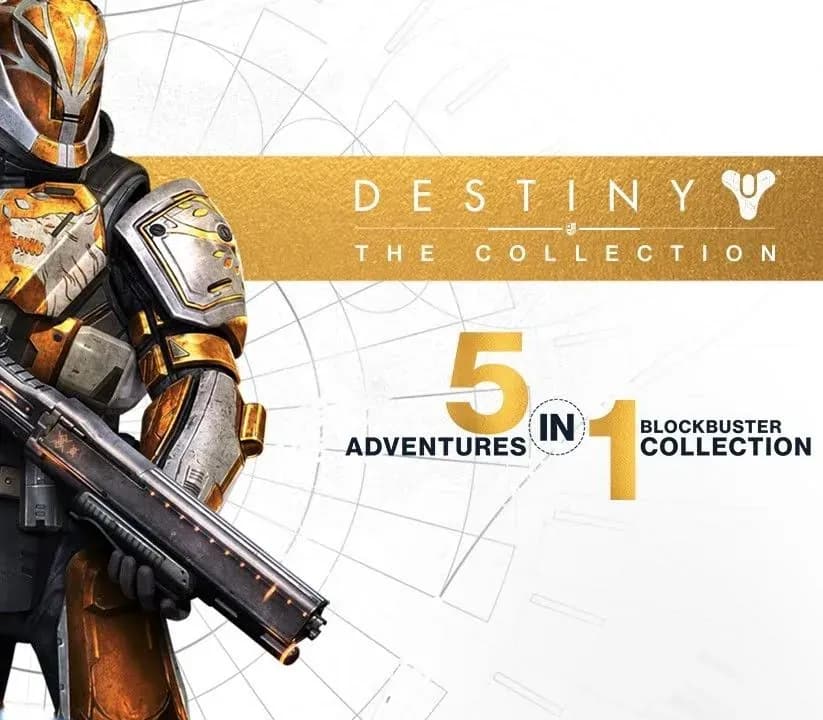
Destiny - The Collection Xbox One / Xbox Series X|S Account
Destiny - The Collection Xbox One / Xbox Series X|S Account is a game account for Xbox, not region-locked. Price: $10.47, 47% below the MSRP of $19.99.
Choose your version
How to buy it
- Xbox
- Global
- Account
154,000+ sales in our store and on marketplaces
 Pago Móvil
 Binance Pay
About this game
5 Adventures, 1 Epic Collection Destiny - The Collection contains every release from the award-winning first-person shooter franchise to date. It’s a great way for Guardians to embark on journeys they may have missed, as well as a perfect starting point for new players who want to join the Destiny community. It includes: Destiny, Expansion I: The Dark Below, Expansion II: House of Wolves, The Taken King, and the newest adventure, Rise of Iron. It also includes a character boost to send you immediately into the battle. Includes: • Destiny • Expansion I: The Dark Below • Expansion II: House of Wolves • The Taken King • Rise of Iron • Level 40 Character Boost Online only. A minimum of 60 GB storage space required, subject to change, visit www.destinythegame.com/size-requirements for current requirements. Game Pass Core subscription required for online multiplayer gameplay, sold separately. Additional storage may be required for updates and features. Downloadable content available to buy in-game. Mandatory updates may be required to be downloaded to continue playing. Activision makes no guarantee regarding availability of online play or features and may modify or discontinue online services at its discretion with reasonable notice. Terms and conditions apply. Using the software constitutes acceptance of the Destiny Software License & Service Agreement available at support.activision.com/license, Terms of Services and Privacy Policy at www.bungie.net/eula.
How to activate
- Press the Xbox button on your controller, navigate to "Profile & system" -> "Add or switch" -> "Add new".
- Enter the Microsoft email and password provided in your order details; select "No barriers" for sign-in security.
- Go to Settings -> General -> Personalisation -> "My home Xbox" and select "Make this my home Xbox".
- Open "My games & apps" -> "Full library" -> "Owned games", download the purchased game, then switch back to your main personal profile to play.
About this game
5 Adventures, 1 Epic Collection Destiny - The Collection contains every release from the award-winning first-person shooter franchise to date. It’s a great way for Guardians to embark on journeys they may have missed, as well as a perfect starting point for new players who want to join the Destiny community. It includes: Destiny, Expansion I: The Dark Below, Expansion II: House of Wolves, The Taken King, and the newest adventure, Rise of Iron. It also includes a character boost to send you immediately into the battle. Includes: • Destiny • Expansion I: The Dark Below • Expansion II: House of Wolves • The Taken King • Rise of Iron • Level 40 Character Boost Online only. A minimum of 60 GB storage space required, subject to change, visit www.destinythegame.com/size-requirements for current requirements. Game Pass Core subscription required for online multiplayer gameplay, sold separately. Additional storage may be required for updates and features. Downloadable content available to buy in-game. Mandatory updates may be required to be downloaded to continue playing. Activision makes no guarantee regarding availability of online play or features and may modify or discontinue online services at its discretion with reasonable notice. Terms and conditions apply. Using the software constitutes acceptance of the Destiny Software License & Service Agreement available at support.activision.com/license, Terms of Services and Privacy Policy at www.bungie.net/eula.
Customer Reviews
Nobody has reviewed this game yet. If you buy it, tell us how it went.
Frequently asked questions
Which region is this for?
This is the Global version: it is not region-locked.
How do I activate Destiny - The Collection Xbox One / Xbox Series X|S Account on Xbox?
1. Press the Xbox button on your controller, navigate to "Profile & system" -> "Add or switch" -> "Add new". 2. Enter the Microsoft email and password provided in your order details; select "No barriers" for sign-in security. 3. Go to Settings -> General -> Personalisation -> "My home Xbox" and select "Make this my home Xbox". 4. Open "My games & apps" -> "Full library" -> "Owned games", download the purchased game, then switch back to your main personal profile to play.
What does “account” mean?
You receive login details for a Xbox account that already owns the game.