 1 of 12
Dying Light: The Beast PS5 Account
Release: Sep 18, 2025 · Developer: Techland
Dying Light: The Beast — PSN account for PS5, Global. Not a code — read the account-ban notice before buying.
- Pay securelyInstant
- Key revealed in your account~60s
- Redeem on PlayStationDirect activation
 Pago Móvil
 Binance Pay
 Crypto
 Wallet
154,000+ sales in our store and on marketplaces · Latest order delivered: 23 minutes ago
How to activate
- 1Turn on your PlayStation console, select "Add User", and choose "Get Started" (do not select "Play as a One-Time Guest").
- 2Sign in to PlayStation Network with the delivered account email and password, entering the 2FA code provided if prompted.
- 3Enable console sharing: on PS5 go to Settings -> Users and Accounts -> Other -> "Console Sharing and Offline Play" -> Enable (on PS4: Settings -> Account Management -> "Activate as Your Primary PS4").
- 4Open Game Library -> "Your Collection", start downloading the purchased game, and switch back to your main personal profile to play and earn trophies.
About this game
Dying Light: The Beast PS5 Account is a game account for PlayStation, not region-locked.
Important — please read before buying: This is a PlayStation account created and supplied by a third-party seller, not a code for your own account. Sony's Terms of Service do not allow buying or selling PSN accounts, so a ban of the account (or restrictions on the console) is a likely possibility, though not a certainty, and we cannot guarantee the account will not be restricted. Do not change the account's country/region or add a payment method; play on your own profile via Console Sharing and Offline Play.
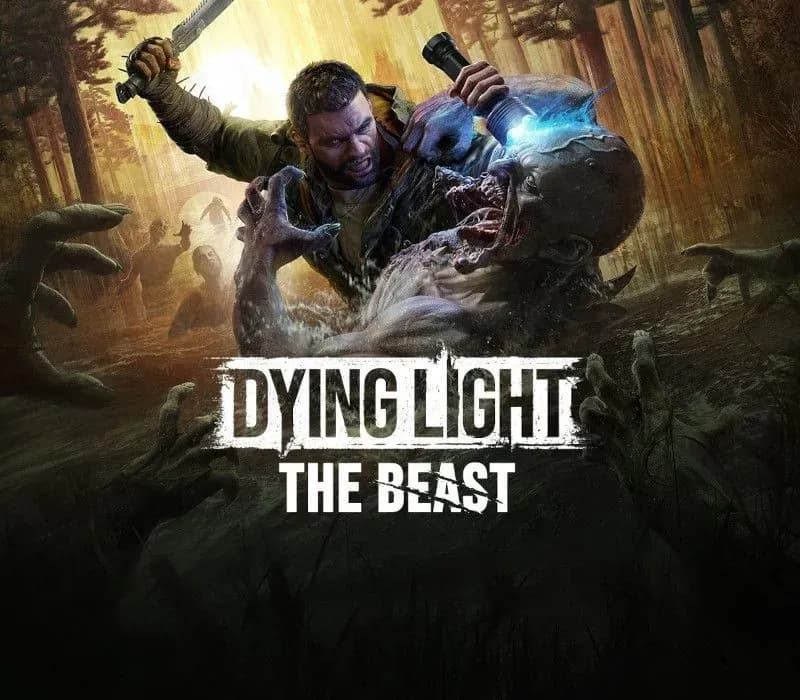
Dying Light: The Beast is the next AAA Dying Light game and the best-reviewed entry in the franchise’s history. Packed with more than 40 hours of survival adventure, both in single-player and shared progression co-op, it delivers the most ambitious, modern and content-rich Dying Light experience ever created. Immerse yourself in the expansive open world of Castor Woods and get lost in the scope, atmosphere and innovation of this must-play survival horror.
A terrifying new chapter in the Dying Light universe begins. As Kyle Crane, explore the vast and unpredictable wilderness, uncover a deadly evolution of the infected, and learn to control the beastly powers awakening inside you.
"The Beast really is Dying Light 3.” - GamesRadar+ , 9/10
The highest-rated Dying Light game ever, shaped by a decade of Techland’s experience with the series. Everything fans love - immersion, exploration, physical FPP melee combat, grounded parkour, and the iconic day–night cycle - refined and elevated to the next level. A perfect return for veterans, and the ideal entry point for newcomers.
"Kyle Crane Steals The Show And Gives Dying Light Its Best Story Yet" - The Gamer, 8/10
Dive into a gripping tale of vengeance filled with twists, shifting alliances, and characters you’re never sure you can trust. Follow Kyle Crane’s powerful journey as his fight for justice uncovers reveals dangers far greater than he ever imagined.
"Techland perfectly nailed it, the Beast Mode really makes you feel like you could tear through anything" - WCCFtech
Play as Kyle Crane, a hero with the DNA of both man and beast. Freely switch between two playstyles and face a fierce conflict that lead to the acceptance of the monster within.
"Melee combat is once again a highlight of the game, with heft behind every attempt to take out a zombie, and so many different weapons and modifiers to choose from" - Gamespot, 8/10
Feel the full force of Dying Light’s most physical combat yet. Your blows land with real momentum, enemies react believably, and your emerging beast-like abilities add intensity without losing the challenge and immersion.
"The night continues to be one of Dying Light’s greatest gameplay" - GamingBIBLE
The distinct experiences of night and day, a signature of the Dying Light series, merge into one unique whole. Explore and scavenge by day, but remember the constantly ticking clock.
Frequently asked questions
Which region is this for?
This is the Global version: it is not region-locked.
How do I activate Dying Light: The Beast PS5 Account on PlayStation?
1. Turn on your PlayStation console, select "Add User", and choose "Get Started" (do not select "Play as a One-Time Guest"). 2. Sign in to PlayStation Network with the delivered account email and password, entering the 2FA code provided if prompted. 3. Enable console sharing: on PS5 go to Settings -> Users and Accounts -> Other -> "Console Sharing and Offline Play" -> Enable (on PS4: Settings -> Account Management -> "Activate as Your Primary PS4"). 4. Open Game Library -> "Your Collection", start downloading the purchased game, and switch back to your main personal profile to play and earn trophies.
What does “account” mean?
You receive login details for a PlayStation account that already owns the game.
Customer Reviews
See all reviews and write yours
Customer Reviews
Nobody has reviewed this game yet. If you buy it, tell us how it went.