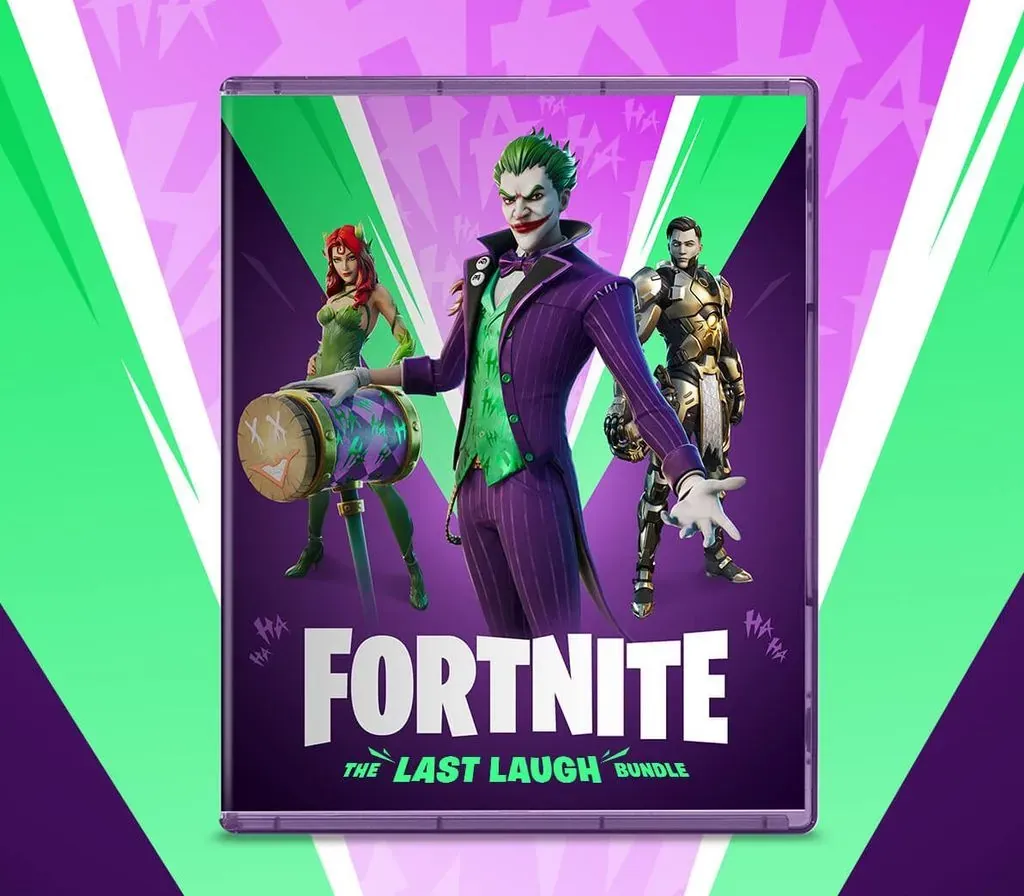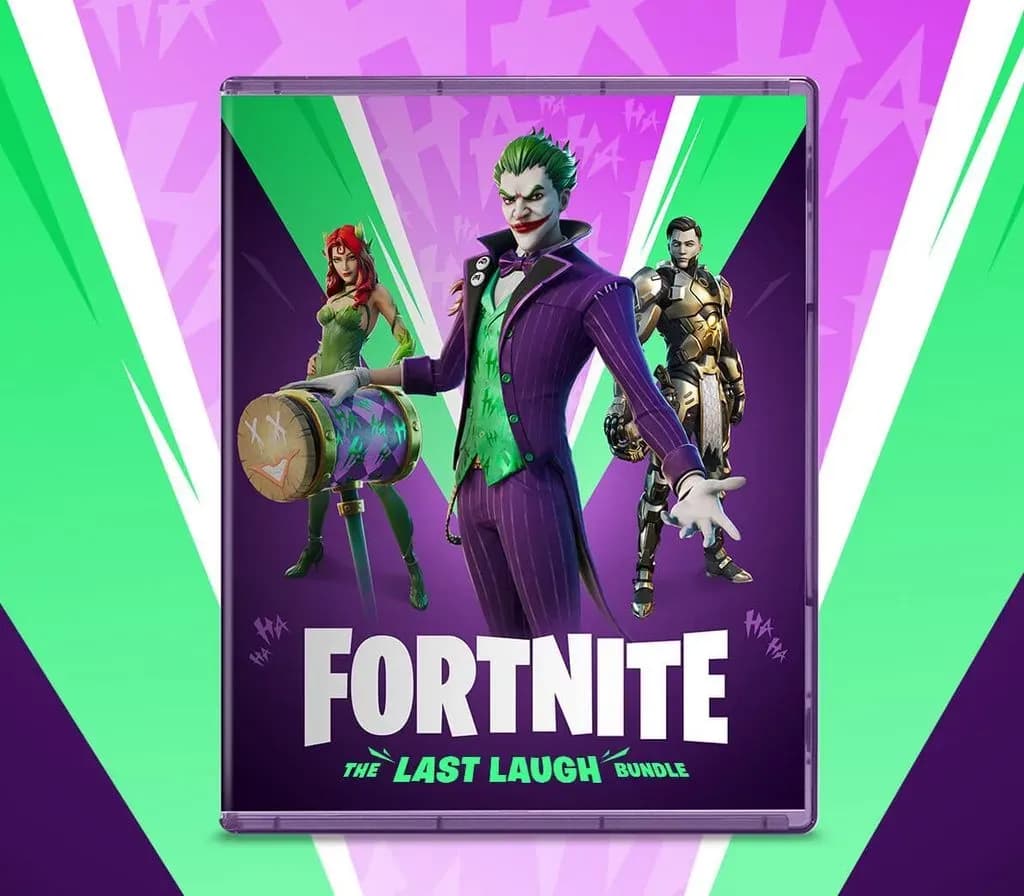
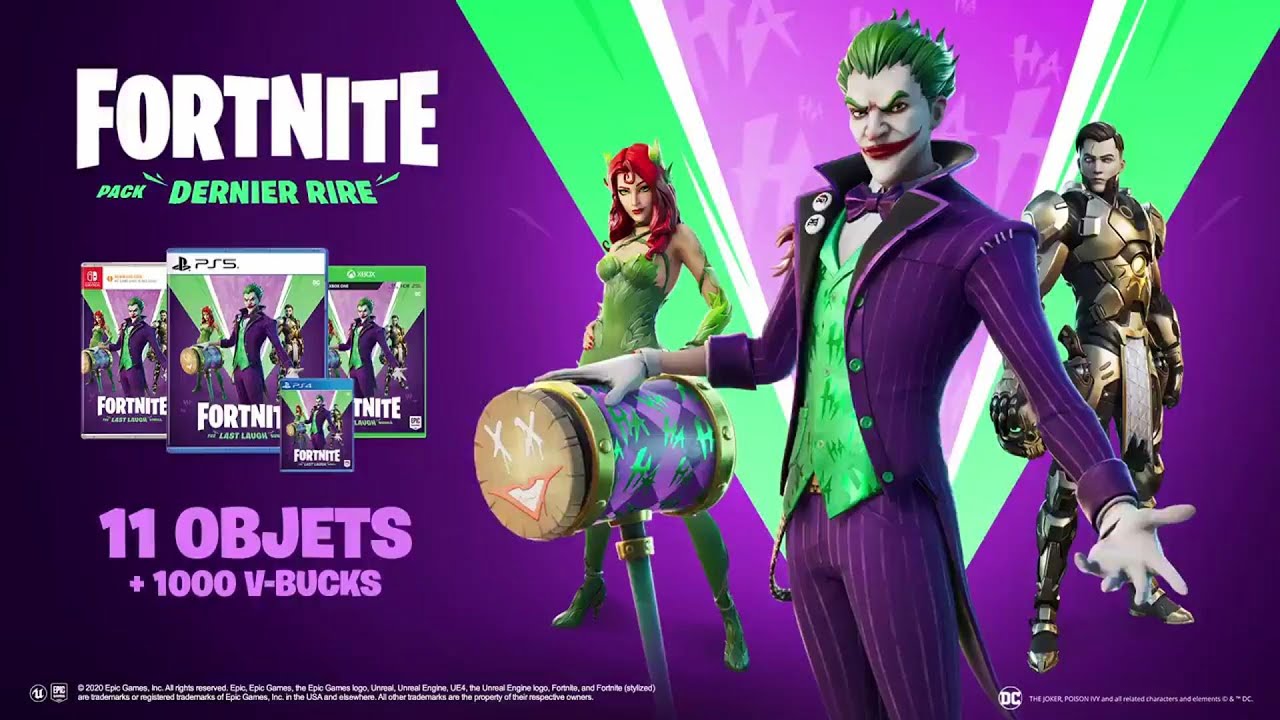
Fortnite Last Laugh Bundle + 1000 V-Bucks PS5 Account
Fortnite Last Laugh Bundle + 1000 V-Bucks PS5 Account is a gift card for PlayStation, not region-locked.
⭐ 153,000+ orders delivered since 2018
 Pago Móvil
 Binance Pay
About this game
Important — please read before buying: This is a PlayStation account created and supplied by a third-party seller, not a code for your own account. Sony's Terms of Service do not allow buying or selling PSN accounts, so a ban of the account (or restrictions on the console) is a likely possibility, though not a certainty, and we cannot guarantee the account will not be restricted. Do not change the account's country/region or add a payment method; play on your own profile via Console Sharing and Offline Play.
Fortnite for PlayStation, delivered as a ready-to-use PSN account with the game.
How to activate
- Open PlayStation Store on your console or visit store.playstation.com on your browser.
- Sign into your PlayStation Network account (ensure the country of your account matches the gift card currency/region).
- Select your avatar at the top of the screen and choose "Redeem Code".
- Enter the 12-digit PlayStation Store gift card voucher code and select "Redeem".
- The wallet funds are instantly credited to your PSN balance and can be spent on games, DLCs, or PlayStation Plus.
Customer Reviews
Frequently asked questions
Which region is this for?
This is the Global version: it is not region-locked.
How do I activate Fortnite Last Laugh Bundle + 1000 V-Bucks PS5 Account on PlayStation?
1. Open PlayStation Store on your console or visit store.playstation.com on your browser. 2. Sign into your PlayStation Network account (ensure the country of your account matches the gift card currency/region). 3. Select your avatar at the top of the screen and choose "Redeem Code". 4. Enter the 12-digit PlayStation Store gift card voucher code and select "Redeem". 5. The wallet funds are instantly credited to your PSN balance and can be spent on games, DLCs, or PlayStation Plus.