Halloween: The Game PC Steam Gift
⭐ 153,000+ orders delivered since 2018
 Pago Móvil
 Binance Pay
About this game
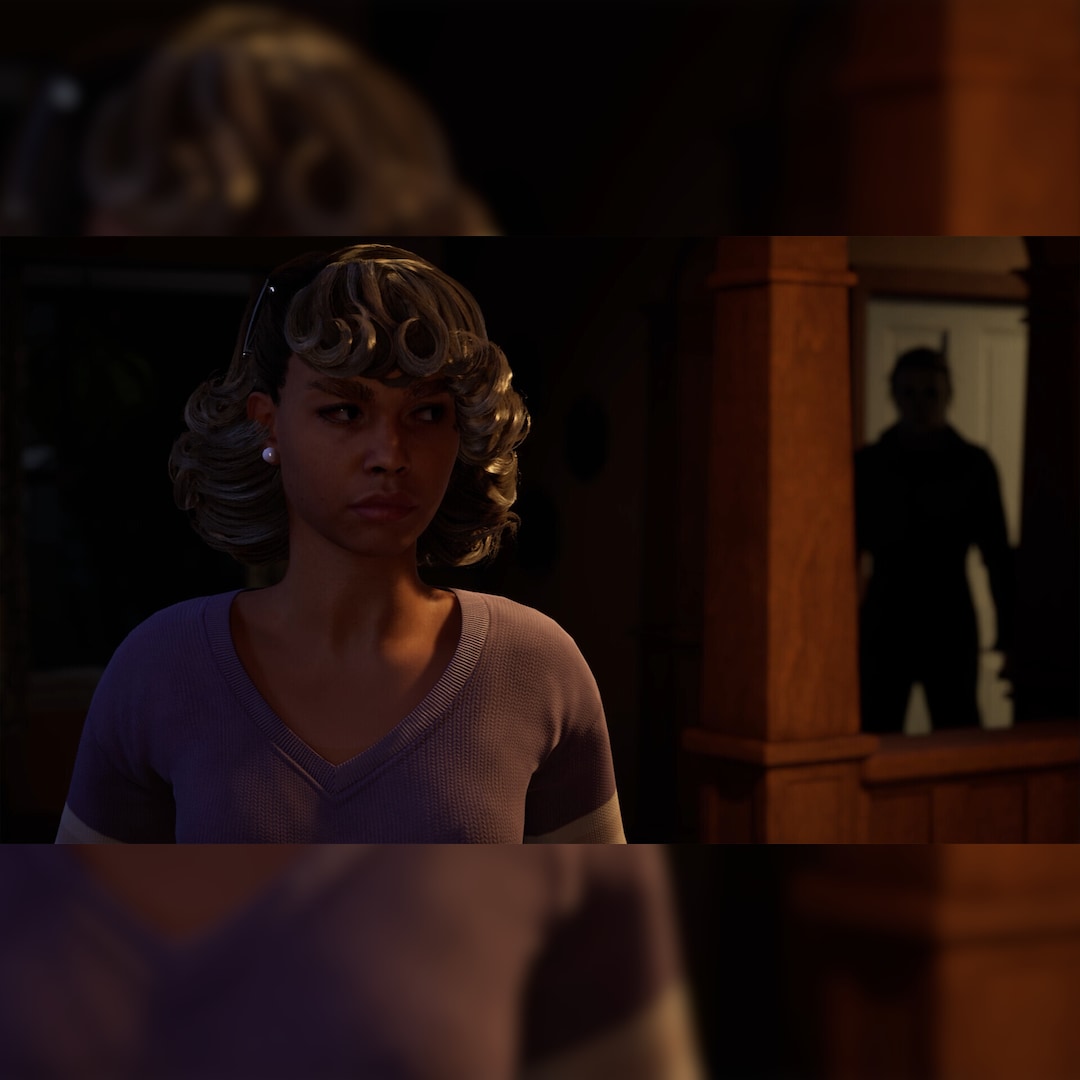
• Take The Shape of Evil: Target, stalk, and terrorize the residents of Haddonfield as the iconic Michael Myers. • Become a Hero of Haddonfield: Arm yourself with weapons and everyday household items to fend off the impending evil, alert the authorities, and rescue the innocent families of Haddonfield. • Experience the Ultimate Horror Sandbox: An expansive array of dynamic map features, distinct gameplay systems, life-like NPC interactions, and player abilities elevates the horror sandbox like never before. • Singleplayer Slashing: Immerse yourself in the haunting narrative events of "The Night He Came Home" through the eyes of Michael Myers in a standalone singleplayer story. • Elevated Asymmetrical Multiplayer: Cooperate with up to four players as the Heroes of Haddonfield and face off against the one and only Michael Myers in unpredictable multiplayer matches unfolding within a living, breathing game world. It’s Halloween night, 1978, the unsuspecting families of the quiet suburban town of Haddonfield are making holiday preparations, and evil has made its way home. Take The Shape of Evil as Michael Myers or save your neighbors as a Hero of Haddonfield in Halloween, the ultimate asymmetrical horror sandbox. As Michael, players wear the mask, become the Boogeyman, and stalk innocent residents with relentless obsession. Utilizing a nightmarish array of abilities, Michael leverages shadows and stealth to satisfy his bloodthirst. This doesn’t mean Haddonfield is going down without a fight. Frightened townsfolk will call the local authorities and even fight back when threatened, incentivizing Michael to avoid detection. And for the first time ever, fans of the transformative original film will have the option to witness the haunting narrative events surrounding "The
How to activate
- Log into your Steam account via the desktop client or browser at store.steampowered.com.
- If delivered via activation link, open the link from your order and follow the prompt to accept the bot's friend request or direct gift transfer.
- In the Steam client, click the gift envelope / notification icon in the top-right corner to open the pending gift prompt.
- Select "Accept Gift" and choose "Add to my library" to bind the game permanently to your account.