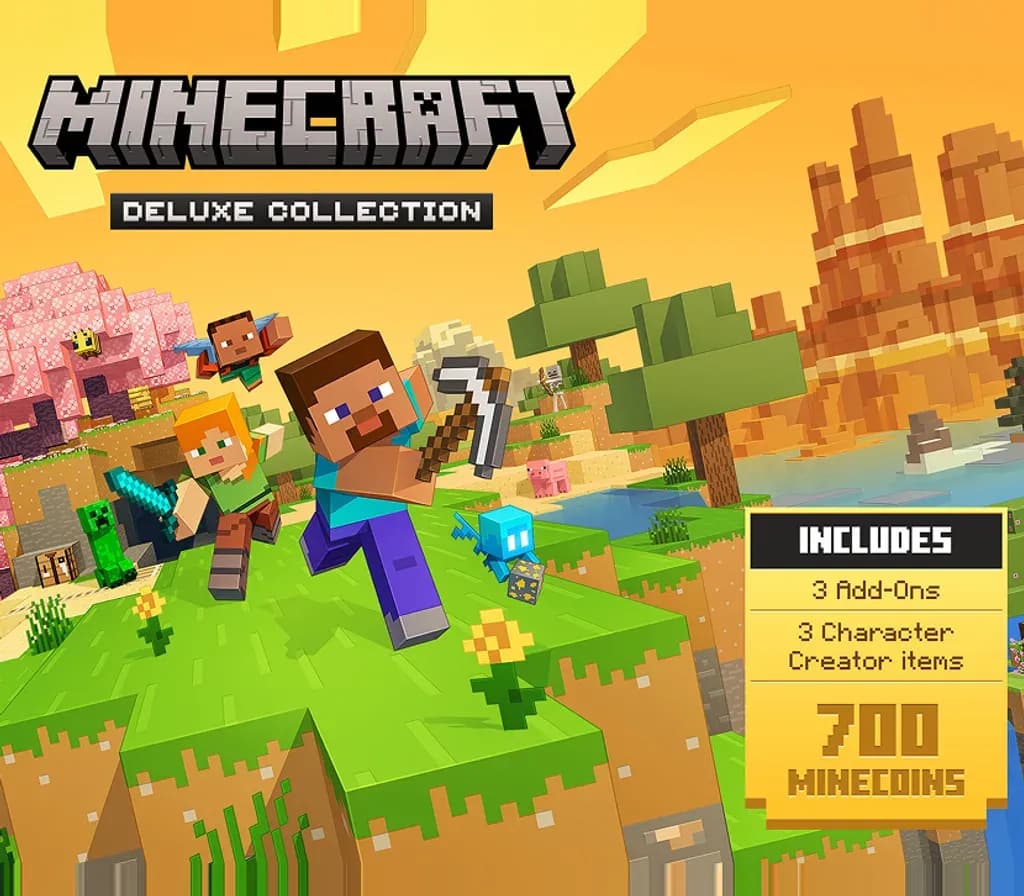
Minecraft Deluxe Collection Xbox One / Xbox Series X|S Account
Minecraft Deluxe Collection Xbox One / Xbox Series X|S Account is a game account for Xbox, not region-locked.
Choose your version
Platform
Edition
How to buy it
- Xbox
- Global
- Account
154,000+ sales in our store and on marketplaces
 Pago Móvil
 Binance Pay
About this game
CREATE Build whatever you can imagine in your own infinite world that’s unique in every playthrough. EXPLORE Discover biomes, resources and mobs, and craft your way through a world filled with surprises in the ultimate sandbox game. SURVIVE Experience unforgettable adventures as you face mysterious foes, traverse exciting landscapes, and travel to perilous dimensions. PLAY TOGETHER Have a blast with friends, whether you’re sitting on the same couch in split screen or miles apart in cross-platform play for console, mobile and PC. Connect with millions of players on community servers or subscribe to Realms Plus to play with up to 10 friends on your own private server. VIBRANT VISUALS Vibrant Visuals is Minecraft’s biggest official visual enhancement – delivering a dazzling cosmetic upgrade with a new modern graphics pipeline and an array of visual improvements. Sunrises are more vivid, water reflects, forests become shaded, and more! EXPERIENCE MORE Get creator-made add-ons, thrilling worlds, and stylish cosmetics on Minecraft Marketplace. Subscribe to Marketplace Pass (or Realms Plus) to access 150+ worlds, skin & textures packs, and more – refreshed monthly. To switch to Vibrant Visuals on Xbox One and Xbox One S, players need to select "Vibrant Visuals" in the Video menu using the Graphics Mode drop-down. Performance may degrade for these consoles. Marketplace Add-Ons, Skins, and Persona items will work with Vibrant Visuals, however, Worlds and Texture Packs are not compatible with the new mode at this time. Splitscreen multiplayer is not supported with Vibrant Visuals and the game will switch to Fancy or Simple rendering if multiple players are joined locally.
How to activate
- Press the Xbox button on your controller, navigate to "Profile & system" -> "Add or switch" -> "Add new".
- Enter the Microsoft email and password provided in your order details; select "No barriers" for sign-in security.
- Go to Settings -> General -> Personalisation -> "My home Xbox" and select "Make this my home Xbox".
- Open "My games & apps" -> "Full library" -> "Owned games", download the purchased game, then switch back to your main personal profile to play.
About this game
CREATE Build whatever you can imagine in your own infinite world that’s unique in every playthrough. EXPLORE Discover biomes, resources and mobs, and craft your way through a world filled with surprises in the ultimate sandbox game. SURVIVE Experience unforgettable adventures as you face mysterious foes, traverse exciting landscapes, and travel to perilous dimensions. PLAY TOGETHER Have a blast with friends, whether you’re sitting on the same couch in split screen or miles apart in cross-platform play for console, mobile and PC. Connect with millions of players on community servers or subscribe to Realms Plus to play with up to 10 friends on your own private server. VIBRANT VISUALS Vibrant Visuals is Minecraft’s biggest official visual enhancement – delivering a dazzling cosmetic upgrade with a new modern graphics pipeline and an array of visual improvements. Sunrises are more vivid, water reflects, forests become shaded, and more! EXPERIENCE MORE Get creator-made add-ons, thrilling worlds, and stylish cosmetics on Minecraft Marketplace. Subscribe to Marketplace Pass (or Realms Plus) to access 150+ worlds, skin & textures packs, and more – refreshed monthly. To switch to Vibrant Visuals on Xbox One and Xbox One S, players need to select "Vibrant Visuals" in the Video menu using the Graphics Mode drop-down. Performance may degrade for these consoles. Marketplace Add-Ons, Skins, and Persona items will work with Vibrant Visuals, however, Worlds and Texture Packs are not compatible with the new mode at this time. Splitscreen multiplayer is not supported with Vibrant Visuals and the game will switch to Fancy or Simple rendering if multiple players are joined locally.
Customer Reviews
Nobody has reviewed this game yet. If you buy it, tell us how it went.
Frequently asked questions
Which region is this for?
This is the Global version: it is not region-locked.
How do I activate Minecraft Deluxe Collection Xbox One / Xbox Series X|S Account on Xbox?
1. Press the Xbox button on your controller, navigate to "Profile & system" -> "Add or switch" -> "Add new". 2. Enter the Microsoft email and password provided in your order details; select "No barriers" for sign-in security. 3. Go to Settings -> General -> Personalisation -> "My home Xbox" and select "Make this my home Xbox". 4. Open "My games & apps" -> "Full library" -> "Owned games", download the purchased game, then switch back to your main personal profile to play.
What does “account” mean?
You receive login details for a Xbox account that already owns the game.