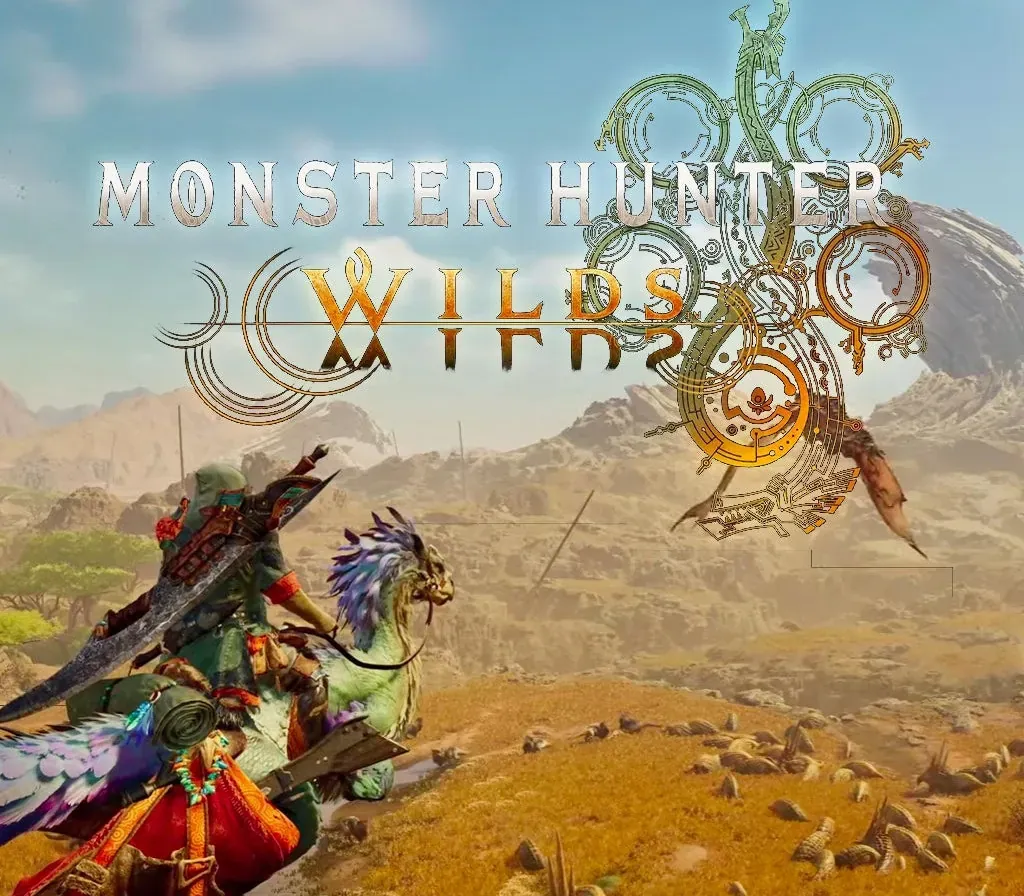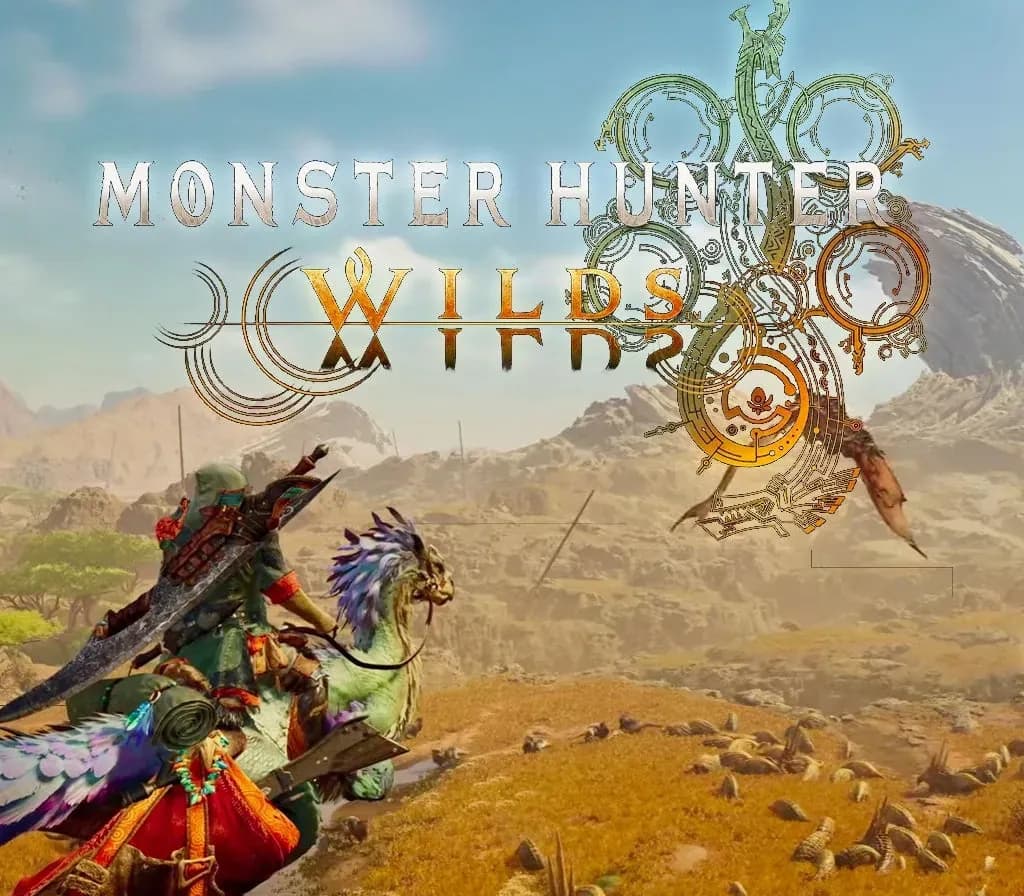
Monster Hunter Wilds PC Steam Gift
Monster Hunter Wilds PC Steam Gift is a gift for Steam, not region-locked.
⭐ 153,000+ orders delivered since 2018
 Pago Móvil
 Binance Pay
About this game
Venture into untamed, unpredictable ecosystems where massive monsters roam in a new hunting adventure. Prepare your gear and adapt to shifting environmental conditions on your PC. Redeem your Steam gift to join the hunt and test your survival skills against powerful creatures in the wild.
How to activate
- Log into your Steam account via the desktop client or browser at store.steampowered.com.
- If delivered via activation link, open the link from your order and follow the prompt to accept the bot's friend request or direct gift transfer.
- In the Steam client, click the gift envelope / notification icon in the top-right corner to open the pending gift prompt.
- Select "Accept Gift" and choose "Add to my library" to bind the game permanently to your account.
Customer Reviews
Frequently asked questions
Which region is this for?
This is the Global version: it is not region-locked.
How do I activate Monster Hunter Wilds PC Steam Gift on Steam?
1. Log into your Steam account via the desktop client or browser at store.steampowered.com. 2. If delivered via activation link, open the link from your order and follow the prompt to accept the bot's friend request or direct gift transfer. 3. In the Steam client, click the gift envelope / notification icon in the top-right corner to open the pending gift prompt. 4. Select "Accept Gift" and choose "Add to my library" to bind the game permanently to your account.
What does “gift” mean?
You receive the game as a gift on your Steam account. There is no key to redeem.