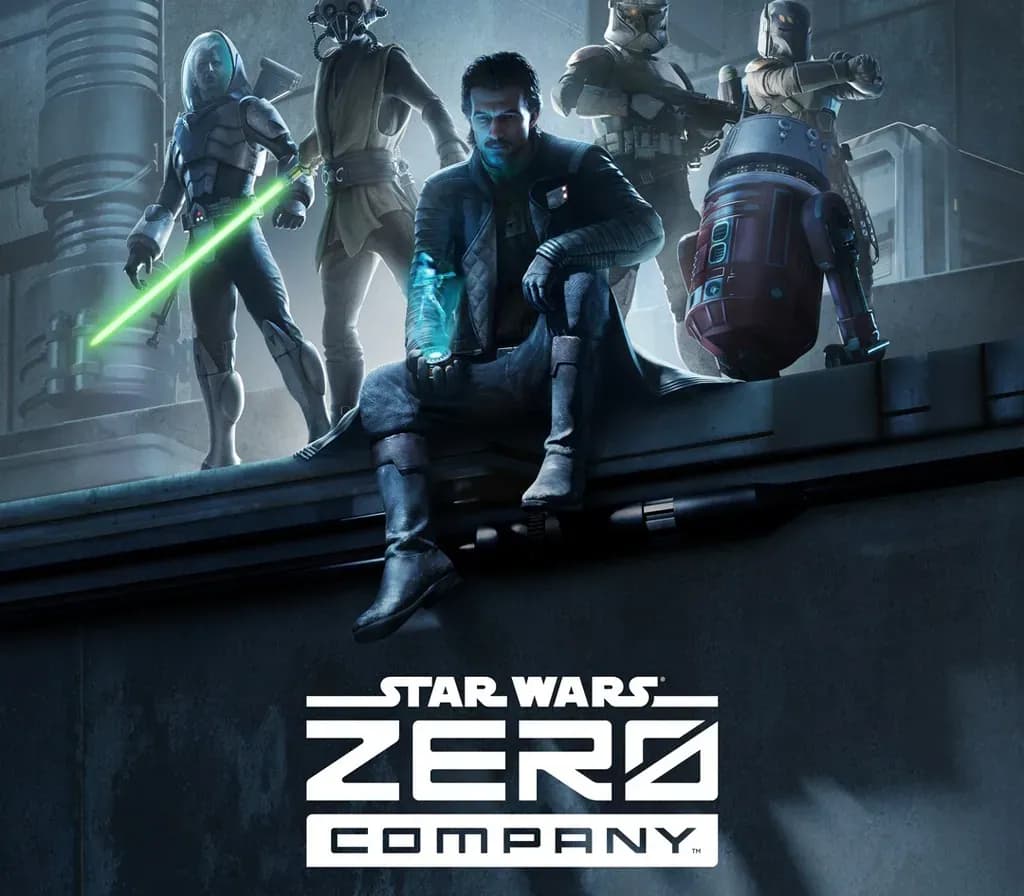
Star Wars Zero Company PS5 Account
Star Wars Zero Company PS5 Account is a game account for PlayStation, not region-locked.
- PlayStation
- Global
- Account
154,000+ sales in our store and on marketplaces
 Pago Móvil
 Binance Pay
About this game
Important — please read before buying: This is a PlayStation account created and supplied by a third-party seller, not a code for your own account. Sony's Terms of Service do not allow buying or selling PSN accounts, so a ban of the account (or restrictions on the console) is a likely possibility, though not a certainty, and we cannot guarantee the account will not be restricted. Do not change the account's country/region or add a payment method; play on your own profile via Console Sharing and Offline Play.
Star Wars Zero Company for PlayStation, delivered as a ready-to-use PSN account with the game.
How to activate
- Turn on your PlayStation console, select "Add User", and choose "Get Started" (do not select "Play as a One-Time Guest").
- Sign in to PlayStation Network with the delivered account email and password, entering the 2FA code provided if prompted.
- Enable console sharing: on PS5 go to Settings -> Users and Accounts -> Other -> "Console Sharing and Offline Play" -> Enable (on PS4: Settings -> Account Management -> "Activate as Your Primary PS4").
- Open Game Library -> "Your Collection", start downloading the purchased game, and switch back to your main personal profile to play and earn trophies.
About this game
Important — please read before buying: This is a PlayStation account created and supplied by a third-party seller, not a code for your own account. Sony's Terms of Service do not allow buying or selling PSN accounts, so a ban of the account (or restrictions on the console) is a likely possibility, though not a certainty, and we cannot guarantee the account will not be restricted. Do not change the account's country/region or add a payment method; play on your own profile via Console Sharing and Offline Play.
Star Wars Zero Company for PlayStation, delivered as a ready-to-use PSN account with the game.
Customer Reviews
Nobody has reviewed this game yet. If you buy it, tell us how it went.
Frequently asked questions
Which region is this for?
This is the Global version: it is not region-locked.
How do I activate Star Wars Zero Company PS5 Account on PlayStation?
1. Turn on your PlayStation console, select "Add User", and choose "Get Started" (do not select "Play as a One-Time Guest"). 2. Sign in to PlayStation Network with the delivered account email and password, entering the 2FA code provided if prompted. 3. Enable console sharing: on PS5 go to Settings -> Users and Accounts -> Other -> "Console Sharing and Offline Play" -> Enable (on PS4: Settings -> Account Management -> "Activate as Your Primary PS4"). 4. Open Game Library -> "Your Collection", start downloading the purchased game, and switch back to your main personal profile to play and earn trophies.
What does “account” mean?
You receive login details for a PlayStation account that already owns the game.