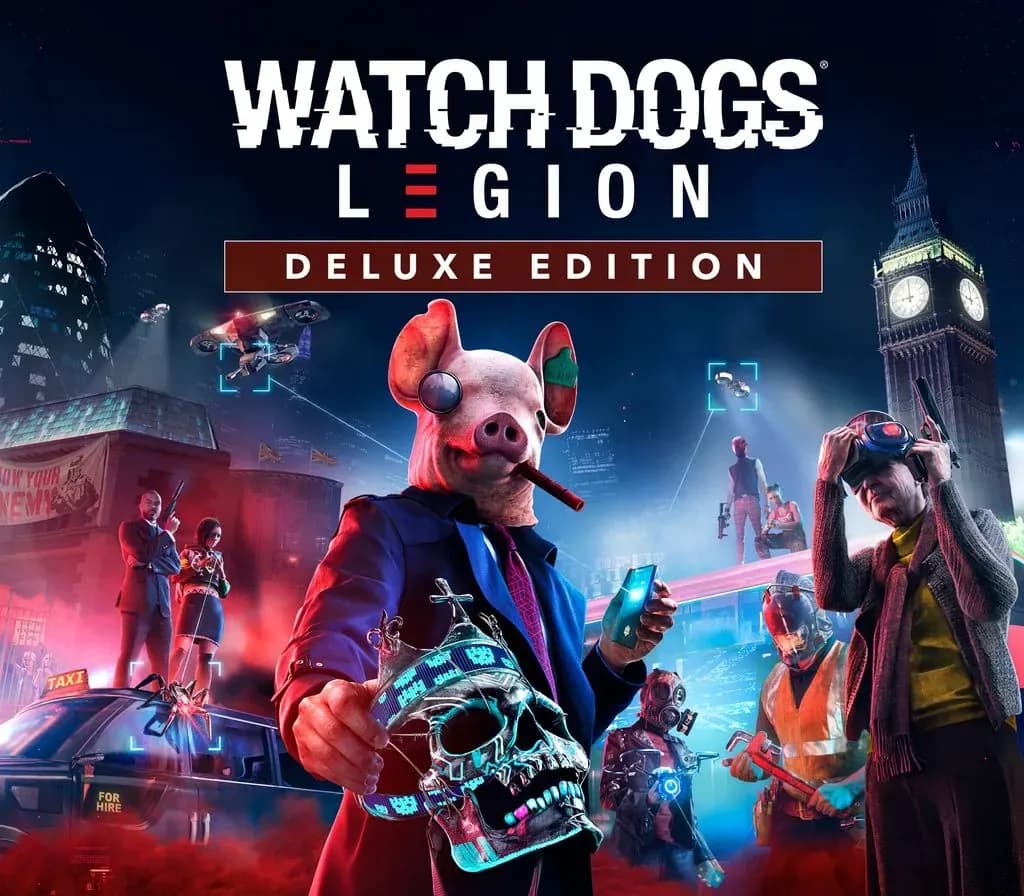
Watch Dogs: Legion Deluxe Edition Xbox Series X|S Account
Watch Dogs: Legion Deluxe Edition Xbox Series X|S Account is a game account for Xbox, not region-locked.
Choose your version
Platform
Edition
How to buy it
- Xbox
- Global
- Account
154,000+ sales in our store and on marketplaces
 Pago Móvil
 Binance Pay
About this game
Build a resistance made from anyone in the world to take back a near-future London that is facing its downfall.
Recipient of over 65 E3 awards and nominations.
Recruit and play as anyone from London. Everyone you see has a unique backstory, personality, and skill set for unique situations.
Hack armed drones, deploy spider-bots, and take down enemies using an Augmented Reality Cloak. Explore a massive urban open world featuring London’s many iconic landmarks and fun side activities. Team up with your friends as you complete co-op missions and unique game modes. Upgrade to the Gold Edition or Ultimate Edition for access to the season pass and more!
How to activate
- Press the Xbox button on your controller, navigate to "Profile & system" -> "Add or switch" -> "Add new".
- Enter the Microsoft email and password provided in your order details; select "No barriers" for sign-in security.
- Go to Settings -> General -> Personalisation -> "My home Xbox" and select "Make this my home Xbox".
- Open "My games & apps" -> "Full library" -> "Owned games", download the purchased game, then switch back to your main personal profile to play.
About this game
Build a resistance made from anyone in the world to take back a near-future London that is facing its downfall.
Recipient of over 65 E3 awards and nominations.
Recruit and play as anyone from London. Everyone you see has a unique backstory, personality, and skill set for unique situations.
Hack armed drones, deploy spider-bots, and take down enemies using an Augmented Reality Cloak. Explore a massive urban open world featuring London’s many iconic landmarks and fun side activities. Team up with your friends as you complete co-op missions and unique game modes. Upgrade to the Gold Edition or Ultimate Edition for access to the season pass and more!
Customer Reviews
Nobody has reviewed this game yet. If you buy it, tell us how it went.
Frequently asked questions
Which region is this for?
This is the Global version: it is not region-locked.
How do I activate Watch Dogs: Legion Deluxe Edition Xbox Series X|S Account on Xbox?
1. Press the Xbox button on your controller, navigate to "Profile & system" -> "Add or switch" -> "Add new". 2. Enter the Microsoft email and password provided in your order details; select "No barriers" for sign-in security. 3. Go to Settings -> General -> Personalisation -> "My home Xbox" and select "Make this my home Xbox". 4. Open "My games & apps" -> "Full library" -> "Owned games", download the purchased game, then switch back to your main personal profile to play.
What does “account” mean?
You receive login details for a Xbox account that already owns the game.